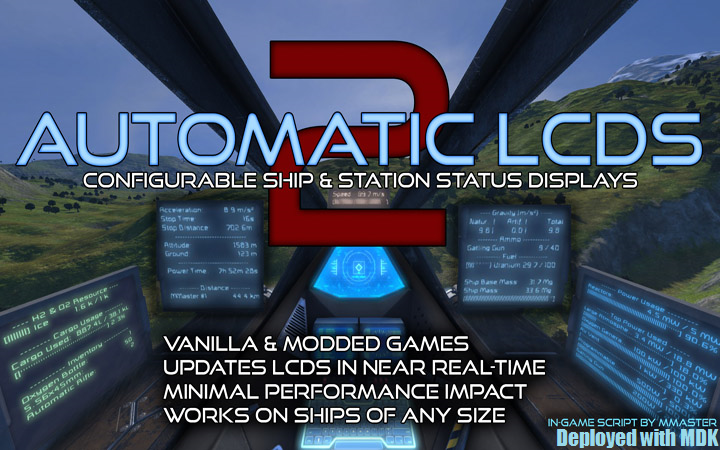
Automatic LCDs 2
Все, что вам нужно знать о вашем корабле и станции, отображается в режиме реального времени на ЖК-панелях в любых ванильных играх. Модированные игры и серверы! Теперь с панелями кабины..

 Мод для Space Engineers
от Whiplash141
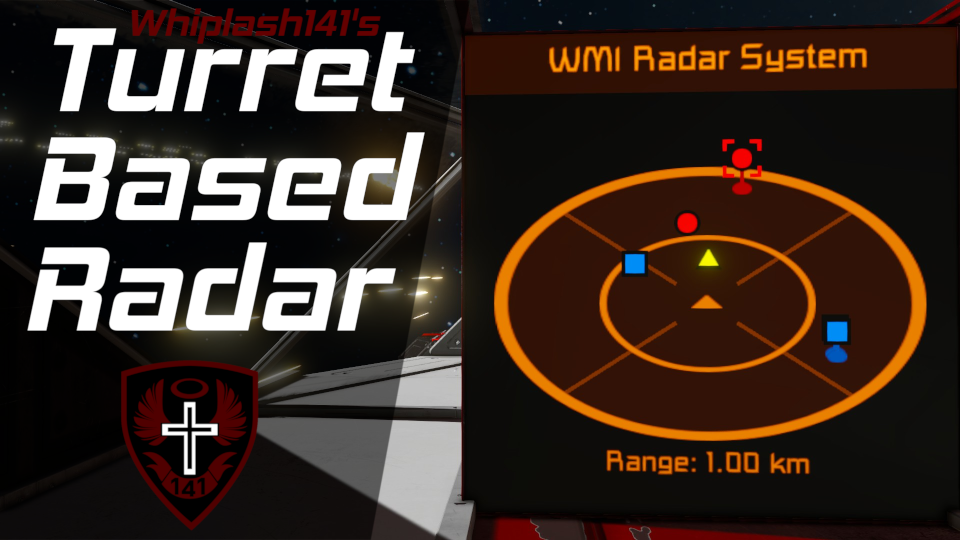
Whip's Turret Based Radar System Описание игры Этот сценарий использует таргетинг башни для заполнения 3D-радара и предназначен для повышения ситуационной осведомленности пользователя. Это..
Whip's Turret Based Radar — мод для Space Engineers (Спейс Инженерс) от автора Whiplash141. Whip's Turret Based Radar System Описание игры Этот сценарий использует таргетинг башни для заполнения 3D-радара и предназначен для повышения ситуационной осведомленности пользователя. Это..
На него подписались 86,2 тыс. раз в Мастерской Steam: это 223-е место среди модов Space Engineers в нашем каталоге, редкость — «обычный» (нижняя половина по подпискам). Мод обновлялся в последние полгода.
Нужны ли ему другие моды, видно на его странице в Мастерской Steam в блоке «Необходимые продукты» — при подписке Steam сам предложит их добавить.
Текст автора на языке оригинала
Description
Howdy!
This script uses turret targeting to populate a 3D radar and is designed to increase the user's situational awareness. This script also works with custom turret control blocks!
This radar bears many visual and functional similarities to those of Elite Dangerous. Targets are plotted upon an angled plane centered around your ship, and vertical lines denote the target's elevation above your ship.
Also, targets are shared across antenna networks; if one ship detects a target, any other ships within its antenna range can see that target on their radar.
Targets locked with WHAM or LAMP will also be displayed.
Setup Instructions
NOTE: If you don't have turrets on your ship, the code will still work; however, you will only be able to see targets that are broadcast to you by other friendlies.
Custom Data Config
You can change how the radar looks and behaves within the Custom Data of the programmable block this script is running from. Simply open the custom data, modify it, and click "Ok". The code will update to reflect these changes within 10 seconds at most.
Multiscreen Display
You can also combine multiple LCD panels together to create larger surfaces to draw sprites on.
In order to create a multiscreen display:
[Radar - Multiscreen Config] Screen rows=1 Screen cols=1
This will now be treated as one massive LCD screen!
Arguments
To use an argument, enter it in the argument box and click the "Run" button.
Argument Function Example
range [number] Sets radar display range to the specified number (in meters) range 1200
range increment [number] Increments the radar display range by the specified number (in meters) range increment -100
range default OR range auto Resets radar display range to be automatically determined from the max turret range (Same as argument)
What the FAQ?!
Yes, simply add sensors to your ship.
It uses the max range of the turrets on your ship (default) or the range override.
Turrets.
They need this radar script and they need to have you within antenna range.
There are also other scripts that broadcast valid IFF messages including:
No. They merely need to be in turret range.
Yes. Change the range override in the custom data of the program block.
No, hence the name. Raycast is absolutely awful at blindly scanning volumes without slagging sim-speed.
However, if you use LAMP or WHAM with a raycast (Lidar) lock, those targets will be shown.
Keen capped the refresh rate of sprite drawn canvases to 6 Hz for performance reasons.
The screens in the cockpits are inherently darker than the LCD or text panel screens. Also, their resolution isn't all that great either.
Yes.
No, due to a WeaponCore decision to be incompatible with the script API.
However, user Sigmund Froid has made a script that will broadcast weapon core target info to this script.
Send an IGC broadcast message with tag IGC_IFF_MSG and content MyTuple.
Flag values: Neutral=0, Enemy=1, Friendly=2, Locked=4, LargeGrid=8, SmallGrid=16, Missile = 32, Asteroid=64.
Описание длинное — здесь его начало. Читать целиком на странице автора
Мод ставится подпиской в Мастерской Steam — без архивов, перезаливов и сторонних установщиков
Подробная инструкция для Space EngineersВставьте значок в описание на Мастерская Steam, в README или в Discord — русскоязычные игроки сразу попадут на страницу с переводом и инструкцией.

[](https://modka.app/space-engineers/whip-s-turret-based-radar/)<a href="https://modka.app/space-engineers/whip-s-turret-based-radar/"><img src="https://modka.app/badge.png" alt="Описание на русском — Модка" height="44"></a>[url=https://modka.app/space-engineers/whip-s-turret-based-radar/]Описание на русском — Модка[/url]Откройте страницу мода «Whip's Turret Based Radar» в Мастерской Steam (кнопка «Скачать» на нашем сайте ведёт именно туда) и нажмите «Подписаться» — Steam сам скачает мод и будет его обновлять. Если Steam покажет список обязательных модов, подпишитесь и на них — без них мод не заработает. Запустите Space Engineers: моды подключаются к конкретному миру — при создании мира или в его настройках нажмите «Моды» и добавьте мод в список активных. Если мод не появился в игре, откройте вкладку «Загрузки» в Steam и дождитесь, пока он скачается полностью, затем перезапустите игру. Для игры по сети подпишитесь на одни и те же моды всей компанией: набор модов у хоста и у игроков, как правило, должен совпадать.
Мы ничего не перезаливаем: кнопка скачивания открывает официальную страницу мода в Мастерской Steam. Там нужно нажать «Подписаться» — файлы загрузит и будет обновлять сам Steam.
В сетевой игре Space Engineers набор модов у хоста и у остальных игроков, как правило, должен совпадать: подпишитесь на одни и те же моды всей компанией. Исключения — моды, которые меняют только то, что видите и слышите вы сами; точные требования автор пишет в описании мода.
22 мая 2026. Дата берётся с официальной страницы мода при каждом обновлении каталога.
Все, что вам нужно знать о вашем корабле и станции, отображается в режиме реального времени на ЖК-панелях в любых ванильных играх. Модированные игры и серверы! Теперь с панелями кабины..
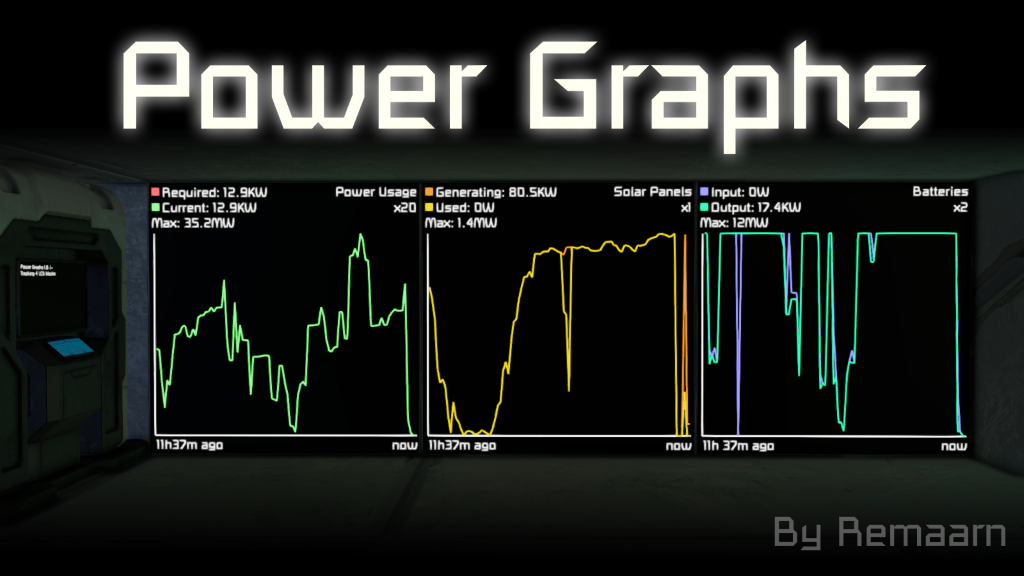
Этот программируемый сценарий блоков отслеживает статистику мощности и газа с течением времени и отображает их в виде графиков на любом дисплее блока. Он поставляется с различными типами графов, включая..
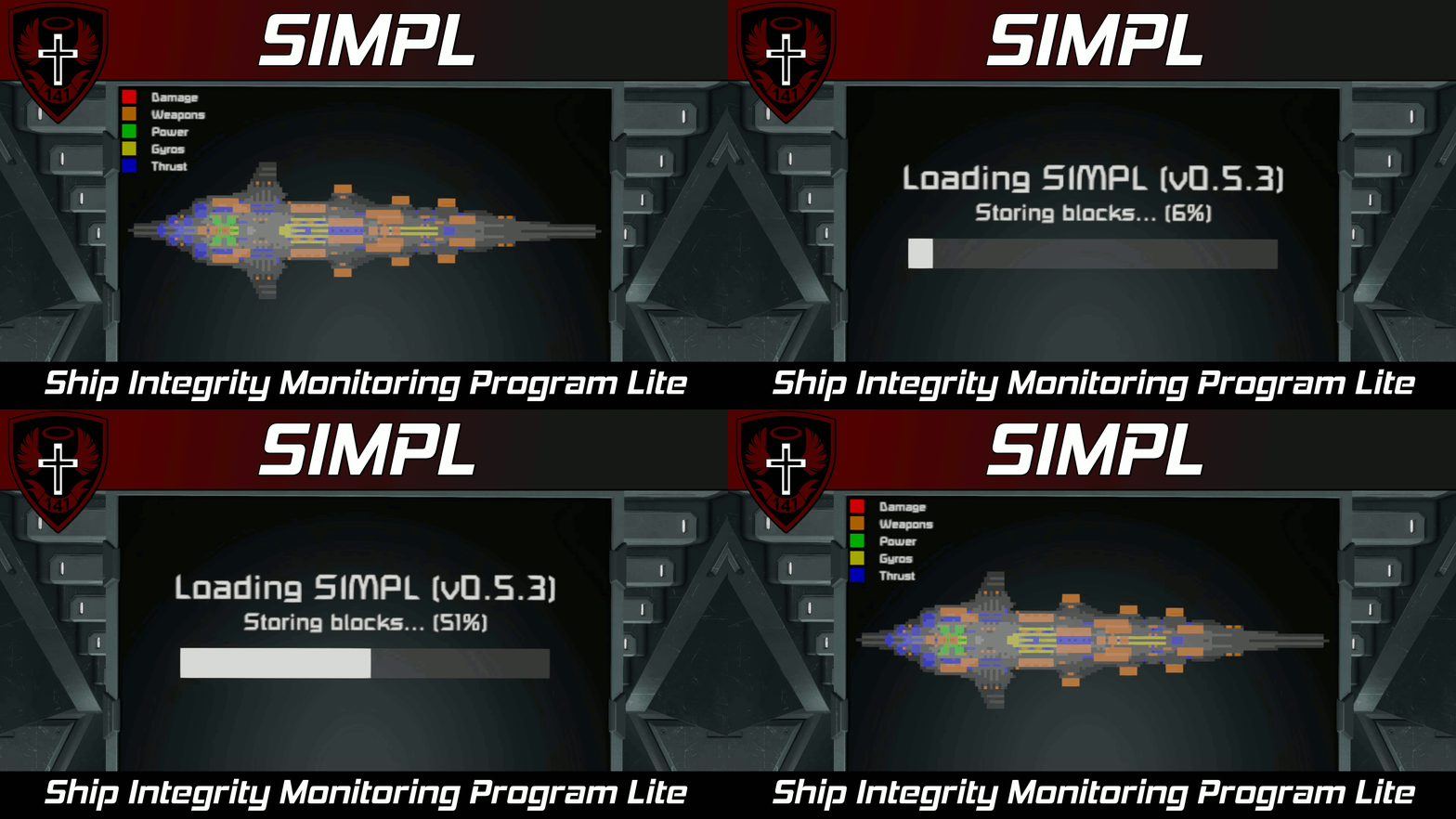
Функции • (NEW) Может привлечь несколько просмотров на один дисплей! • Может рисовать на нескольких ЖК-панелях • Отображает поперечные сечения вашего корабля и может отображать разрушенные блоки

Новое крупное обновление этого сценария было выпущено здесь: Надеюсь, вам понравится! С Рождеством всем! Этот текст был теперь заменён текстом выше
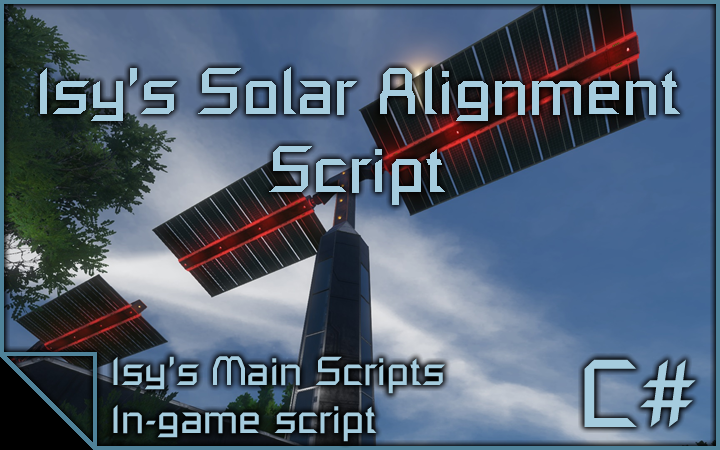
Это сценарий выравнивания солнечных панелей, который использует роторы (и шарниры) или гироскопы для выравнивания солнечных панелей для максимальной эффективности. Ключевой особенностью этого сценария является то, что он может..
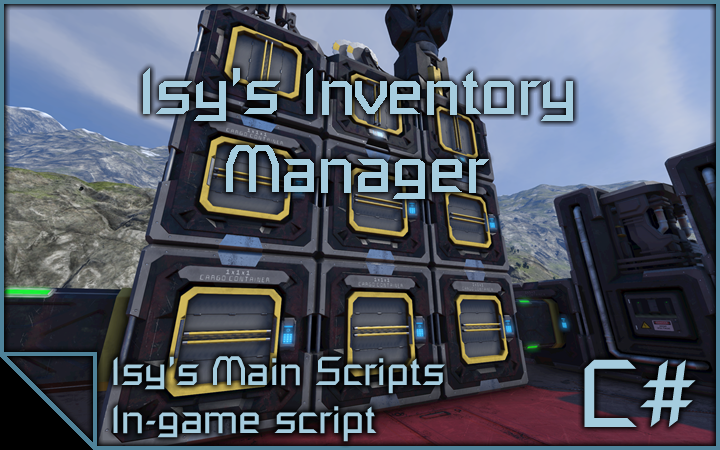
Это сценарий менеджера запасов, который способен сортировать все ваши интемы в грузовых контейнерах определенного типа. Грузовые контейнеры назначаются автоматически, если нет..