
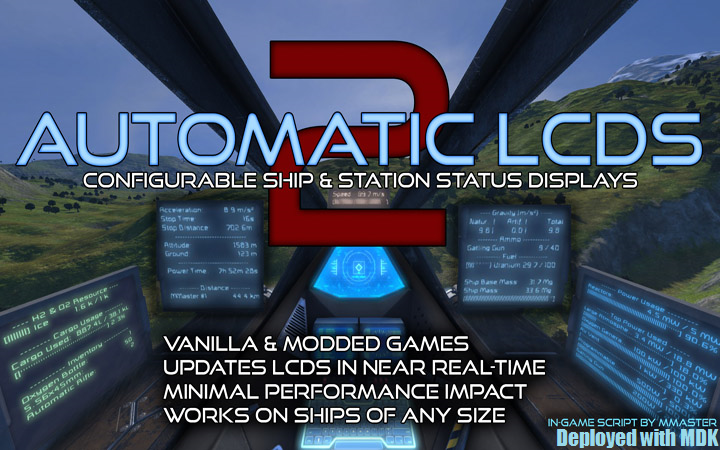
Automatic LCDs 2
Все, что вам нужно знать о вашем корабле и станции, отображается в режиме реального времени на ЖК-панелях в любых ванильных играх. Модированные игры и серверы! Теперь с панелями кабины..

 Мод для Space Engineers
от Whiplash141
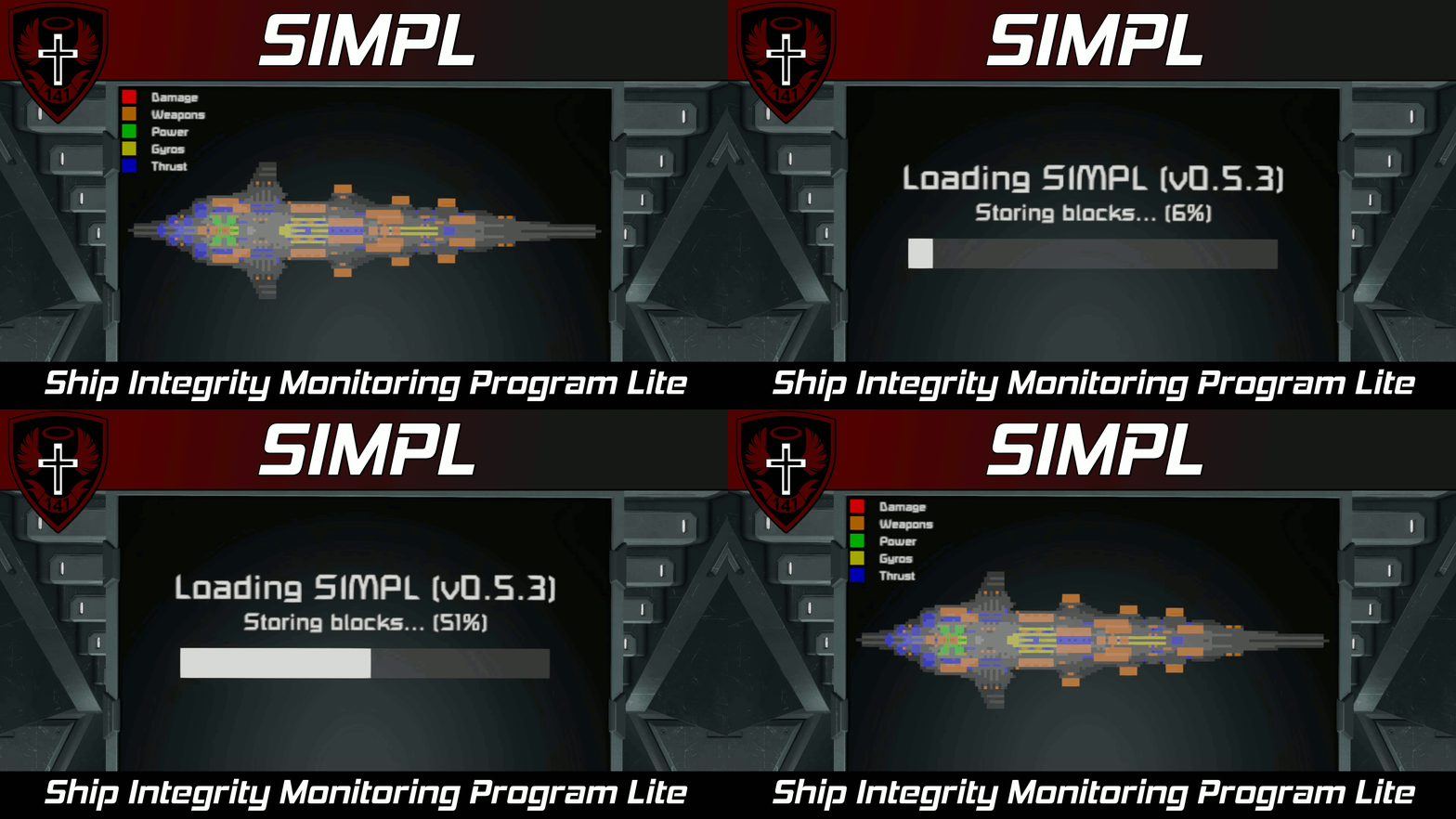
Функции • (NEW) Может привлечь несколько просмотров на один дисплей! • Может рисовать на нескольких ЖК-панелях • Отображает поперечные сечения вашего корабля и может отображать разрушенные блоки
SIMPL | Ship Integrity Monitoring Program Lite (A sprite-based ship layout/floor plan script) — мод для Space Engineers (Спейс Инженерс) от автора Whiplash141. Функции • (NEW) Может привлечь несколько просмотров на один дисплей! • Может рисовать на нескольких ЖК-панелях • Отображает поперечные сечения вашего корабля и может отображать разрушенные блоки
На него подписались 73,4 тыс. раз в Мастерской Steam: это 286-е место среди модов Space Engineers в нашем каталоге, редкость — «обычный» (нижняя половина по подпискам). Мод давно не обновлялся — проверьте совместимость с текущей версией игры.
Нужны ли ему другие моды, видно на его странице в Мастерской Steam в блоке «Необходимые продукты» — при подписке Steam сам предложит их добавить.
Текст автора на языке оригинала
Features
Description
Howdy!
This script draws a sprite-based 2D cross-section of your ship and will display destroyed blocks and highlight important ship systems. This script is designed to be as lightweight as possible (hence the name) while still retaining a decent amount of utility.
Larger ships will take longer to scan than smaller ships because the script is designed to only go through a few blocks per run to keep the performance impact low.
Setup Instructions
If you wish to reset the script for damage or display newly placed blocks, you must recompile the script.
Configuration
You can configure the appearance of the ship view for each display screen in the Custom Data of each block with display screens. For blocks with only one display, the custom data will look like this:
[SIMPL - Text Surface Config] Number of views=1
[SIMPL - Display Config - View 1] ; View axis values: X, Y, Z, NegativeX, NegativeY, NegativeZ View axis=X Rotation (deg)=0 Scale=auto ; Elements should range from -1 to 1 where 0 indicates centered Position={X:0 Y:0}
[SIMPL - Legend Config] Legend Scale=1 ; Elements should range from -1 to 1 where 0 indicates centered Position={X:-1 Y:-1}
For blocks with multiple screens, the custom data will look like this:
[SIMPL - Text Surface Config] Number of views for screen 0=1 Number of views for screen 1=0 Number of views for screen 2=0 Number of views for screen 3=0
[SIMPL - Display Config - Screen 0 - View 1] ; View axis values: X, Y, Z, NegativeX, NegativeY, NegativeZ View axis=X Rotation (deg)=0 Scale=auto ; Elements should range from -1 to 1 where 0 indicates centered Position={X:0 Y:0}
[SIMPL - Legend Config - Screen 0] Legend Scale=1 ; Elements should range from -1 to 1 where 0 indicates centered Position={X:-1 Y:-1}
For multi-screen blocks, you must set "Number of views for screen X" to 1 or larger, then run the argument refresh. After that, the block's Custom Data will be populated with new section(s) where you can configure views for that particular screen, "X".
You can configure the colors and general settings used by SIMPL in the Custom Data of the Programmable Block that this script runs from. The Custom Data should look like the following:
[SIMPL - General Config] Group name=SIMPL Auto scan=true
; Colors are in the format: Red, Green, Blue, Alpha. ; If you do not want to see a particular subsystem color ; simply set the Alpha value to 0 and it will be ; omitted from the legend. [SIMPL - Colors] Max block density=50, 50, 50, 255 Min block density=10, 10, 10, 255 Missing block=100, 0, 0, 200 Background=0, 0, 0, 255 Power=0, 100, 0, 100 Gyro=100, 100, 0, 100 Thrust=0, 0, 100, 100 Weapons=100, 50, 0, 100
As mentioned in the comment above, you can omit a certain subsystem from special highlighting and the legend by setting the Alpha of the color to 0.
Multiscreen Display
You can also combine multiple LCD panels together to create larger surfaces to draw sprites on.
In order to create a multiscreen display:
[SIMPL - Multiscreen Config] Screen rows=1 Screen cols=1
This will now be treated as one massive LCD screen!
Arguments
Arguments are not case sensitive.
Argument Description
refresh Reacquires all display screens and reprocesses any Custom Data changes.
scan Initiates a manual scan for any destroyed blocks. This is only valid when "Auto scan" is set to false in SIMPL - General Config.
force_draw Forces a redraw of all sprites to clients within sync range. This has a 30 second timeout to reduce the possibility of using this to grief server networking
Author's Notes
This is my rendition of a Floor Plan type script. Performance was my primary concern when writing this, so I've consciously sacrificed responsiveness for lower performance impact.
Be sensible. Don't attempt to draw 100k block ships on your favorite dedicated server. While the script runtime itself will still stay low, the renderer will shit itself and you will quickly get scripts banned. This script utilizes quadtrees to try and minimize the number of sprites drawn to the screen, but please be responsible.
The code currently only draws the grid that the programmable block is on, but perhaps in the future I may add subgrid drawing support. That is only a possibility though and I didn't want to wait as I felt this was still quite useful/neat as is.
I'll continue to add features, bug fix, and optimize, but I figured it was time for me to stop sitting on this and get it out in the wild.
Also, happy new year! :)
(Do not reupload without permission, not even to mod.io)
Ships Used in Example Images
For th
Описание длинное — здесь его начало. Читать целиком на странице автора
Мод ставится подпиской в Мастерской Steam — без архивов, перезаливов и сторонних установщиков
Подробная инструкция для Space EngineersВставьте значок в описание на Мастерская Steam, в README или в Discord — русскоязычные игроки сразу попадут на страницу с переводом и инструкцией.

[](https://modka.app/space-engineers/simpl-ship-integrity-monitoring-program-lite-a-sprite-based-ship-layout-floor-plan-script/)<a href="https://modka.app/space-engineers/simpl-ship-integrity-monitoring-program-lite-a-sprite-based-ship-layout-floor-plan-script/"><img src="https://modka.app/badge.png" alt="Описание на русском — Модка" height="44"></a>[url=https://modka.app/space-engineers/simpl-ship-integrity-monitoring-program-lite-a-sprite-based-ship-layout-floor-plan-script/]Описание на русском — Модка[/url]Откройте страницу мода «SIMPL | Ship Integrity Monitoring Program Lite (A sprite-based ship layout/floor plan script)» в Мастерской Steam (кнопка «Скачать» на нашем сайте ведёт именно туда) и нажмите «Подписаться» — Steam сам скачает мод и будет его обновлять. Если Steam покажет список обязательных модов, подпишитесь и на них — без них мод не заработает. Запустите Space Engineers: моды подключаются к конкретному миру — при создании мира или в его настройках нажмите «Моды» и добавьте мод в список активных. Если мод не появился в игре, откройте вкладку «Загрузки» в Steam и дождитесь, пока он скачается полностью, затем перезапустите игру. Для игры по сети подпишитесь на одни и те же моды всей компанией: набор модов у хоста и у игроков, как правило, должен совпадать.
Мы ничего не перезаливаем: кнопка скачивания открывает официальную страницу мода в Мастерской Steam. Там нужно нажать «Подписаться» — файлы загрузит и будет обновлять сам Steam.
В сетевой игре Space Engineers набор модов у хоста и у остальных игроков, как правило, должен совпадать: подпишитесь на одни и те же моды всей компанией. Исключения — моды, которые меняют только то, что видите и слышите вы сами; точные требования автор пишет в описании мода.
23 октября 2024. Это больше года назад: перед установкой проверьте, работает ли мод на текущей версии игры.
Все, что вам нужно знать о вашем корабле и станции, отображается в режиме реального времени на ЖК-панелях в любых ванильных играх. Модированные игры и серверы! Теперь с панелями кабины..
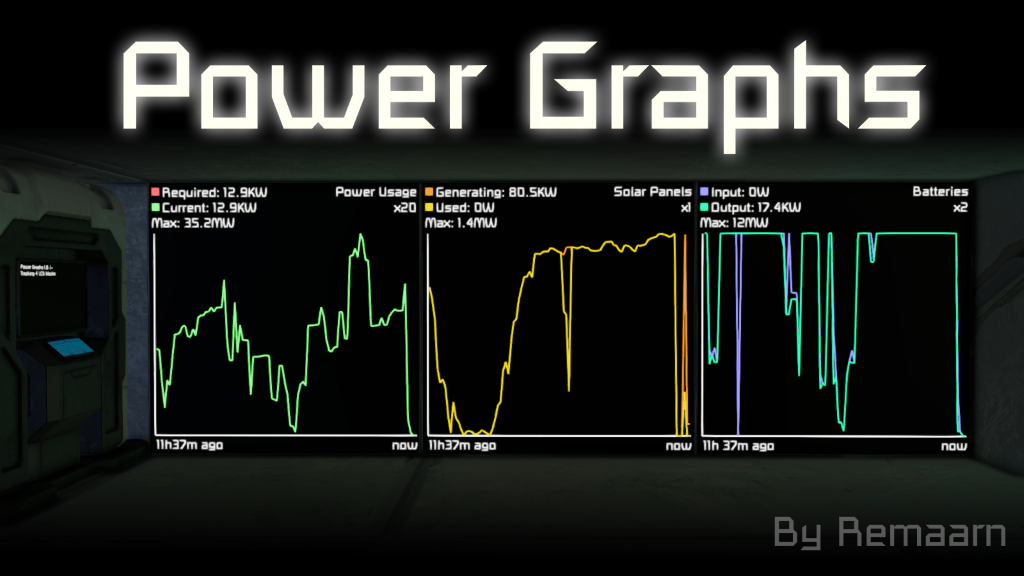
Этот программируемый сценарий блоков отслеживает статистику мощности и газа с течением времени и отображает их в виде графиков на любом дисплее блока. Он поставляется с различными типами графов, включая..
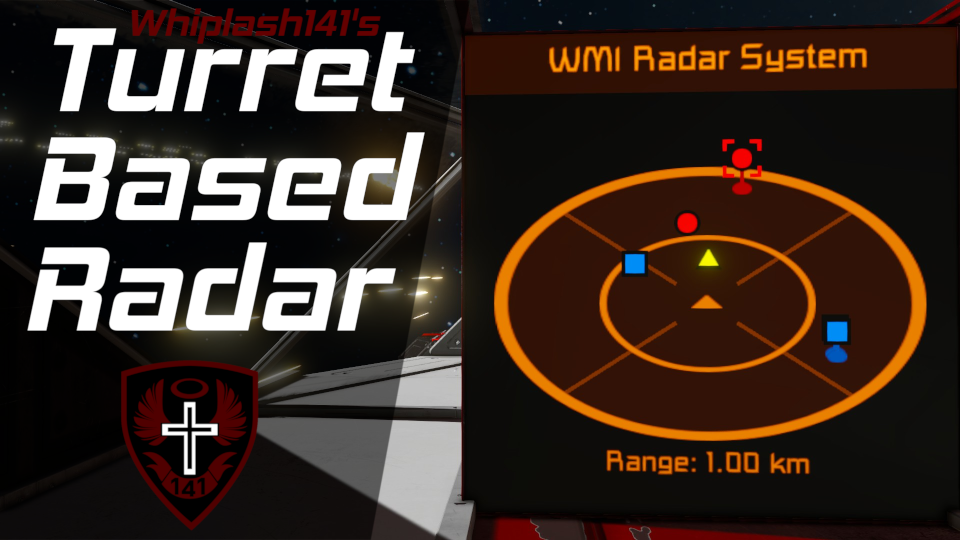
Whip's Turret Based Radar System Описание игры Этот сценарий использует таргетинг башни для заполнения 3D-радара и предназначен для повышения ситуационной осведомленности пользователя. Это..

Новое крупное обновление этого сценария было выпущено здесь: Надеюсь, вам понравится! С Рождеством всем! Этот текст был теперь заменён текстом выше
Это сценарий выравнивания солнечных панелей, который использует роторы (и шарниры) или гироскопы для выравнивания солнечных панелей для максимальной эффективности. Ключевой особенностью этого сценария является то, что он может..
Это сценарий менеджера запасов, который способен сортировать все ваши интемы в грузовых контейнерах определенного типа. Грузовые контейнеры назначаются автоматически, если нет..