Vanilla Hair Expanded
1.2.0 (17/05/2020): Fixed label length issue. 1.1.1 (29/02/2020): Beards now work perfectly fine! Thanks for your patience. We have all been there, with a colony of a hundred…


Подборка · Причёски и внешность
Новые причёски, лица, анимация мимики и варианты внешности колонистов. В подборке 16 модов, самый популярный — Vanilla Hair Expanded (1,3 млн подписок). Свежее всех обновлялся [NL] Custom Portraits — 9 ноября 2026.
По количеству подписок
1.2.0 (17/05/2020): Fixed label length issue. 1.1.1 (29/02/2020): Beards now work perfectly fine! Thanks for your patience. We have all been there, with a colony of a hundred…
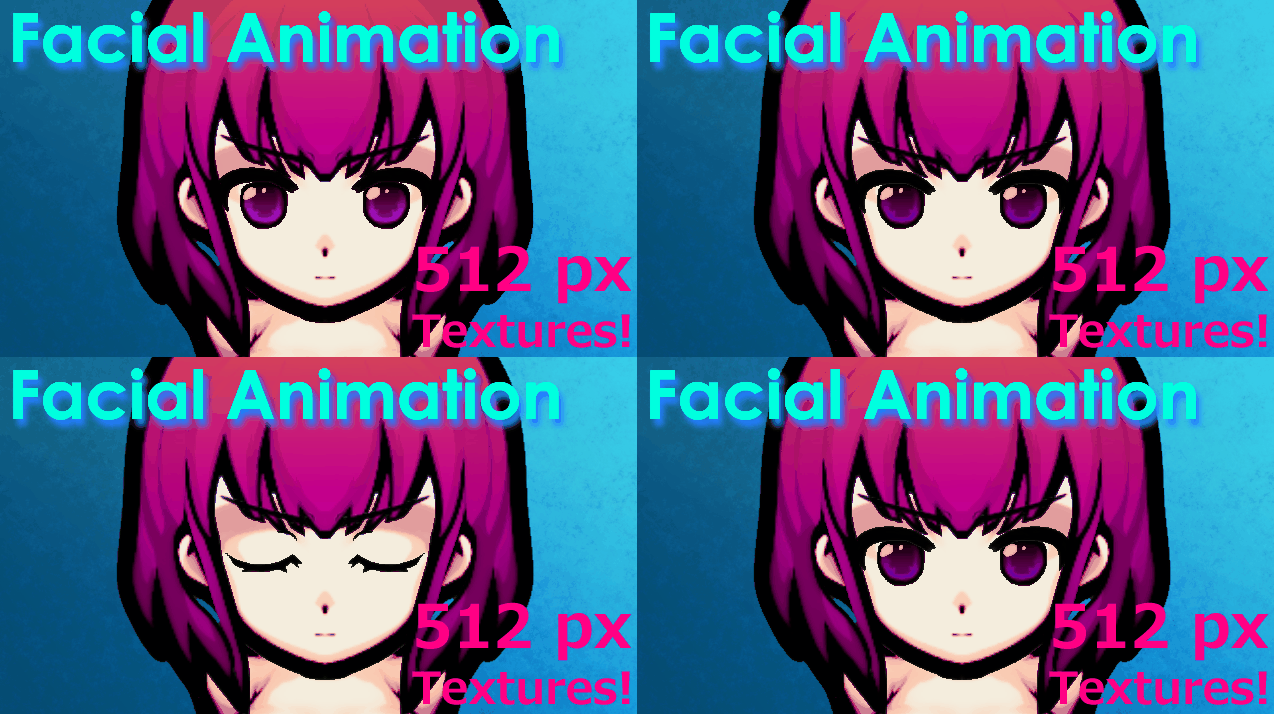
This MOD provides the following animations. This MOD is currently WIP. Therefore, specifications and functions are subject to change. Added animation - Blink - RemoveApparel…
"Well, well, even we were in distress in this rimworld, that's not mean we can't spruce ourselves up. Isn't it?" Adds more hairstyles for your pawns.
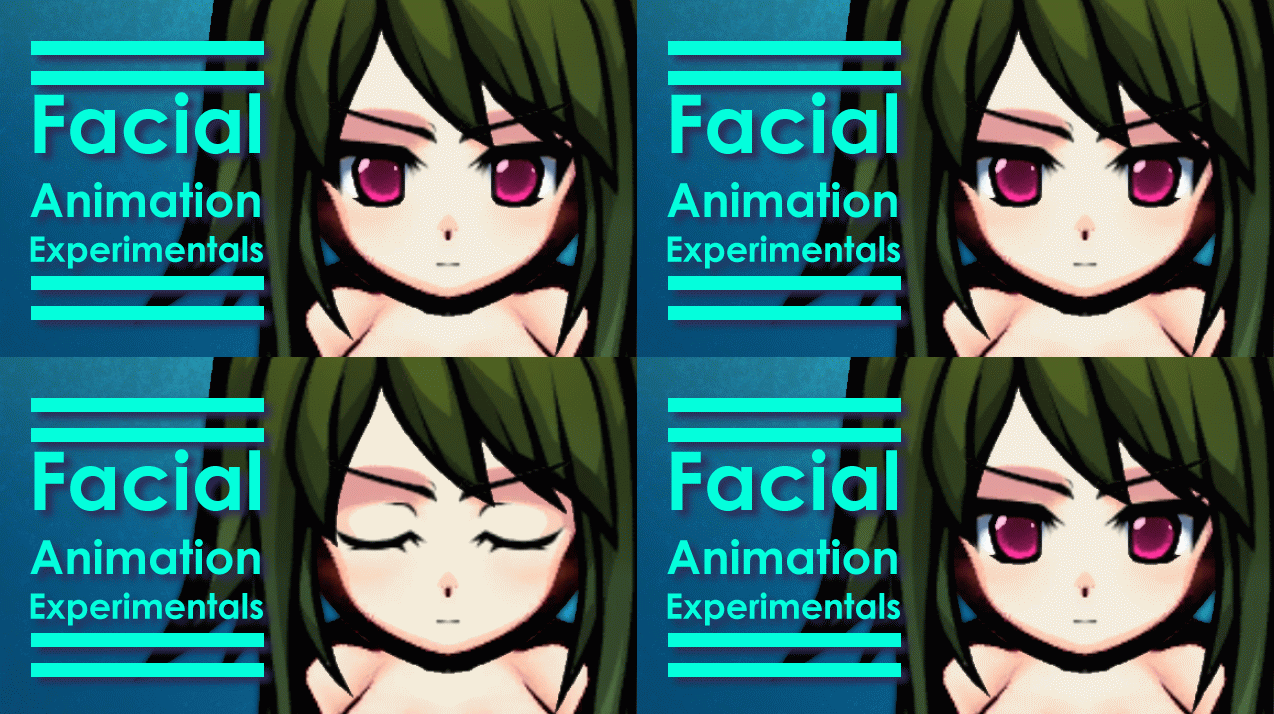
Required Mod: Facial Animation - WIP The best body textures for this mod Bug fixes and feature implementations will be done in "Facial Animation - WIP". However, Changes that…
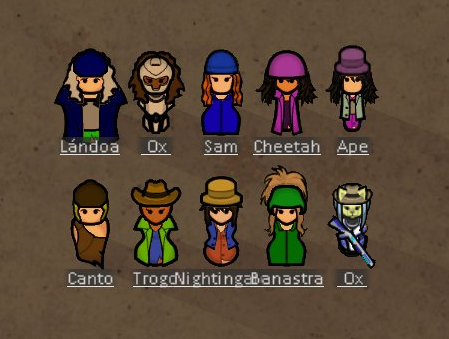
1.5 version: Show hair for all hats. Select which hats do hide hair from Mod Settings. Hide All Hats from Mod Settings Will work with mods that add new hats Supports current saves…
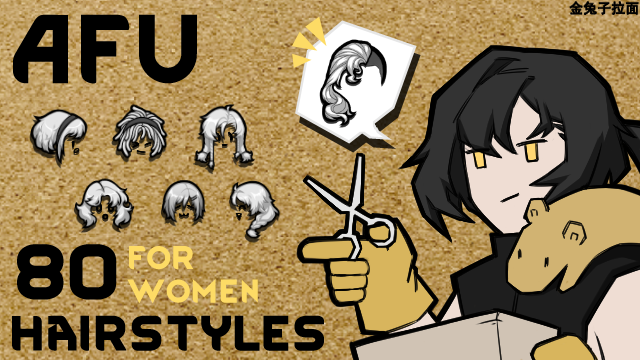
82 new hairstyles for women. Your colonists and NPCs from all camps can use these hairstyles. AFU men's hairstyle 2025/08/24: 1. New hairstyles f81/f82 has been added. The new…

35 new hairstyles for men. Women's hairstyles ←Here 2025/07/ Added m36 and m37 Redrawn m01 Update not completed The compatibility of this mod with the following face shapes has…
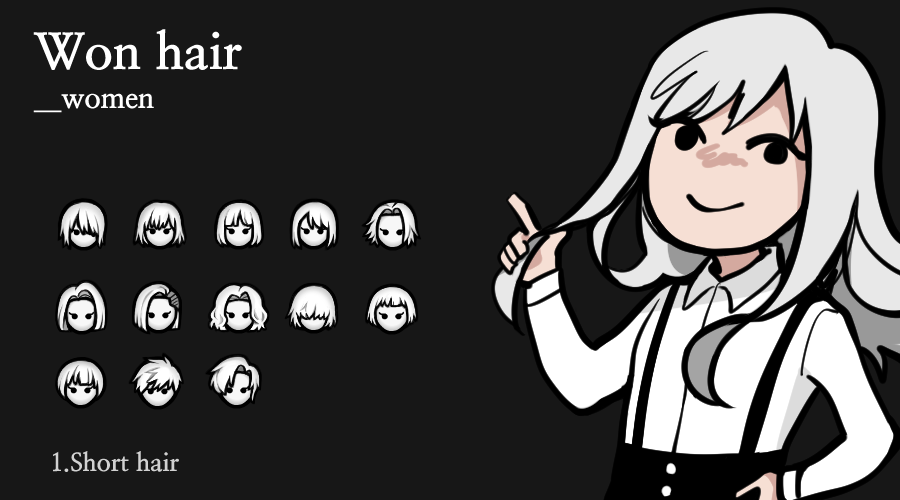
add 40 female hairs 2024.1 -mod xml fix 2022.12.04 -Add long & short hair tag 2022.06.09 -xml fix 2020.03.31 -hair fix -add 4 female hair
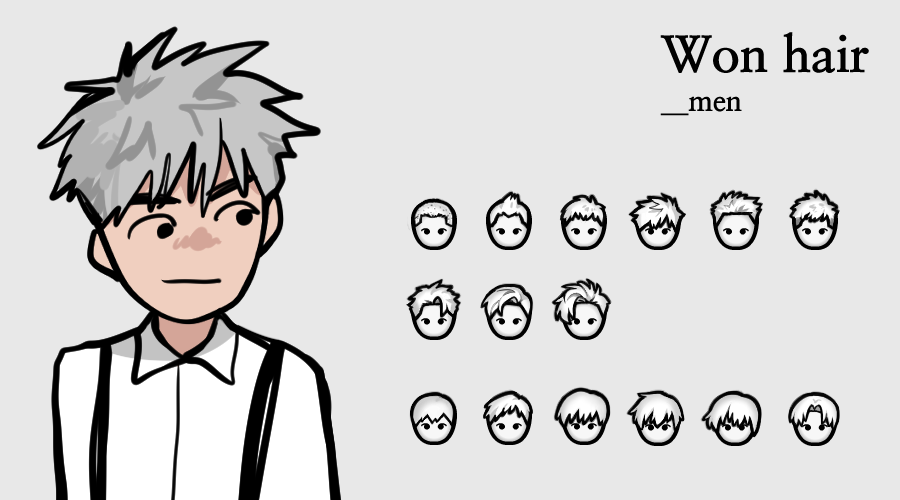
37 male hairstyles 2024.1 -mod xml fix 2022.12.04 -Add long & short hair tag 2022.06.09 -hair fix -xml fix 2020.03.31 -hair fix -add 5 male hair 2019.10.13 -Replace thumbnails…
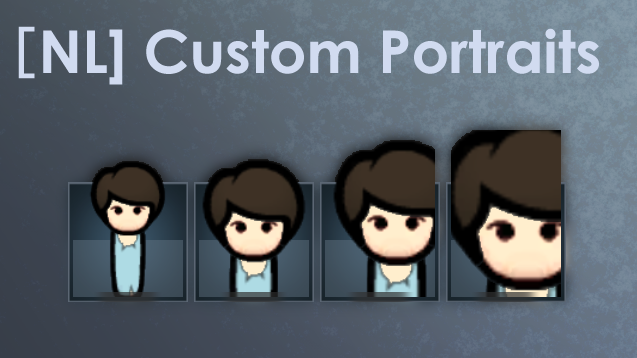
Overview This MOD allows you to customize face sizes within colonist bars. Note:Requires Hugslib. Compatibility : Color Coded Mood Bar Release Note : December 23, 2018 -- Adding a…
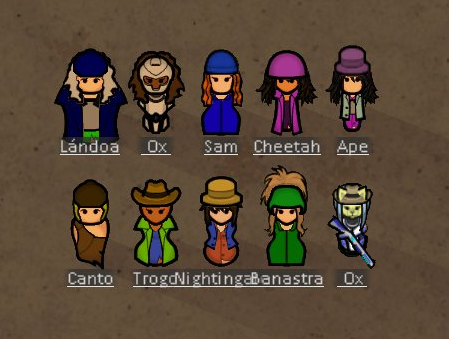
All hats are hidden by default, please check the mod settings! Bug reports without screenshots (if relevant) and logs (generated using Log Publisher from HugsLib) will be ignored.…
1.0.0 (04/08/2020): Release WARNING: This mod is now obsolete and has been included in the main game. After playing the game for long enough, I have noticed that despite beards…
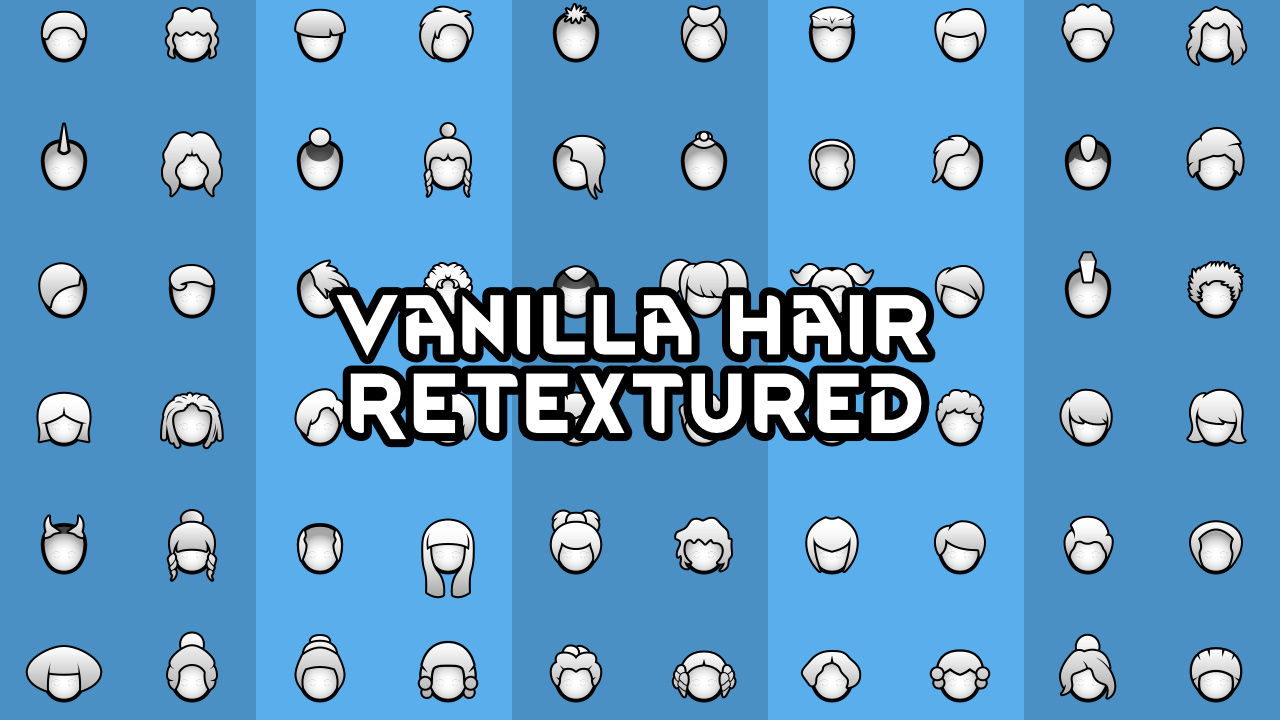
Just a simple retexture of all vanilla hair, making them higher resolution for a cleaner result and making the style more consistent and in places just less fugly. Also includes…
Check Change notes for changelog information. Have you always wanted some improvement to how the pawns look, but you didn’t want to commit to an anime artstyle? Do you want to…
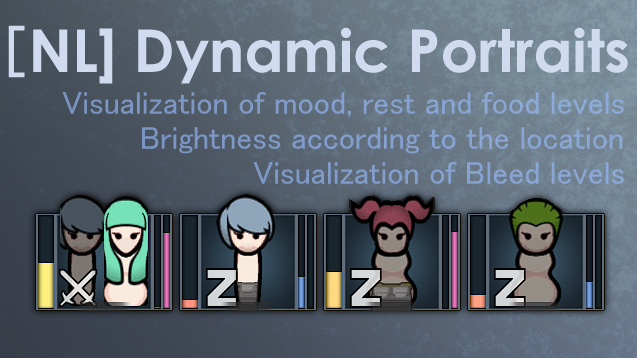
Features This mod displays the following status in the portrait. 1. Mood 2. Rest 3. Food 4. Work items 5. Weapons 6. Blood loss It also changes the brightness of the portrait…

Just a simple retexture of all vanilla beards, making them higher resolution for a cleaner result. Also gets rid of the gradient their outlines have. Difference is pretty minor…
За последние 60 дней обновления получили 7 из 16 модов подборки; последним обновлялся [NL] Custom Portraits — 9 ноября 2026. Давно не обновлявшийся мод не обязательно сломан, но после крупного обновления игры сверяйтесь с датой на странице мода: она указана у каждого.
Да. Конфликтуют обычно моды, которые меняют одно и то же. Подписывайтесь на моды по одному — так сразу видно, какой из них вызывает ошибку.
Да: в игре это делается у стилистического стола (нужно дополнение Ideology) или модом-редактором персонажей — например Character Editor.
Откройте страницу нужного мода в Мастерской Steam (кнопка «Скачать» на нашем сайте ведёт именно туда) и нажмите «Подписаться» — Steam сам скачает мод и будет его обновлять. Если Steam покажет список обязательных модов, подпишитесь и на них — без них мод не заработает. Запустите RimWorld, откройте «Моды» в главном меню, включите мод и расставьте порядок загрузки (библиотеки вроде Harmony — выше остальных). Игра перезапустится с новым набором. Если мод не появился в игре, откройте вкладку «Загрузки» в Steam и дождитесь, пока он скачается полностью, затем перезапустите игру. Чтобы убрать мод, нажмите «Отписаться» на его странице в Мастерской — Steam удалит его файлы сам.