
[EEM] Exploration Enhancement Mod
Огромное расширение для вашего опыта выживания, капитальный ремонт геймплея, который принесет вам опыт космического симулятора. Более 200 новых кораблей, станций, обломков и многое другое! Огромное спасибо..

 Мод для Space Engineers
от tyrsis
Этот мод автоматически сортирует инвентарь многих типов блоков на любом корабле или станции. Это позволяет вам легко контролировать то, что входит и выходит из инвентаря каждого блока
Automated Inventory Sorting — мод для Space Engineers (Спейс Инженерс) от автора tyrsis. Этот мод автоматически сортирует инвентарь многих типов блоков на любом корабле или станции. Это позволяет вам легко контролировать то, что входит и выходит из инвентаря каждого блока
На него подписались 128,4 тыс. раз в Мастерской Steam: это 112-е место среди модов Space Engineers в нашем каталоге, редкость — «редкий» (топ-50% по подпискам). Мод давно не обновлялся — проверьте совместимость с текущей версией игры.
Нужны ли ему другие моды, видно на его странице в Мастерской Steam в блоке «Необходимые продукты» — при подписке Steam сам предложит их добавить.
Текст автора на языке оригинала
This mod automatically sorts the inventory of many types of blocks on any ship or station. This allows you to easily control what goes in and out of the inventory of each block on your ship or station.
Any block that has an inventory can now pull inventory from other blocks that has inventory. Please be aware that any block is now a target to have it's inventory pulled. Use [exempt] if you want the block to be safe from having it's inventory pulled.
NOTE: To ensure special blocks that have built in sort do not pull inventory they aren't setup to pull, make sure that their "Use Conveyor System" option set to "Off". This will turn off default sorting on those blocks (For example, refineries, assemblers, connectors, etc)
In order to setup a block, you set the name of a block to contain the type of item you want it to pull from other cargo holds. You enclose that item name in square brackets or round brackets (Use the '[]' brackets or the '()' brackets). If you want to do multiple sort operations , just comma separate the types. Operators can be applied to each sort as well. See examples below.
NOTE: This mod should work for single player, multiplayer and dedicated servers!
CURRENT SHARE LIMITATIONS: Currently, you may only sort cargo between holds you own directly unless you use the /sort faction chat command.
OPERATORS: Beyond just sorting types of inventory, you can apply operators to sorts to do different things.
Exempt Operator: Format is simply: [Exempt]. This tag makes it so that this block is exempt from pulls. Other blocks can not pull from it no matter what (including priority).
Ignore Operator: Format is 'Item:Ignore' for example [SteelPlate:Ignore]. This tag allows the block to ignores steel plates when pulling inventory. Useful when you use it with wildcards, for example [Component,SteelPlate:Ignore] pulls all building components except steel plates.
The following operators can be combined: (Separate each operator with a ':' character) Max Amount Operator: Format is 'Item:Amount' for example [SteelPlate:10000]. This tag allows the block to only pull 10000 steel plates and then stops pulling. This allows very precise amounts to be pulled into a block.
Split Operator: Format is 'Item:Split' for example [SteelPlate:Split]. This tag allows the block to pull steel plates, but also splits them between other blocks that also have Item:Split defined. This will allow sharing of items between blocks.
Priority Operator: Format is 'Item:PX' where X is a number for example: [SteelPlate:P1]. This tag allows a block to pull steel plates from anywhere, including other blocks that have steelplates defined as a sort option provided it's priority is higher than the other block. A block without a priority is considered to have the lowest priority. 1 is the highest priority.
Override Operator: Format is "Item:Override" for example [Component:100,SteelPlate:Override:200]. This tag when used with wildcards will override the wildcard when applying operators. With the above example, the cargo hold will pull 100 of any component, but it will pull 200 steelplate.
EXAMPLES:
Name a cargo hold: Small: [Computer,SteelPlate] This cargo hold will pull computers and steel plates from other cargo holds.
Name a cargo hold: Small: [Ore] This cargo hold will pull ANY type of ore it can from any cargo hold on the grid.
Name a cargo hold: Small: [Ingot] This cargo hold will pull ANY type of ingot it can from any other cargo hold on the grid.
Name a cargo hold: Example: [Component,SteelPlate:Ignore] This cargo hold will pull ANY building components EXCEPT SteelPlate
Name a cargo hold: Example: [SteelPlate:10000] This cargo hold will pull 10000 steel plates max.
Name two cargo holds: Example: [Component:Split] These two cargo holds will split components between one another. Please note this isn't an active split, it only splits on time of pull. They don't try to "equalize" each other, but they try to pull the same amount.
Name a cargo hold: Example: [Component:P10] This makes the cargo hold pull any component, even if there are other cargo holds also with the Component tag. This cargo hold has a priority of 10.
Name two cargo holds: Example: [Component:P10:Split:10000] This makes two cargo holds that pull components evenly between each other, and gives them a priority of 10. They also only pull a max of 10,000 components each.
Name a cargo hold: Example: [Exempt] Makes cargo hold exempt from having inventory taken.
Current Chat Commands: /sort toggle - this command toggles the automated sorting off or on. /sort faction - this command toggles sorting of shared blocks. This starts OFF, so if you'd like to sort faction shared blocks, toggle this once. /sort debug - this command gives timing information on sorts. Used to help track down performance problems.
Recent Updates: v0.1.0.13 Milestone update. I've gotten the mod about as close to completed as I wanted. There are a few small changes and some operators I want to add, but this update is finally where I wanted it to be from the start.
List of valid wildcards: Ammo - Pulls all types of ammo Component - Pulls all building components Ore - Pulls all raw ore Ingot - Pulls all Ingots PhysicalGunObject - Pulls drills, grinders, guns, welders Iron - Pulls both Iron ingots and Iron ore (replace Iron with any type of material)
List of valid sort types: NATO_5p56x45mm NATO_25x184mm Missile200mm Ore/Stone Ore/Iron Ore/Nickel Ore/Cobalt Ore/Magnesium Ore/Silicon Ore/Silver Ore/Gold Ore/Platinum Ore/Uranium Ore/Ice Ingot/Stone Ingot/Iron Ingot/Nickel Ingot/Cobalt Ingot/Magnesium Ingot/Silicon Ingot/Silver Ingot/Gold Ingot/Pl
Описание длинное — здесь его начало. Читать целиком на странице автора
Мод ставится подпиской в Мастерской Steam — без архивов, перезаливов и сторонних установщиков
Подробная инструкция для Space EngineersВставьте значок в описание на Мастерская Steam, в README или в Discord — русскоязычные игроки сразу попадут на страницу с переводом и инструкцией.

[](https://modka.app/space-engineers/automated-inventory-sorting/)<a href="https://modka.app/space-engineers/automated-inventory-sorting/"><img src="https://modka.app/badge.png" alt="Описание на русском — Модка" height="44"></a>[url=https://modka.app/space-engineers/automated-inventory-sorting/]Описание на русском — Модка[/url]Откройте страницу мода «Automated Inventory Sorting» в Мастерской Steam (кнопка «Скачать» на нашем сайте ведёт именно туда) и нажмите «Подписаться» — Steam сам скачает мод и будет его обновлять. Если Steam покажет список обязательных модов, подпишитесь и на них — без них мод не заработает. Запустите Space Engineers: моды подключаются к конкретному миру — при создании мира или в его настройках нажмите «Моды» и добавьте мод в список активных. Если мод не появился в игре, откройте вкладку «Загрузки» в Steam и дождитесь, пока он скачается полностью, затем перезапустите игру. Для игры по сети подпишитесь на одни и те же моды всей компанией: набор модов у хоста и у игроков, как правило, должен совпадать.
Мы ничего не перезаливаем: кнопка скачивания открывает официальную страницу мода в Мастерской Steam. Там нужно нажать «Подписаться» — файлы загрузит и будет обновлять сам Steam.
В сетевой игре Space Engineers набор модов у хоста и у остальных игроков, как правило, должен совпадать: подпишитесь на одни и те же моды всей компанией. Исключения — моды, которые меняют только то, что видите и слышите вы сами; точные требования автор пишет в описании мода.
30 января 2018. Это больше года назад: перед установкой проверьте, работает ли мод на текущей версии игры.
Огромное расширение для вашего опыта выживания, капитальный ремонт геймплея, который принесет вам опыт космического симулятора. Более 200 новых кораблей, станций, обломков и многое другое! Огромное спасибо..
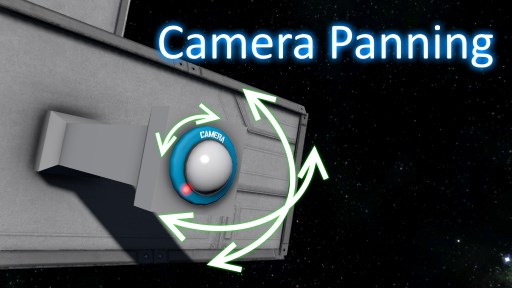
Этот мод позволяет игрокам изменять направление камеры во время просмотра. Работает для любого блока камеры, моддированной или ванильной. Как использовать в игре При просмотре фотоаппарата мод будет..
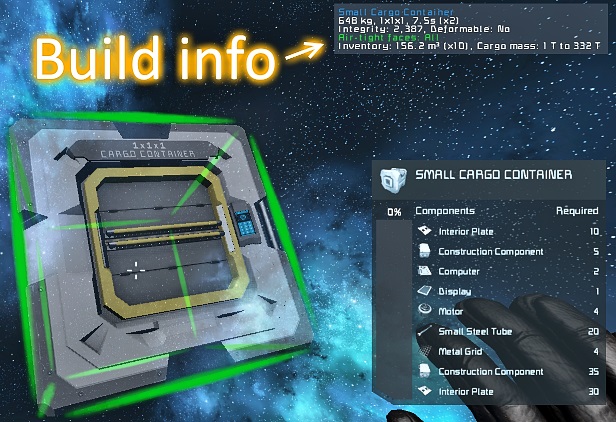
Отображает больше информации о блоке, который вы держите или нацеливаетесь, а также другие функции, перечисленные ниже. Поиск утечек воздуха был перенесен в отдельную версию! Это означает, что вы..

Это контекстное меню быстрого доступа, основанное на оригинальном Build Vision от Jimmacle, предназначенное для дополнения терминала игры. Большую часть времени терминал работает просто отлично

The Ultimate Complete Azimuth Mega Mod Pack Azimuth Complete Mega Mod Pack~(DX-11 Ready) This Ultimate Azimuth mod pack consists of TumbleTV/Vergil's Epic mod creations they have…
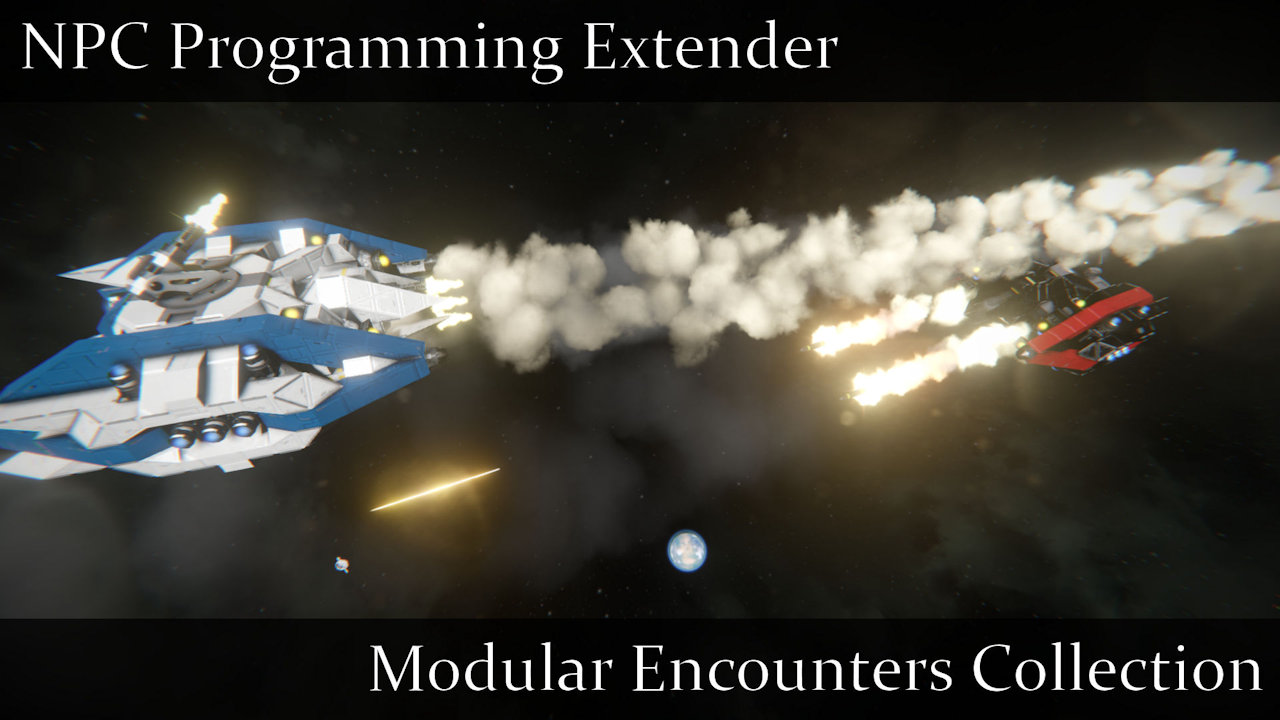
Meridius IX ушел из моды щелкнуть Вот для более подробной информации. Описание Этот мод добавляет несколько новых пользовательских методов, которые беспилотники, принадлежащие NPC, могут использовать для расширения своих возможностей