
Joyrider
Кража и угон автомобилей у NPC и полиции.
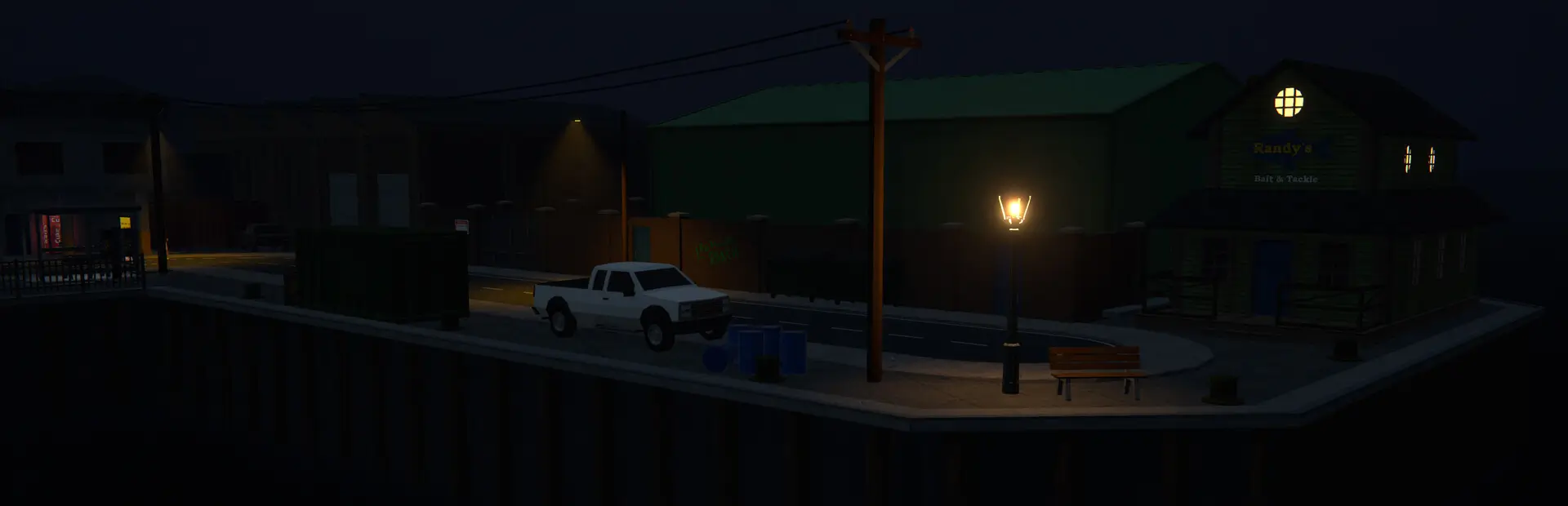
 Мод для Schedule I
от CustomTV
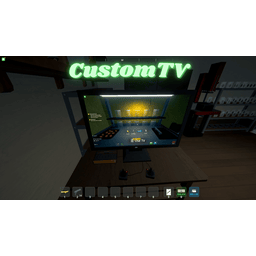
Позволяет воспроизводить свои собственные видео MP4 и Youtube на телевизоре.
CustomTV — мод для Schedule I (Шедул 1) от автора CustomTV. Позволяет воспроизводить свои собственные видео MP4 и Youtube на телевизоре.
Его скачали 25,3 тыс. раз: это 33-е место среди модов Schedule I в нашем каталоге, редкость — «эпический» (топ-20% по скачиваниям). Мод давно не обновлялся — проверьте совместимость с текущей версией игры, актуальная версия — 1.6.4.
Дополнительных модов для работы не требует.
Текст автора на языке оригинала
Ever wanted to hijack the TV and play your own videos? Now you can.
While holding Shift + Ctrl:
Mods folder:none and beta versionsalternate and alternate-beta versionsMods if it doesn't exist.Mods/TV. 📁 Schedule I
└── 📁 Mods
├── 📄 CustomTV.IL2CPP.dll (or CustomTV.Mono.dll)
└── 📁 TV
└── 📄 example.mp4Game Versions:
Framework: Melon Loader
You can tweak the keybinds and adjust the audio volume to your liking through the MelonPreferences.cfg file:
The configuration settings are now stored in the default MelonPreferences.cfg file in your game's UserData directory, not in a separate CustomTVConfig.ini file.
; Valid key names: https://docs.unity3d.com/ScriptReference/KeyCode.html

[CustomTV]
PauseKey = "Minus"
ResumeKey = "Equals"
NextVideoKey = "RightBracket"
PreviousVideoKey = "LeftBracket"
SeekForwardKey = "RightArrow"
SeekBackwardKey = "LeftArrow"
VolumePercent = 100
SeekAmount = 10.0
Shuffle = true
YoutubeURLKey = "V"
MaxCachedYoutubeVideos = 25
DeleteYoutubeVideosOnExit = true
UseFirefoxCookies = false
signSize = "(3, 2.2, 0)"
You still must press both Ctrl and Shift before the set keybind. Note: Valid key names can be found in the Unity KeyCode Enum Reference
If shuffle mode is disabled, CustomTV sorts your video files in a specific order to keep episodes and seasons in a logical sequence. To ensure your videos are sorted correctly, follow these simple naming rules:
Recommended Naming Format:
Name your video files starting with the season and episode numbers, formatted as SxxExx. Example: S01E01 - ShowName.mp4
If you have files with a leading number (like special episodes, bonuses, or collections), place the number at the start of the file name. Example: 001 - SpecialEpisode.mp4 or 10 - BonusEpisode.mp4
After following the above formats, CustomTV will handle sorting your files in a natural order as usually displayed in file explorer (e.g., S01E01 will come before S01E10).
Important Notes:
By following these simple naming conventions, CustomTV will automatically sort your episodes in a way that makes sense for watching!
The mod now supports playing videos directly from YouTube URLs.
How to use:
Configuration
You can configure the following YouTube-related settings in the MelonPreferences.cfg file:
Q: Can I use .webm or other formats? A: No, Unity's VideoPlayer works best with .mp4 (H.264/AAC).
Q: The screen is black/frozen! A: Make sure your video has the mp4 extension and uses a supported codec.
Q: Keybinds aren't working. A: Be sure to press both ctrl and shift before the keybind, for example ctrl-shift-] to skip video.
Файл скачивается с официального сервера Thunderstore, без перезаливов и сторонних установщиков
Подробная инструкция для Schedule IВставьте значок в описание на Thunderstore, в README или в Discord — русскоязычные игроки сразу попадут на страницу с переводом и инструкцией.

[](https://modka.app/schedule-i/customtv-customtv/)<a href="https://modka.app/schedule-i/customtv-customtv/"><img src="https://modka.app/badge.png" alt="Описание на русском — Модка" height="44"></a>[url=https://modka.app/schedule-i/customtv-customtv/]Описание на русском — Модка[/url]Скачайте менеджер модов r2modman (или Gale) и выберите в нём игру Schedule I. Создайте профиль — так моды не смешаются с чистой версией игры. Найдите «CustomTV» во вкладке Online и нажмите Download — MelonLoader и все зависимости подтянутся сами. Нажмите «Start modded» — игра запустится с модами. Чтобы сыграть без модов, запустите игру как обычно из Steam — r2modman не трогает чистую версию игры.
Файл скачивается с официального сервера Thunderstore, куда его загрузил CustomTV. Мы не перезаливаем и не изменяем моды.
29 апреля 2025, актуальная версия — 1.6.4. Это больше года назад: перед установкой проверьте, работает ли мод на текущей версии игры.
Кража и угон автомобилей у NPC и полиции.

Улучшение качества жизни в Counter-offer popup. Только продукты, которые перечислены, отображаются при изменении продукта. Цена продажи автоматически обновляется при выборе другого продукта или изменении количества.

Установите размеры стека, лимиты денежных средств и пропускную способность станции в игре с F6: на предмет, категорию, место или один объект. Один пакет для ветки по умолчанию (IL2CPP) и альтернативной (Mono).

Легальное оружие Стэна - это простой мод, который добавляет интерфейс магазина к дилеру оружия, так что вам не нужно перемещаться по бесконечным диалоговым меню, чтобы купить 1 предмет за раз.

Автоматически очищайте мусор, чтобы ваша игра была чистой! Больше никаких переполненных мусорных баков - мусор очищается после сна и с настраиваемым горячим ключом.

Мод MelonLoader для Графика I, который позволяет «настоящий» автопрыжок / прыжок с кроликом.