
Hitmarkers
Redone for BONELAB, see all hits you make on your foes. Now with (WORKING) Quest support!
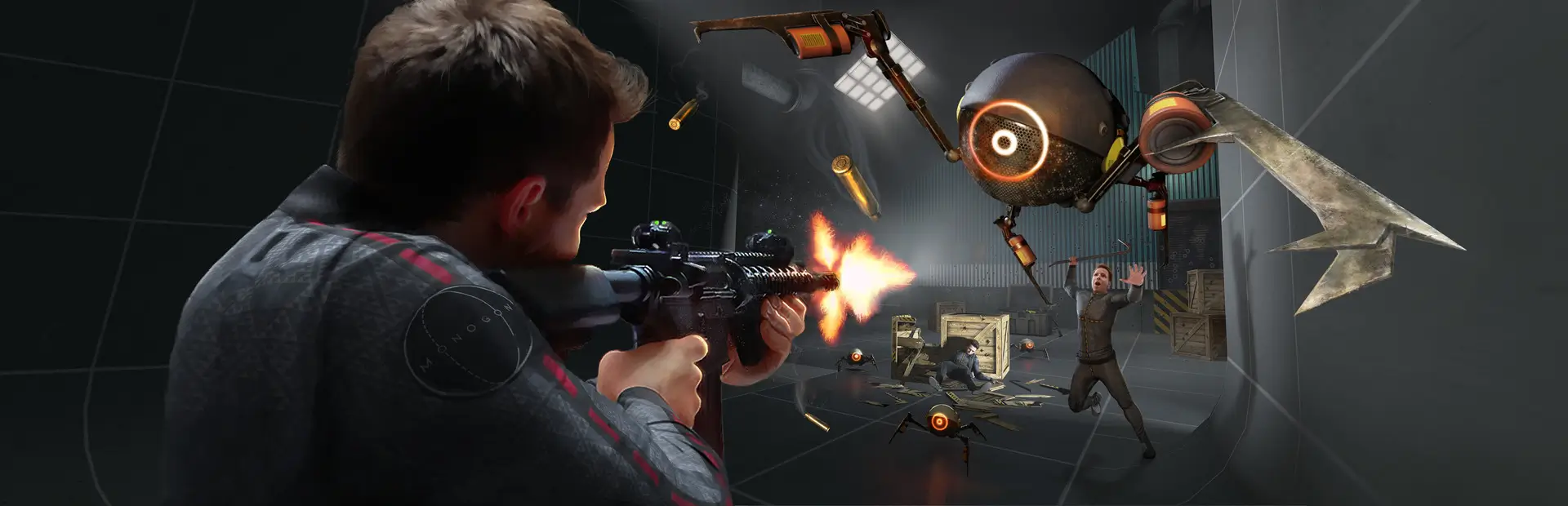
 Мод для BONEWORKS
от BWChaosDevs
ChaosModV, but for a VR Physics game! Experience over 100 different effects, with optional Entanglement syncing and audience voting via Twitch or Discord!
BW Chaos — мод для BONEWORKS (Бонворкс) от автора BWChaosDevs. ChaosModV, but for a VR Physics game! Experience over 100 different effects, with optional Entanglement syncing and audience voting via Twitch or Discord!
Его скачали 11,2 тыс. раз: это 184-е место среди модов BONEWORKS в нашем каталоге, редкость — «обычный» (нижняя половина по скачиваниям). Мод давно не обновлялся — проверьте совместимость с текущей версией игры, актуальная версия — 2.2.3.
Для работы ему нужны: ModThatIsNotMod.
1 шт · нажмите, чтобы открыть
Текст автора на языке оригинала
It's essentially ChaosModV, but for a VR Physics game. This mod has various "effects" that, when activated, will do a variety of different things, ranging from flinging you into the air, to changing the appearance of a bunch of ingame objects, to making the game foggy.
It will run these effects every 30 seconds (if you want it to), and you can customize the effects that run, depending on if your computer is powerful or if you've felt the touch of a non-familial woman if you're playing a campaign map or if you're boring, and if you're playing with friends using Entanglement or if you're lonely.
Drag BWChaos.dll into your mods folder, that's basically it. If you'd like to know more about this mod, keep reading.
To configure BW Chaos, use BoneMenu or MelonPreferences.cfg, but note that BoneMenu is missing some options that are present in MelonPreferences.
If you want, you can install BWChaosLite instead of normal, the only difference is that Lite has less effect resources (Videos/Textures).
The omission of a large portion of videos and textures means your game will start faster and also use less RAM/VRAM.
Audience interaction is optional, meaning you can play alone if you want, just set randomEffectOnNoVotes to true.
This mod supports two methods of audience interaction, via Discord and Twitch.
To enable this, set enableRemoteVoting to true in MelonPreferences.
Please know that if you've got an antivirus, it may kill the voting process without telling you, and you'll only know from the mod saying that it disconnected (I've written a bit more in the 2.0.0 changelog and FAQ about it)
with your application ID: https://discord.com/oauth2/authorize?client_id=&scope=bot&permissions=1024`This version, unlike the Legacy version, has sensible defaults, meaning the game's main campaign is playable from first install.
There are "crazier" effects, like the legendary 'Change Steam name for 2m', but that is behind a MelonPreferences entry
Here is a brief overview of the configurable values in MelonPreferences:
Описание длинное — здесь его начало. Читать целиком на странице автора
В r2modman ставится автоматически
Файл скачивается с официального сервера Thunderstore, без перезаливов и сторонних установщиков
Подробная инструкция для BONEWORKSВставьте значок в описание на Thunderstore, в README или в Discord — русскоязычные игроки сразу попадут на страницу с переводом и инструкцией.

[](https://modka.app/boneworks/bwchaosdevs-bw-chaos/)<a href="https://modka.app/boneworks/bwchaosdevs-bw-chaos/"><img src="https://modka.app/badge.png" alt="Описание на русском — Модка" height="44"></a>[url=https://modka.app/boneworks/bwchaosdevs-bw-chaos/]Описание на русском — Модка[/url]Скачайте менеджер модов r2modman (или Gale) и выберите в нём игру BONEWORKS. Создайте профиль — так моды не смешаются с чистой версией игры. Найдите «BW Chaos» во вкладке Online и нажмите Download — MelonLoader и все зависимости подтянутся сами. Нажмите «Start modded» — игра запустится с модами. Чтобы сыграть без модов, запустите игру как обычно из Steam — r2modman не трогает чистую версию игры.
Файл скачивается с официального сервера Thunderstore, куда его загрузил BWChaosDevs. Мы не перезаливаем и не изменяем моды.
Установите вместе с ним: ModThatIsNotMod. В менеджере модов зависимости подтягиваются автоматически.
26 сентября 2022, актуальная версия — 2.2.3. Это больше года назад: перед установкой проверьте, работает ли мод на текущей версии игры.
Redone for BONELAB, see all hits you make on your foes. Now with (WORKING) Quest support!
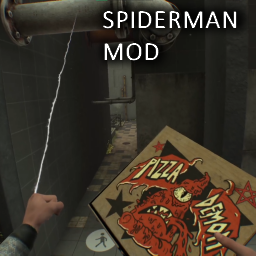
You can now live out the dream of being Spiderman!
Adds neck breaking to boneworks
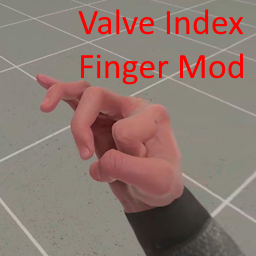
Makes your fingers move in more natural ways, similar to a Valve Index user. (explained more in the README)
Add nearly any object to the spawn menu!
Reupload until original author uploads own version. It's superstrength! Yes, not being able to climb very well is a very known bug! Features: Massless punching + Configurable dampening on hands + Slo-mo hand movement bypass + SuperStrength