
Начните вводить название — например, MoreHead, Sodium или PEAK

ModThatIsNotMod — иконка
Обложка BONEWORKSМод для BONEWORKS

ModThatIsNotMod

от gnonme

A mod for loading in custom items, making life easier for other mod creators, and a whole lot more.

  • Легендарный
  • 382,4 тыс. скачиваний
  • Версия 0.3.6
  • Обновлён 18 августа 2022
  • Не обновлялся больше года
  • Кодовые моды

О моде ModThatIsNotMod

ModThatIsNotMod — мод для BONEWORKS (Бонворкс) от автора gnonme. A mod for loading in custom items, making life easier for other mod creators, and a whole lot more.

Его скачали 382,4 тыс. раз: это 4-е место среди модов BONEWORKS в нашем каталоге, редкость — «легендарный» (топ-5% по скачиваниям). Мод давно не обновлялся — проверьте совместимость с текущей версией игры, актуальная версия — 0.3.6.

Для работы ему нужны: MelonLoader.

Полное описание ModThatIsNotMod

Текст автора на языке оригинала

ModThatIsNotMod

This is a BONEWORKS mod for loading in custom items, making life easier for other mod creators, and a whole lot more.

If you want to support me: https://ko-fi.com/gnonme

Feel free to make a PR for new features and bug fixes, just make sure the code is commented/easily understandable, and doesn't noticeably affect performance.

Features

  • Load custom items into the game
  • A custom menu that other mods can use
  • Eject mags with the press of a button
  • Easily get references to the player, hands, and controllers
  • Get the currently held objects
  • Events for when guns fire, objects are grabbed, the player dies, etc
  • Replace dummy shaders with the real ingame versions
  • Spawn items from pools
  • Check if mods are up to date
  • Send notifications to the player
  • Access methods with Nullable arguments that are normally broken
  • Much more

Custom Items

Place .melon files into UserData/CustomItems and they will be loaded automatically. If you don't have those folders, either manually create them or run the game once with this mod installed.

BoneMenu

This is a custom menu that can be used by other mods. It has some basic default functionality for giving yourself ammo and spawning random custom items. You can open and close BoneMenu either through the radial menu or a hand gesture. Using the radial menu is the default option for new installs, but I personally find the gesture nicer to use once you're used to it.

Disabling Stats

The info collected is very basic and fully anonymous (you can check Stats.cs), but if you still want to disable it, just add DisableStats = true to the preferences file under the [ModThatIsNotMod] heading or do it through bonemenu.

User Preferences

You will have to run the game once with the mod installed before the preferences will show up.

Preferences are stored in UserData/ModThatIsNotMod.cfg.

Mag eject prefs

  • MagEjectButtonEnabled: Whether or not the menu button should be used to eject mags from guns.
  • PressesToEjectMag: How many times you have to press the menu button to eject a mag, if that feature is enabled.
  • AutoEjectEmptyMags: Should mags be automatically ejected once they're empty.
  • OverrideMagEjectSettings: Custom guns can force disable the mag eject button or force enable/disable auto ejecting. This will ignore that and always use your preferences.

BoneMenu prefs

  • BoneMenuGestureEnabled: Enable to open BoneMenu by pointing your both palms up and slightly forward, and close it by pointing whichever hand it's attached to, by default your left, down and slightly forwards.
  • BoneMenuRadialButtonEnabled: Lets you open BoneMenu from the radial menu.
  • MenuOnRightHand: Enable this if you want the menu to follow your right hand instead of your left.
  • MenuOffsetX, MenuOffsetY, and MenuOffsetZ: Allows you to change the position of the menu relative to your hand.

Notification prefs

  • NotificationsOnRightHand: Enable this if you want notifications to follow your right hand instead of your left.
  • NotificationOffsetX, NotificationOffsetY, and NotificationOffsetZ: Changes the position of the notifications relative to your hand.

Misc prefs

  • AutomaticSpawnGuns: Will make the utility gun fully automatic.
  • UtilGunInRadialMenu: Always have an option to spawn the utility gun from the radial menu, even in levels that usually don't allow it.
  • InfiniteAmmoGuns: You can put custom gun names in this list to add a variant of them with infinite ammo to the spawn menu.

Meme prefs

  • TabloidMode: Adds fun stuff to the screen outside of VR.
  • HappyFunTime: Spawns fake ads or pictures of dogs occasionally.
  • HappyFunTimeDelay: The min/max time between spawning a new ad or dog pic.

Debug prefs

  • LoggingMode: Controls how much info from this mod is displayed in the console. The four options are "MINIMAL", "NORMAL", "VERBOSE", and "DEBUG".
  • AllowEmbeddedCode: Some custom items have a dll embedded in them for extra functionality and this will let that code be run.
  • ExportEmbeddedAssemblies: This will save any embedded dlls into UserData/ExportedAssemblies
  • SilenceUnhollowerWarnings: Hide warnings about unsupported return types and parameters from the assembly unhollower
  • ReloadItemsOnLevelChange: Reload any modified .melon files when you load into a new level, useful for quickly testing changes to your items without having to close the game.

Credits

Chromium - Helped me create Boneworks Modding Toolkit and Custom Items Framework, which this mod is based off of

L4rs - Added a color element to BoneMenu and made a way for a menu to be attached to an item

Trev - Modified the CustomMonobehaviourHandler to support custom json serializers

WNP78 - Added BoxedNullable and NullableMethodExtensions

Rtas - Fixed preferences with mod managers

Extraes - Hosting the mod stats server and helping me get that stuff working

Adidasaurus - Added an extension method to easily damage enemies, fixed mag eject button for oculus store users, improved item loading exception logging, added backwards compatibility with items using MultipleFirePoints

And thanks to anyone who tested, told me about bugs, or suggested new features for the mod!

Changelogs

v0.3.6:

  • Added backwards compatibility with items using MultipleFirePoints (Thanks to Adidasaurus#7786)
  • A few other tiny additions

v0.3.5:

  • Improved the error messages when a .melon file fails to load (Thanks to Adidasaurus#7786)

v0.3.4:

  • Fixed mag eject button on the oculus store version of the game (Thanks to Adidasaurus#7786)

v0.3.3:

  • Added an extension method to easily damage enemies (Thanks to Adidasaurus#7786)

v0.3.2:

  • Prevented some stats from being reported multiple times

v0.3.1:

  • Fixed an issue with custom map stats
  • Improved version reporting

v0.3.0:

  • Add

Описание длинное — здесь его начало. Читать целиком на странице автора

Нужно для работы

В r2modman ставится автоматически

Моды, которым нужен ModThatIsNotMod

224 в каталоге · показаны самые популярные

Custom Maps — иконка

Custom Maps

Custom map loader for BONEWORKS
Легендарный236,1 тыс.Библиотека

Player Models — иконка

Player Models

Player model swapper for Boneworks

Легендарный215,4 тыс.Библиотека

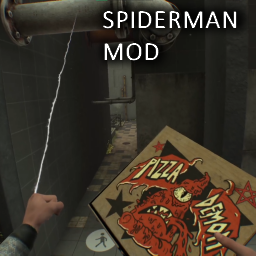
SpidermanMod — иконка

SpidermanMod

You can now live out the dream of being Spiderman!
Легендарный160,8 тыс.Кодовые моды

LIGHTSABER — иконка

LIGHTSABER

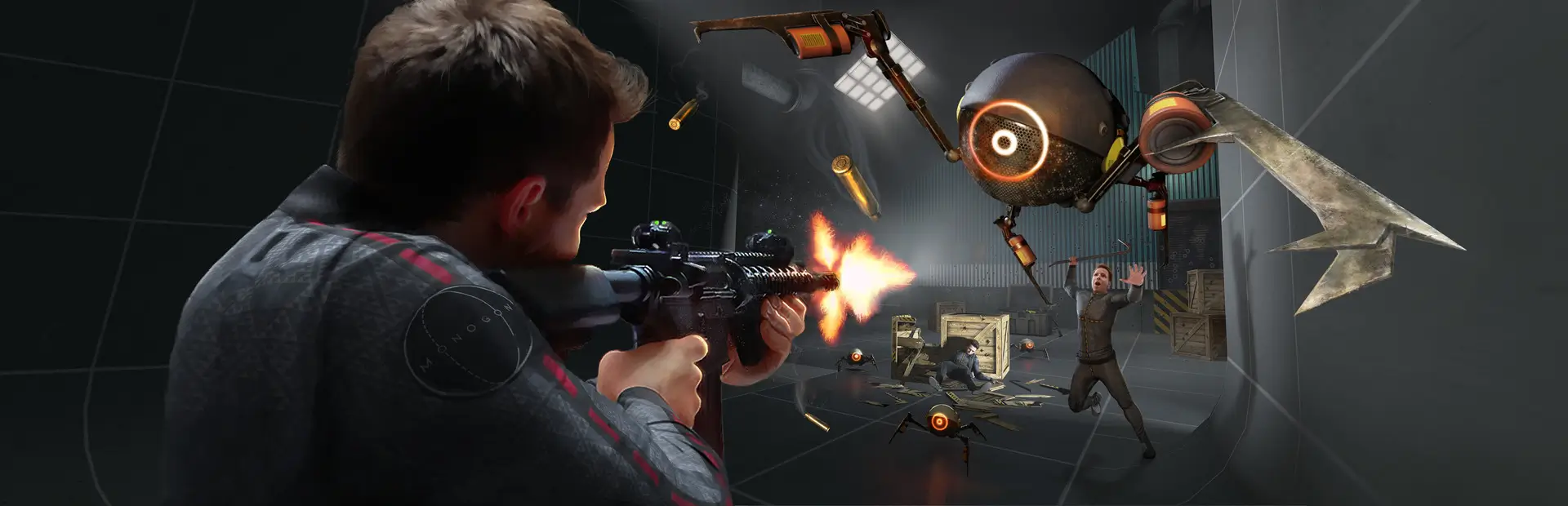
Just like in Star Wars, A Light saber is a weapon that emits a colored light beam strong enough to cut objects in half, while you cant cut objects in half, you can cut through NPC's and move the blade through objects smoothly!

Легендарный93,4 тыс.Предметы

7 11 — иконка

7 11

7 Eleven

Легендарный92,9 тыс.Уровни

CombatPlus — иконка

CombatPlus

Adds neck breaking to boneworks

Эпический76,7 тыс.Кодовые моды

Как установить ModThatIsNotMod

Файл скачивается с официального сервера Thunderstore, без перезаливов и сторонних установщиков

Подробная инструкция для BONEWORKS
  1. Скачайте менеджер модов r2modman (или Gale) и выберите в нём игру BONEWORKS.
  2. Создайте профиль — так моды не смешаются с чистой версией игры.
  3. Найдите «ModThatIsNotMod» во вкладке Online и нажмите Download — MelonLoader и все зависимости подтянутся сами.
  4. Нажмите «Start modded» — игра запустится с модами.
  5. Чтобы сыграть без модов, запустите игру как обычно из Steam — r2modman не трогает чистую версию игры.
Вы автор мода? Поставьте ссылку на русское описание

Вставьте значок в описание на Thunderstore, в README или в Discord — русскоязычные игроки сразу попадут на страницу с переводом и инструкцией.

Описание на русском — Модка
Markdown[![Описание на русском — Модка](https://modka.app/badge.png)](https://modka.app/boneworks/gnonme-modthatisnotmod/)
HTML<a href="https://modka.app/boneworks/gnonme-modthatisnotmod/"><img src="https://modka.app/badge.png" alt="Описание на русском — Модка" height="44"></a>
Steam (BBCode)[url=https://modka.app/boneworks/gnonme-modthatisnotmod/]Описание на русском — Модка[/url]

Частые вопросы о ModThatIsNotMod

Как установить ModThatIsNotMod?

Скачайте менеджер модов r2modman (или Gale) и выберите в нём игру BONEWORKS. Создайте профиль — так моды не смешаются с чистой версией игры. Найдите «ModThatIsNotMod» во вкладке Online и нажмите Download — MelonLoader и все зависимости подтянутся сами. Нажмите «Start modded» — игра запустится с модами. Чтобы сыграть без модов, запустите игру как обычно из Steam — r2modman не трогает чистую версию игры.

Безопасен ли ModThatIsNotMod?

Файл скачивается с официального сервера Thunderstore, куда его загрузил gnonme. Мы не перезаливаем и не изменяем моды.

Что нужно для работы ModThatIsNotMod?

Установите вместе с ним: MelonLoader. В менеджере модов зависимости подтягиваются автоматически.

Когда ModThatIsNotMod обновлялся последний раз?

18 августа 2022, актуальная версия — 0.3.6. Это больше года назад: перед установкой проверьте, работает ли мод на текущей версии игры.
Похожие моды

Все моды на BONEWORKS
Hitmarkers — иконка

Hitmarkers

Redone for BONELAB, see all hits you make on your foes. Now with (WORKING) Quest support!

Легендарный203,7 тыс.Кодовые моды

SpidermanMod — иконка

SpidermanMod

You can now live out the dream of being Spiderman!

Легендарный160,8 тыс.Кодовые моды

CombatPlus — иконка

CombatPlus

Adds neck breaking to boneworks

Эпический76,7 тыс.Кодовые моды

IndexFinger — иконка

IndexFinger

Makes your fingers move in more natural ways, similar to a Valve Index user. (explained more in the README)
Эпический65,1 тыс.Кодовые моды

SpawnAnything — иконка

SpawnAnything

Add nearly any object to the spawn menu!
Эпический45,9 тыс.Кодовые моды

SuperStrength — иконка

SuperStrength

Reupload until original author uploads own version. It's superstrength! Yes, not being able to climb very well is a very known bug! Features: Massless punching + Configurable dampening on hands + Slo-mo hand movement bypass + SuperStrength

Эпический45,6 тыс.Кодовые моды