

MoreMap
Добавляет значки на карту для каждого предмета коллекционирования.
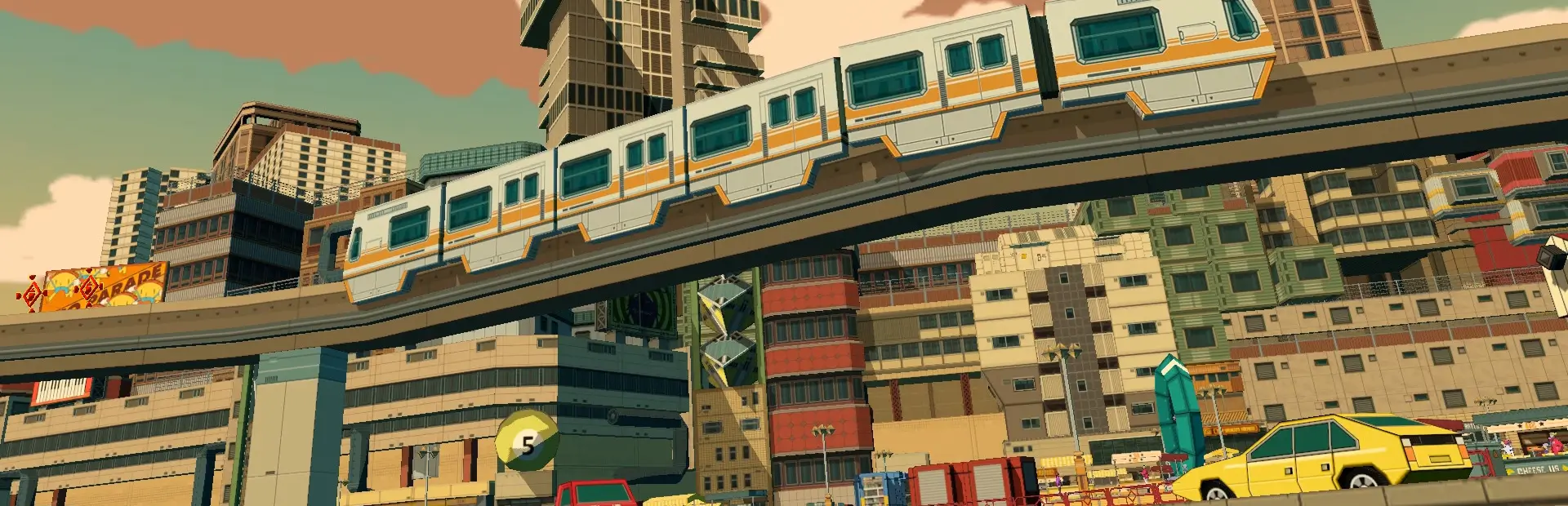

 Мод для Bomb Rush Cyberfunk
от TRPG
Библиотека для чтения пользовательских языковых файлов.
ModLocalizer — мод для Bomb Rush Cyberfunk (Бомб Раш Киберфанк) от автора TRPG. Библиотека для чтения пользовательских языковых файлов.
Его скачали 21,6 тыс. раз: это 60-е место среди модов Bomb Rush Cyberfunk в нашем каталоге, редкость — «редкий» (топ-50% по скачиваниям). Мод давно не обновлялся — проверьте совместимость с текущей версией игры, актуальная версия — 1.0.1.
Для работы ему нужны: BepInExPack.
Текст автора на языке оригинала
A library for reading custom .fods language files to help make it easier to add multi-language support to mods.
For an example, see the MoreMap repository.
Bomb Rush Cyberfunk stores its language information in files with the extension .fods. These files can be opened in a program such as LibreOffice Calc, which is free and open-source.
You can use the game's existing language files as a starting point, which are located at ...\BombRushCyberfunk\Bomb Rush Cyberfunk_Data\StreamingAssets\Languages. At the bottom of the window, you will see that the file has 11 sheets, labeled Text, Sizes, Dialogue, Examples, Credits, CharacterNames, StageNames, ObjectiveText, EmailMessages, Notifications, and SkinText. Note that even if you don't plan on using them, all of these sheets must exist in the file or else it will not be readable in game. In most cases, just using the Text sheet and deleting the contents of the other sheets will be fine, but do not delete the sheets themselves.
In most of the sheets, you will see a code, a translation, and a comment. The code is used in your plugin to retrieve the translation, and the comment is for any additional notes or context that you may want to provide when other people are tranlsating for you.
Once you have as many codes as you need, you can save the file. The name must exactly match one of the languages in Unity's SystemLanguage enum for it to read properly. Officially, Bomb Rush Cyberfunk supports 9 languages (Dutch, English, French, German, Italian, Japanese, Portuguese, Russian, and Spanish), but theoretically, other languages could be supported via mods in the same way if there is a .fods file for it in the game's Languages folder.
First, you will need an instance of the PluginLocalizer class. The constructor requires the name of your plugin, and the path to your language files. Optionally, you can change the default language to something other than English if you need to.
public PluginLocalizer Localizer { get; private set; }

private void Awake()
{
    string assemblyPath = Path.GetDirectoryName(Assembly.GetExecutingAssembly().Location);
    Localizer = new PluginLocalizer("MoreMap", Path.Combine(assemblyPath, "Languages"));
}Before you can use your PluginLocalizer, it will need to be initialized, which happens as soon as the main menu is first loaded. Attempting to read anything from the language files before then will just return the key instead of the localized string.
After initialization, you can read from your language files with GetRawTextValue, where the subgroup is the sheet to read from, and the localization key is the code.
title.text = Localizer.GetRawTextValue(Subgroups.Text, "APP_MAP_HEADER");In Bomb Rush Cyberfunk, nearly every TextMeshProUGUI component is paired with a TMProFontLocalizer component, which automatically changes the font depending on which language is in use. Each TMProFontLocalizer has a field for a GameFontType, which you can easily load with LoadFontType.
You can also use LoadFontTypeAndRemoveUnusedFonts to remove any fonts that are associated with a language that does not have a matching file in your plugin, or LoadFontTypeEnglishOnly to remove all fonts except the latin font used for English. These are useful because the strings retrieved from the file will be in the default language, but they will still change fonts if left as is.
The GameFontTypes enum contains every font type used in the game, for easy access.
public GameFontType PhoneFont = Localizer.LoadFontTypeAndRemoveUnusedFonts(GameFontTypes.PhoneMainText);PluginLocalizer has two events that you can subscribe to, OnLanguageChanged and OnInitializationFinished.
As the name implies, OnLanguageChanged is raised whenever the language is changed in the options menu. If there is no file for the selected language, it will fallback to the default language instead.
private void Awake()
{
    Localizer.OnLanguageChanged += LanguageChanged;
}

private void OnDestroy()
{
    Localizer.OnLanguageChanged -= LanguageChanged;
}
OnInitializationFinished is raised when the main menu is loaded for the first time. This event is useful for loading font types.
Localizer.OnInitializationFinished += () =>
{
    PhoneFont = Localizer.LoadFontTypeAndRemoveUnusedFonts(GameFontTypes.PhoneMainText);
};В r2modman ставится автоматически
2 в каталоге
Добавляет значки на карту для каждого предмета коллекционирования.

Подключитесь к серверу Архипелага, чтобы играть в рандомизатор Bomb Rush Cyberfunk.
Файл скачивается с официального сервера Thunderstore, без перезаливов и сторонних установщиков
Подробная инструкция для Bomb Rush CyberfunkВставьте значок в описание на Thunderstore, в README или в Discord — русскоязычные игроки сразу попадут на страницу с переводом и инструкцией.

[](https://modka.app/bomb-rush-cyberfunk/trpg-modlocalizer/)<a href="https://modka.app/bomb-rush-cyberfunk/trpg-modlocalizer/"><img src="https://modka.app/badge.png" alt="Описание на русском — Модка" height="44"></a>[url=https://modka.app/bomb-rush-cyberfunk/trpg-modlocalizer/]Описание на русском — Модка[/url]Скачайте менеджер модов r2modman (или Gale) и выберите в нём игру Bomb Rush Cyberfunk. Создайте профиль — так моды не смешаются с чистой версией игры. Найдите «ModLocalizer» во вкладке Online и нажмите Download — BepInEx и все зависимости подтянутся сами. Нажмите «Start modded» — игра запустится с модами. Чтобы сыграть без модов, запустите игру как обычно из Steam — r2modman не трогает чистую версию игры.
Файл скачивается с официального сервера Thunderstore, куда его загрузил TRPG. Мы не перезаливаем и не изменяем моды.
Установите вместе с ним: BepInExPack. В менеджере модов зависимости подтягиваются автоматически.
28 февраля 2024, актуальная версия — 1.0.1. Это больше года назад: перед установкой проверьте, работает ли мод на текущей версии игры.
многопользовательский мод для скейтборда видеоигры

Восстанавливает и вводит несколько новых механик движения, чтобы обеспечить более быстрый и полезный игровой процесс.

Мод Bomb Rush Cyberfunk, который позволяет добавлять музыку в игру!

Оригинальное название: Emerald Coast from Sonic Adventure.

Добавляет новые трюки Wall Plant и Graffiti Plant, которые могут быть вызваны нажатием клавиши прыжка при проветривании в стены.

Swap Skins и Models для вашего персонажа, Gears, Phone & Spraycan прямо в игре! (Единство не требуется)