Soundproof Walls 2.0
"Ты это слышал?" Soundproof Walls 2.0 - это полная перестройка аудиосистемы для Barotrauma, которая усиливает воздействие, ужас и атмосферу оригинального звукового ландшафта, добавляя новые возможности

 Мод для Barotrauma
от DieRauteEnte
Небольшой мод для вашей Кампании Баротравмы, который позволяет Ботам возродить следующий раунд после их смерти. Что делает этот мод? Оживляет мертвых ботов после каждого перехода уровня и..
Revive Bots - Endless Crew Respawns — мод для Barotrauma (Баротравму) от автора DieRauteEnte. Небольшой мод для вашей Кампании Баротравмы, который позволяет Ботам возродить следующий раунд после их смерти. Что делает этот мод? Оживляет мертвых ботов после каждого перехода уровня и..
На него подписались 48,9 тыс. раз в Мастерской Steam: это 200-е место среди модов Barotrauma в нашем каталоге, редкость — «обычный» (нижняя половина по подпискам). Мод обновлялся в последние полгода.
Нужны ли ему другие моды, видно на его странице в Мастерской Steam в блоке «Необходимые продукты» — при подписке Steam сам предложит их добавить.
Текст автора на языке оригинала
A small mod for your Barotrauma Campaign which allows Bots to respawn the next round after they have died.
Revives dead Bots after each level transition and applies your prefered punishments on them. Current options are
Customization
Yes! The mod adds a config.lua file in its folder. This file contains settings you can adjust yourself. You can also change these settings using an ingame command (F3) called 'changeReviveBotsSetting'. Changes to the config.lua file (Both manually and using the command) should persist, even after updates. If this is not the case, please report it here!
You can edit the mod manually in '%LocalAppData%\Daedalic Entertainment GmbH\Barotrauma\WorkshopMods\Installed\3253027507' Keep in mind that changes to files other than config.lua will automaticly revert when the mod is updated!
You can also suggest some changes in the 'Suggestions'-Discussion and maybe I will add the changes in the official release.
Open your console using (F3). There you have to use the following command:
changeReviveBotsSetting
Current settings and their possible values and their default values are:
Setting Possible Values Default Value Description
loseGeneOnDeath true/false true If set to true, Bots will lose the genes placed in their genesplicer on death
giveBugBurden true/false true If set to true, Bots will recieve 'Bug Burden' when reviving
enableSkillReduction true/false false If set to true, Bots will permanently lose some of their skill levels
disableHuskTransform true/false false If set to true, Bots will not transform into husks after dying
bugBurdenAmount 0-100 100 Changes the strength of 'Bug Burden' bots will recieve on reviving
skillReductionAmount 0-100 20 How much their skill levels drop to their jobs default skill levels in percent
Here are some example commands:
- changeReviveBotsSetting loseGeneOnDeath false (This disables the loss of genes on death. Bots will respawn with all their genes. But only if their body is not destroyed)
- changeReviveBotsSetting giveBugBurden true (This enables the punishment. Bots will recieve 'Bug Burden' when they revive)
- changeReviveBotsSetting enableSkillReduction true (This enables the punishment. Bots will permanently lose some of their skill levels)
- changeReviveBotsSetting disableHuskTransform false (This allows bots to transform into husks after dying again)
- changeReviveBotsSetting bugBurdenAmount 50 (This sets the amount of 'Bug Burden' the Bots recieve to 50. Now Bots will recieve 50 instead of 100 'Bug Burden'. But only if 'giveBugBurden' is also set to true)
- changeReviveBotsSetting skillReductionAmount 80 (This sets how much skills the bot will lose to 80%. But only if 'enableSkillReduction' is also set to true)
You have to have the 'ManageSettings'-Permission to use this command.
The command supports the vanilla auto complete (By pressing TAB) if you have clientside-lua installed.
Bug Burden
'Bug Burden' is a new Affliction created by this mod. It has multiple effects:
These debuffs lessen with the strength of 'Bug Burden'. [10%-50%] means: 'Bug Burden' of Strength 1 will reduce the mentioned stat by 10% 'Bug Burden' of Strengt 100 will reduce the mentioned stat by by 50%
'Bug Burden' also gets healed slowly. It heals 0.028 per second. So the decreased Vitality, Speed and Skills will return after time passes. A revived BOT will be fully healed after ~1hour. You can also cure him at the Medical Clinic in an outpost.
If you don't like its effects, they can be changed to your preference by editing the 'Afflictions.xml'. Keep in mind that all changes to the mods file will be overwritten the next time the mod updates.
Other Information
Bots that revive will spawn with all the items which are left in their corpse. Just like genes disappear when a player dies, genes are removed and deleted upon the respawn of bots, if the bot had a gene splicer with genetic material in it.(This can be changed by following the steps mentioned above)
In case their corpse is deleted (Eaten by monsters, turned into a husk, despawned after some time) the bot will NOT respawn with their items(Also their genesplicer). You'll have to take the items out of his corpse/dufflebag.
It is recommended to always safe their body when they die. In case their corpse is intact they'll respawn with all the items. And if not, you still have all their items in a dufflebag.
Due to how husk spawning works the bot is deleted when he transforms into a husk and cannot be revived using the old revive system. The bot will respawn with their default items and you can loot their items from the husks body.
Mod requires Lua for Barotrauma to work.
Hosts require Serverside-Lua. Clients do not require Clientside-Lua. It is optional but supported (For example for the autocomplete for console commands).
Clientside Lua is required.(See Lua for Barotrauma Workshop page for instructions on how to activate it)
Issues
When you take over a bot using /setclientcharacter and then switch back the bot you took over will be considered "dead" and will recieve all penalties you enabled for dead bots (Such as rec
Описание длинное — здесь его начало. Читать целиком на странице автора
Мод ставится подпиской в Мастерской Steam — без архивов, перезаливов и сторонних установщиков
Подробная инструкция для BarotraumaВставьте значок в описание на Мастерская Steam, в README или в Discord — русскоязычные игроки сразу попадут на страницу с переводом и инструкцией.

[](https://modka.app/barotrauma/revive-bots-endless-crew-respawns/)<a href="https://modka.app/barotrauma/revive-bots-endless-crew-respawns/"><img src="https://modka.app/badge.png" alt="Описание на русском — Модка" height="44"></a>[url=https://modka.app/barotrauma/revive-bots-endless-crew-respawns/]Описание на русском — Модка[/url]Откройте страницу мода «Revive Bots - Endless Crew Respawns» в Мастерской Steam (кнопка «Скачать» на нашем сайте ведёт именно туда) и нажмите «Подписаться» — Steam сам скачает мод и будет его обновлять. Если Steam покажет список обязательных модов, подпишитесь и на них — без них мод не заработает. Запустите Barotrauma, откройте «Настройки» → «Моды» и включите мод в списке. Если мод не появился в игре, откройте вкладку «Загрузки» в Steam и дождитесь, пока он скачается полностью, затем перезапустите игру. Для игры по сети подпишитесь на одни и те же моды всей компанией: набор модов у хоста и у игроков, как правило, должен совпадать.
Мы ничего не перезаливаем: кнопка скачивания открывает официальную страницу мода в Мастерской Steam. Там нужно нажать «Подписаться» — файлы загрузит и будет обновлять сам Steam.
В сетевой игре Barotrauma набор модов у хоста и у остальных игроков, как правило, должен совпадать: подпишитесь на одни и те же моды всей компанией. Исключения — моды, которые меняют только то, что видите и слышите вы сами; точные требования автор пишет в описании мода.
11 августа 2026. Дата берётся с официальной страницы мода при каждом обновлении каталога.
"Ты это слышал?" Soundproof Walls 2.0 - это полная перестройка аудиосистемы для Barotrauma, которая усиливает воздействие, ужас и атмосферу оригинального звукового ландшафта, добавляя новые возможности

Внимание Пожалуйста, прочитайте описание, поскольку оно содержит важную информацию об особенностях, исправлениях и несовместимости! Требуется новая кампания после первой установки! Не надо..
Примечание: Этот мод уже довольно старый, многие проблемы производительности в базовой игре были решены, поэтому улучшения производительности, которые вы получаете с этим модом, вероятно, не будут иметь большого значения
Тяжеловооруженная Европа, пара-беллум. .. Большой мод в первую очередь сосредоточен на инструментах смерти, от огнестрельного оружия до химического и радиологического оружия (и оборудования для борьбы с терроризмом)
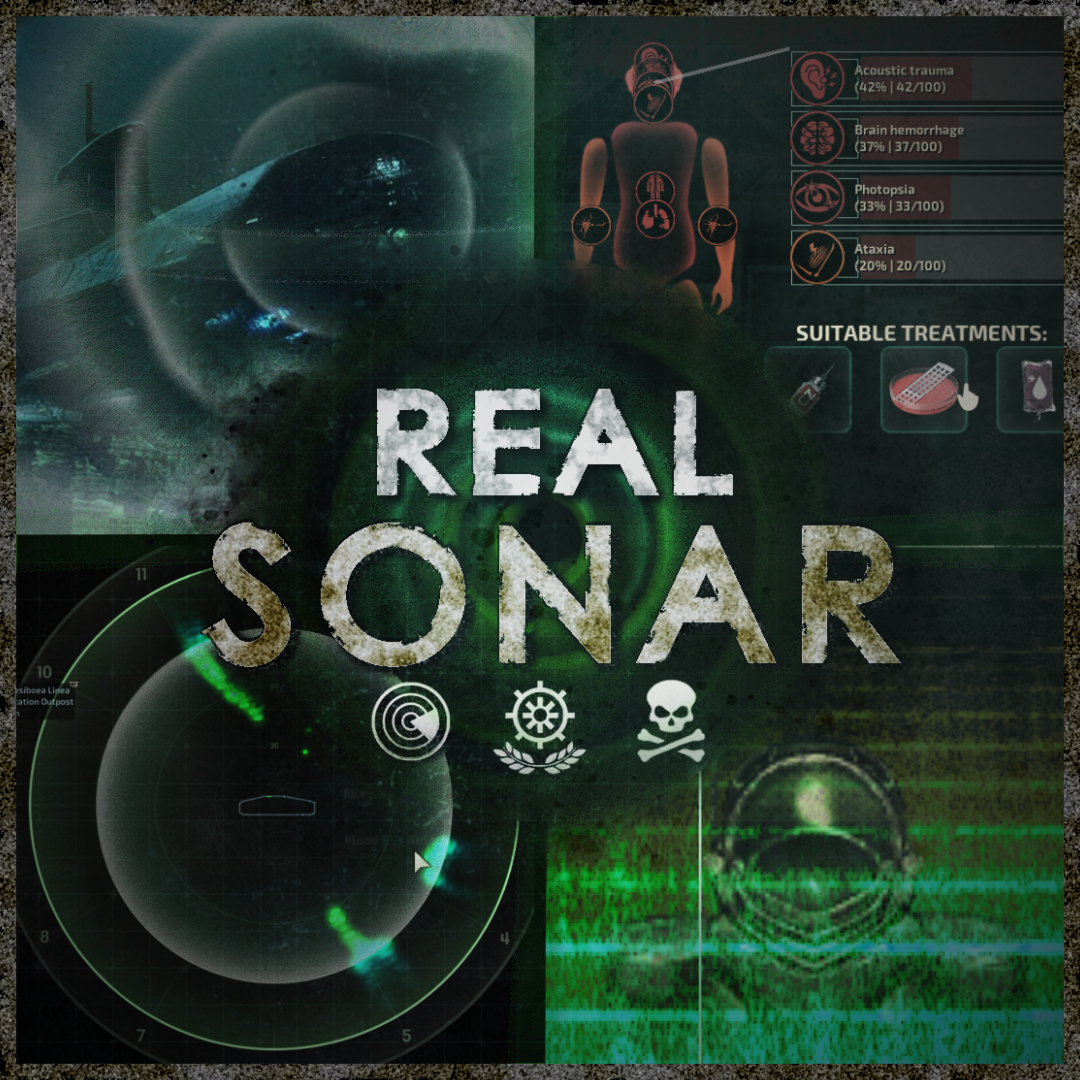
Предупреждение: Этот мод может содержать мигающие огни и громкие звуки. Если у вас фоточувствительная эпилепсия или вы чувствительны к высокочастотным звукам, не используйте этот мод. Сонар теперь может..
重要 Important - Support language: 简体, 繁體, English, Russian - Github:Barotrauma-Animated - Discord: - Change Note:Steam Changelog - QQ 群: 1042873484 已知问题…