DynamicEuropa
ATTENTION Please read the description as it contains important information about features, patches and incompatibilities! Requires a new campaign after first installation! DO NOT…

 Мод для Barotrauma
от Evil Factory
Note: This mod is already quite old, a lot of the performance issues in the base game have been addressed, so the performance improvements you get with this mod probably wont be…
Performance Fix — мод для Barotrauma (Баротравму) от автора Evil Factory. Note: This mod is already quite old, a lot of the performance issues in the base game have been addressed, so the performance improvements you get with this mod probably wont be…
На него подписались 343,4 тыс. раз в Мастерской Steam: это 11-е место среди модов Barotrauma в нашем каталоге, редкость — «легендарный» (топ-5% по подпискам). Мод давно не обновлялся — проверьте совместимость с текущей версией игры.
Нужны ли ему другие моды, видно на его странице в Мастерской Steam в блоке «Необходимые продукты» — при подписке Steam сам предложит их добавить.
6 шт · нажмите, чтобы открыть
Текст автора на языке оригинала
Note: This mod is already quite old, a lot of the performance issues in the base game have been addressed, so the performance improvements you get with this mod probably wont be very noticeable
This is a very experimental Lua mod, so expect that things may break.
This is mod can greatly improve performance, it works by decreasing the amount of map entity updates, which can greatly improve performance. In my computer, i noticed that my fps nearly doubled after decreasing the updates by 4 times.
This has the potential side effect of making some items act weird, i made an item update priority system to try combat this, so important items update normally, if you have issues with some items acting weird, you can try putting the item's id in the priority list.
This mod also has a config that disables shadow casting lights globally, so if your computer struggles with lightning, try enabling that config.
Notice: If you only want to boost server-side performance, you don't have to install client-side Lua, and only requires LuaForBarotrauma to be installed on the server.
If you have client-side LuaForBarotrauma installed and wants to update it, press the "Remove client-side Lua" button in the main menu and then do the installation process again.
This installation is for both multiplayer and singleplayer!
install_cl_lua
Video if you are not able to understand the instructions above: https://youtu.be/wEeJ70vH1TM
You will have to manually install LuaForBarotrauma, you can follow this guide,
If something breaks, just verify the integrity of the game files to undo the process.
Submarine builders: You can tag a button component with "performancefix" and that will make it output the map entity update interval continuously. You can also tag components with "highpriority" which will automatically put them in the priority list.
To configure the mod, simply use the console command performancefix to open a GUI menu. To use the command while in the mainmenu, type cl_reloadlua before using the command
reloadlua - Use this command to reload the script in the server-side, it will reload the script, applying the new configuration.
showperf - Useful command to see what is causing performance issues.
(note: these tests been done a few years ago and haven't been updated, so they are probably inaccurate) I tested the mod in a few servers and submarines that i know that lag a lot:
My specs for comparison: Ryzen 3200g, AMD Vega 8 gpu, 16gb ram 2667mhz
Client-side: 15-19 fps => 41-47 fps Server-side: CPU usage dropped from 24% to 8-12%
I plan on adding more performance options in case i find more ways to optimize the game.
Мод ставится подпиской в Мастерской Steam — без архивов, перезаливов и сторонних установщиков
Подробная инструкция для BarotraumaВставьте значок в описание на Мастерская Steam, в README или в Discord — русскоязычные игроки сразу попадут на страницу с переводом и инструкцией.

[](https://modka.app/barotrauma/performance-fix/)<a href="https://modka.app/barotrauma/performance-fix/"><img src="https://modka.app/badge.png" alt="Описание на русском — Модка" height="44"></a>[url=https://modka.app/barotrauma/performance-fix/]Описание на русском — Модка[/url]Откройте страницу мода «Performance Fix» в Мастерской Steam (кнопка «Скачать» на нашем сайте ведёт именно туда) и нажмите «Подписаться» — Steam сам скачает мод и будет его обновлять. Если Steam покажет список обязательных модов, подпишитесь и на них — без них мод не заработает. Запустите Barotrauma, откройте «Настройки» → «Моды» и включите мод в списке. Если мод не появился в игре, откройте вкладку «Загрузки» в Steam и дождитесь, пока он скачается полностью, затем перезапустите игру. Для игры по сети подпишитесь на одни и те же моды всей компанией: набор модов у хоста и у игроков, как правило, должен совпадать.
Мы ничего не перезаливаем: кнопка скачивания открывает официальную страницу мода в Мастерской Steam. Там нужно нажать «Подписаться» — файлы загрузит и будет обновлять сам Steam.
В сетевой игре Barotrauma набор модов у хоста и у остальных игроков, как правило, должен совпадать: подпишитесь на одни и те же моды всей компанией. Исключения — моды, которые меняют только то, что видите и слышите вы сами; точные требования автор пишет в описании мода.
22 января 2025. Это больше года назад: перед установкой проверьте, работает ли мод на текущей версии игры.
ATTENTION Please read the description as it contains important information about features, patches and incompatibilities! Requires a new campaign after first installation! DO NOT…
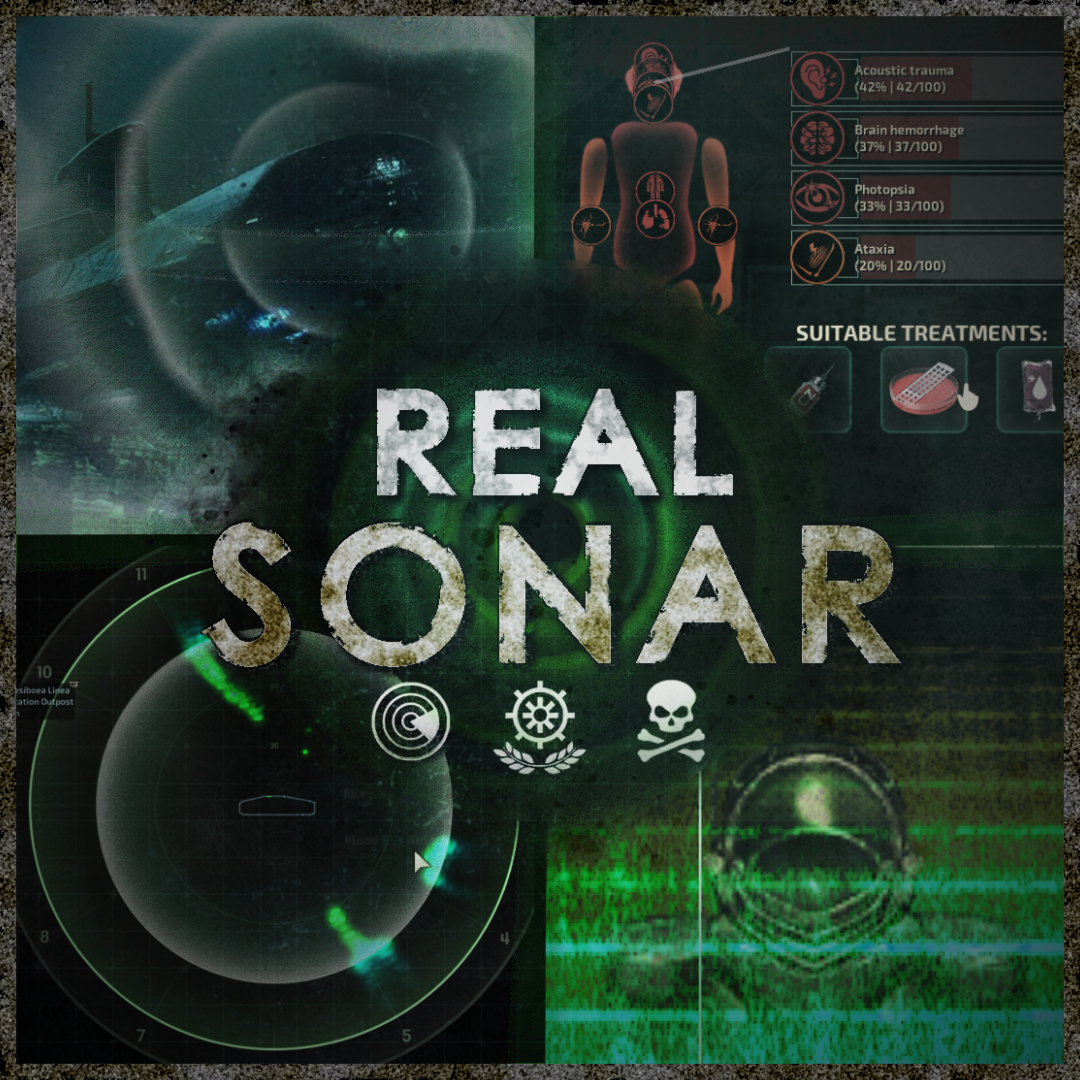
Warning: This mod can contain flashing lights and loud sounds. If you have photosensitive epilepsy or are sensitive to high-frequency sounds, do not use this mod. Sonar can now…
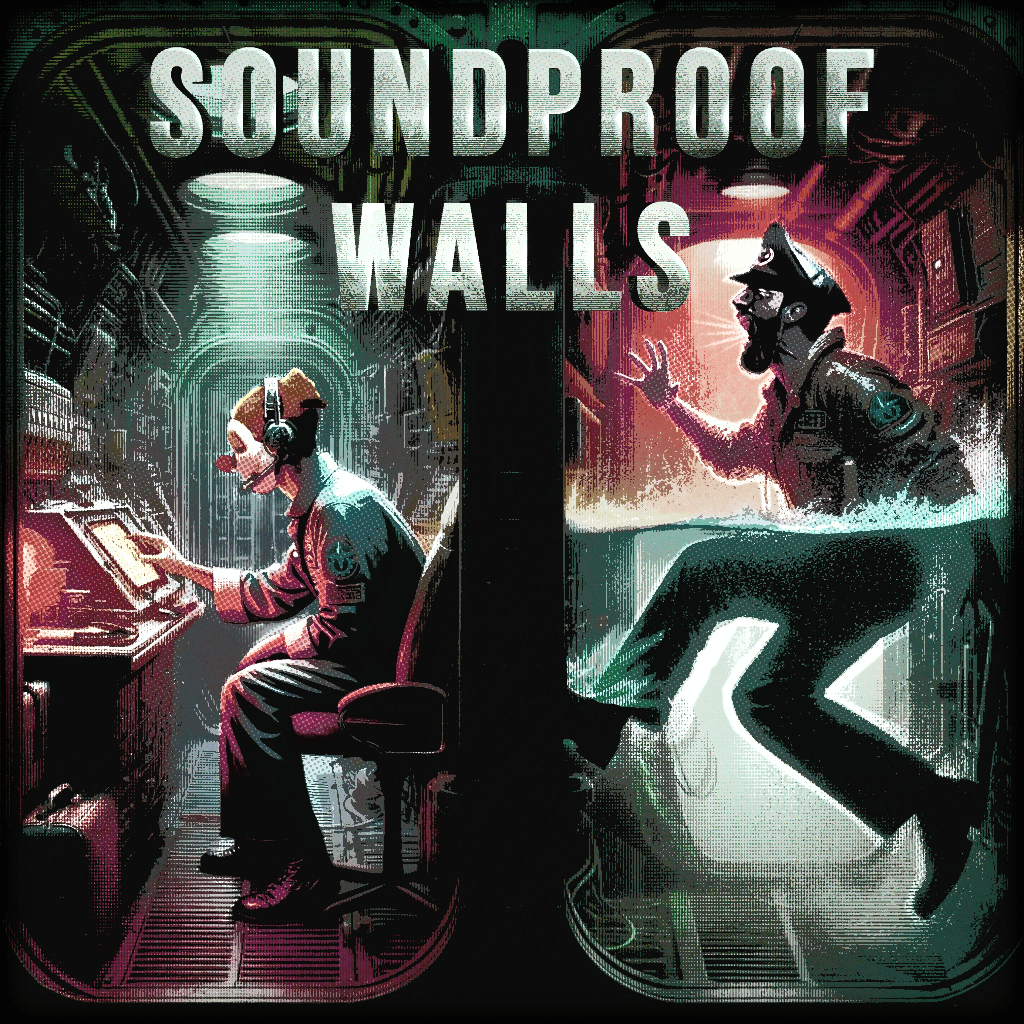
"Did you hear that?" Soundproof Walls 2.0 is a complete audio system overhaul for Barotrauma that enhances the impact, horror, and atmosphere of the original soundscape by adding…
重要 Important - Support language: 简体, 繁體, English, Russian - Github:Barotrauma-Animated - Discord: - Change Note:Steam Changelog - QQ 群: 1042873484 已知问题…
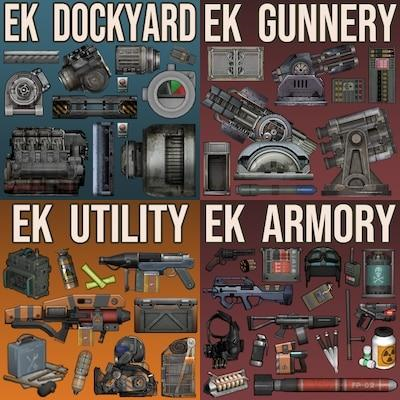
Introduction In order to warm up for an upcoming patch cycle for another title, I've decided to take some time to fix issues for the now-deprecated EK mod series. With that in…
This mod is intended to increase the longevity of Barotrauma. It fully overhauls every job's talent trees, adding a number of new talents, trees, items, turrets, weapons…