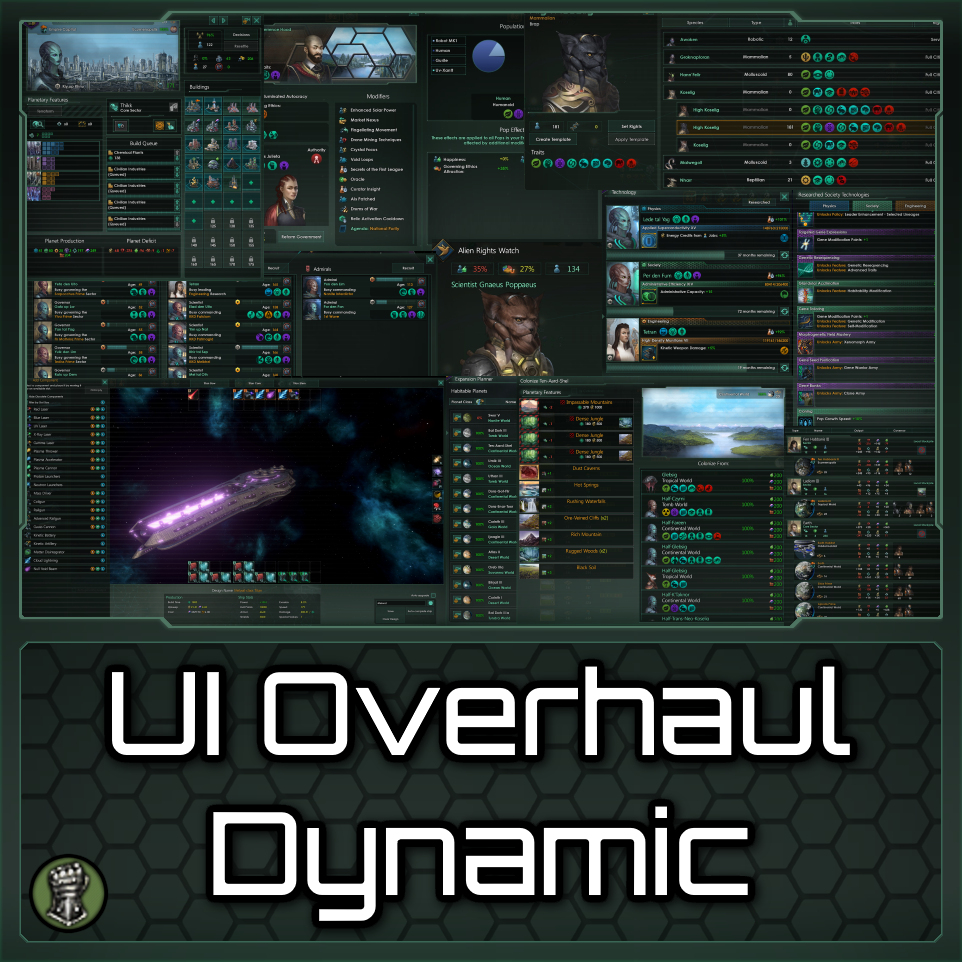
UI Overhaul Dynamic
Для 4.5 ✔️ Changelog Бета-версия Более старые версии 4.3.7 4.2.4 Paradox Mods be️ Патчи совместимости be️ be️ Submods be️ Можно использовать в мультиплеере, даже с игроками, которые..

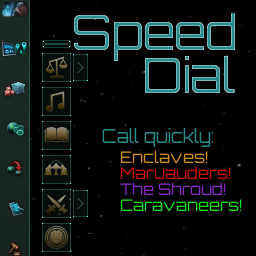
 Мод для Stellaris
от MacAwesome
SpeedDial добавляет кнопки в верхнем левом углу экрана, как только вы устанавливаете связь с анклавами. Кнопки действуют как «скоростной циферблат», позволяя открыть..
SpeedDial — мод для Stellaris (Стелларис) от автора MacAwesome. SpeedDial добавляет кнопки в верхнем левом углу экрана, как только вы устанавливаете связь с анклавами. Кнопки действуют как «скоростной циферблат», позволяя открыть..
На него подписались 110,4 тыс. раз в Мастерской Steam: это 205-е место среди модов Stellaris в нашем каталоге, редкость — «обычный» (нижняя половина по подпискам). Мод давно не обновлялся — проверьте совместимость с текущей версией игры.
Нужны ли ему другие моды, видно на его странице в Мастерской Steam в блоке «Необходимые продукты» — при подписке Steam сам предложит их добавить.
Текст автора на языке оригинала
SpeedDial adds buttons at the top left of your screen once you establish communications with enclaves. The buttons act as a 'speed dial', allowing you to open a diplomacy window with them direct from the main screen without having to navigate to different menus. You can contact the Artisans, Curators, Traders, Marauders, Caravaneers, and the Shroud using these buttons.
Once you discover a trader or curator enclave, an 'extend' button will appear which will let you call a specific enclave. You can then switch the mode to 'fixed' to contact the last enclave you contacted using the extended buttons.
The hover-over tooltip for the Shroud now displays approximate waiting times! The tooltip changes to show if you have to wait less than:
10/5/4/3/2/1 years, and 6/5/4/3/2/1 months
IMPORTANT
If you activate the mod in an old save file, be aware of two things:
Specific Curator calling will be enabled at the end of the first month you play.
The Shroud timer tooltips will be broken if you are currently still in cooldown (ie. you reached into the Shroud before you saved the game, and before you installed/updated this mod). You will get a popup in-game explaining this. To fix the tooltips, wait till you can reach into the shroud again, then let a month tick by.
zraith's Additional Map Modes compatible version [2.1]: here.
SpeedDial for 1.9.*: here SpeedDial for 2.1.*: here SpeedDial for 3.1.*: here (this was "live" version up to patch 3.9.1)
2023-09-26 NOTE: At some point in the past these mods were integrated and supported. It is unknown to what extent they still compatible:
folk's Mercenary Enclave had's Human Fallen Empires
(the following based on relytor's code) XVCV's Unofficial Machine and Synthetic Empire DLC Complex's Unofficial Hive DLC: Forgotten Queens Klaric's Psionic Hive Minds
(the following based on GreenKeldeo's code) the24thds's New Enclaves GreenKeldeo et al's Xenonion News Enclave
This mod should be compatible with all mods which don't modify certain parts of the GUI, such as mapmodes.
If you're using Event Horizon Offset Facility, make sure to also use the compatibility patch
Localisation is English for all languages by default. If you want your own language supported, provide localisation and I'll include it and recognize you here. I've added more to this mod, so further localisation is necessary (Although I've added some localisation lines on occasion).
[✓] Polish by AL|EN [✓] Russian by Isterichka, had and Dimuch62 [RUS], updated by SmokeAnDrink [~] German by killy84 [~] French by EwieFairy and Khyinn [✓] Spanish by SmokeAnDrink [X] Portuguese
[✓] = up to date [~] = not up to date [X] = not done
Thanks to the localisation contributors!
No. The fact that custom buttons exist in a mod makes achievements unavailable - nothing I can do about that.
The trader and curator buttons call a random known trader or curator. Or you can call specific ones using the 'extended' mode
You can switch your mode to 'extended', and call a trader that way. Switching the mode to 'fixed' will change the main buttons to call the last enclave called using the extended lists!
Note for mod compatibility:
This should be compatible with most mods, but may not be compatible with some map mods. If it's not compatible, you'll need to merge the mods in question. See below.
Note for modders:
This mod replaces "maingui_bottombar" inside main_bottom.gui. Four 'effectButtonType' containers are added near the top of the gui file. If your mod edits this file, you'll need to merge both mods and copy over the relevant containers to your new gui file.
From Ryuichiro: Additional note for modders, the Integrated Support for other mods can throw some errors (1 for Mercenary Enclave and 7 for Human Fallen Empires) which don't lead to problems bec
Описание длинное — здесь его начало. Читать целиком на странице автора
Мод ставится подпиской в Мастерской Steam — без архивов, перезаливов и сторонних установщиков
Подробная инструкция для StellarisВставьте значок в описание на Мастерская Steam, в README или в Discord — русскоязычные игроки сразу попадут на страницу с переводом и инструкцией.

[](https://modka.app/stellaris/speeddial/)<a href="https://modka.app/stellaris/speeddial/"><img src="https://modka.app/badge.png" alt="Описание на русском — Модка" height="44"></a>[url=https://modka.app/stellaris/speeddial/]Описание на русском — Модка[/url]Откройте страницу мода «SpeedDial» в Мастерской Steam (кнопка «Скачать» на нашем сайте ведёт именно туда) и нажмите «Подписаться» — Steam сам скачает мод и будет его обновлять. Если Steam покажет список обязательных модов, подпишитесь и на них — без них мод не заработает. Запустите игру: в лаунчере Paradox откройте «Плейсеты» (Playsets), добавьте мод в набор и включите его, затем нажмите «Играть». Если мод не появился в игре, откройте вкладку «Загрузки» в Steam и дождитесь, пока он скачается полностью, затем перезапустите игру. Для игры по сети подпишитесь на одни и те же моды всей компанией: набор модов у хоста и у игроков, как правило, должен совпадать.
Мы ничего не перезаливаем: кнопка скачивания открывает официальную страницу мода в Мастерской Steam. Там нужно нажать «Подписаться» — файлы загрузит и будет обновлять сам Steam.
В сетевой игре Stellaris набор модов у хоста и у остальных игроков, как правило, должен совпадать: подпишитесь на одни и те же моды всей компанией. Исключения — моды, которые меняют только то, что видите и слышите вы сами; точные требования автор пишет в описании мода.
18 января 2024. Это больше года назад: перед установкой проверьте, работает ли мод на текущей версии игры.
Для 4.5 ✔️ Changelog Бета-версия Более старые версии 4.3.7 4.2.4 Paradox Mods be️ Патчи совместимости be️ be️ Submods be️ Можно использовать в мультиплеере, даже с игроками, которые..
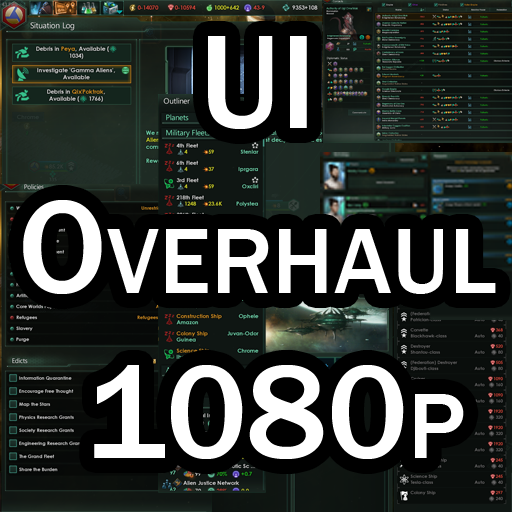
Перестраивает пользовательский интерфейс для масштабирования с разрешением 1080p. Расширяет большинство окон, чтобы минимизировать количество прокрутки, показывая как можно больше информации. Ведущий и текущий..
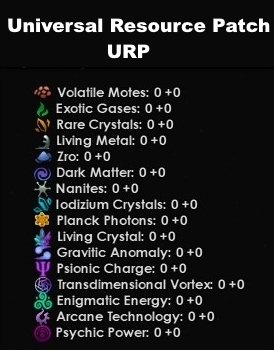
Обновлено для 4.*.*. Обратно совместимы с 3.* и большинством из 2.*. Патч для отображения добавленных стратегических ресурсов из разных модов. Для Stellaris +2.4* Благодаря новому..
Исправьте проблему с модификатором после обновления 2.2.6. С выпуском 2.2.6 дураки Парадокса снова похоронили в пропасть бесчисленное множество модов и моддеров. Этот мод приносит..

Для 4.4 ✔️ Для этого требуется основной мод. Это подмод для UI Overhaul Dynamic, который меняет планировщик, чтобы имитировать внешний вид Tiny Outliner v2. Не управляйте этим с..
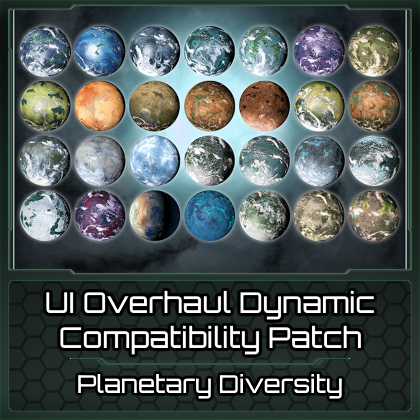
Для патча совместимости 4.4 между динамическим и планетарным разнообразием UI, чтобы Empire Creation соответствовал стилю в UIOD. Можно использовать планетарные..