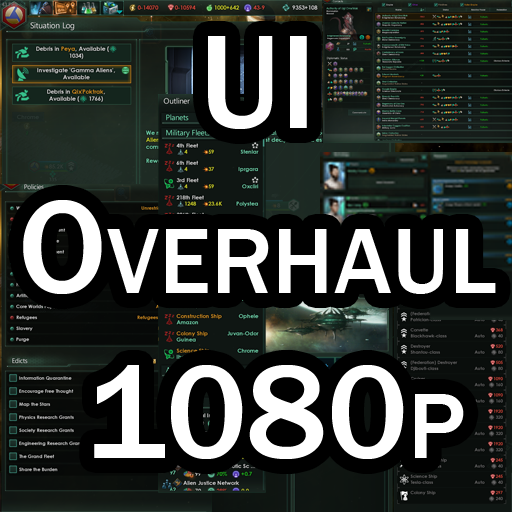
UI Overhaul 1080p Plus [Depricated]
Overhauls the UI to scale for 1080p resolution. Expands most windows to minimize the amount of scrolling needed while showing as much information as possible. Lead and Current…

 Мод для Stellaris
от Orrie
For 4.5 ✔️ 📜 Changelog 📜 Beta Version Older Versions 4.3.7 4.2.4 Paradox Mods ⛓️ Compatibility Patches ⛓️ 🏗️ Submods 🏗️ Can be used in multiplayer, even with players who…
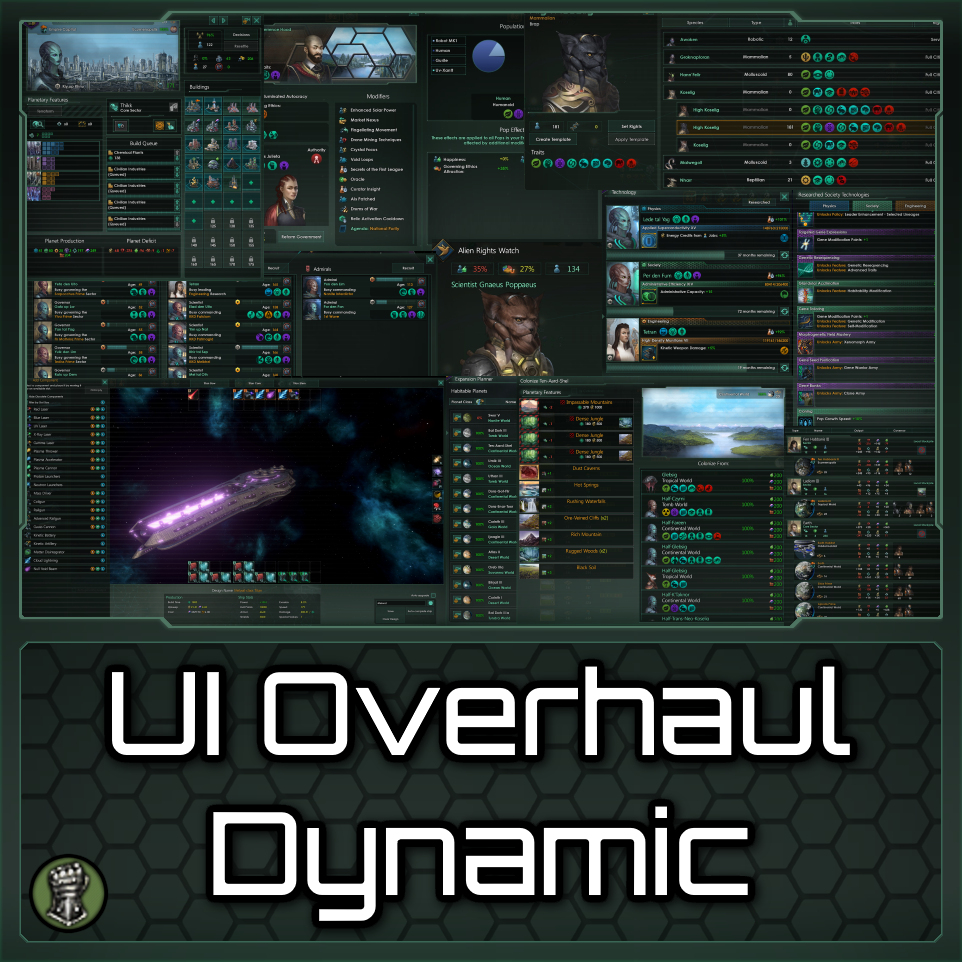
UI Overhaul Dynamic — мод для Stellaris (Стелларис) от автора Orrie. For 4.5 ✔️ 📜 Changelog 📜 Beta Version Older Versions 4.3.7 4.2.4 Paradox Mods ⛓️ Compatibility Patches ⛓️ 🏗️ Submods 🏗️ Can be used in multiplayer, even with players who…
На него подписались 1,8 млн раз в Мастерской Steam: это 1-е место среди модов Stellaris в нашем каталоге, редкость — «легендарный» (топ-5% по подпискам). Мод обновлялся в последние полгода.
Нужны ли ему другие моды, видно на его странице в Мастерской Steam в блоке «Необходимые продукты» — при подписке Steam сам предложит их добавить.
8 шт · нажмите, чтобы открыть
Текст автора на языке оригинала
For 4.5 ✔️
📜 Changelog 📜 — Beta Version — Older Versions — 4.3.7 — 4.2.4 — Paradox Mods
Can be used in multiplayer, even with players who doesn't use it!
This mod is specifically tailored towards 1920 × 1080 and 2560 × 1440, with some support for UI scaling. 3840 × 2160 users can go up to 2.0 on the UI scaling and 2560 × 1440 can go up to 1.3. Wider screens will have some small adaptations to them, like a wider outliner. Smaller resolutions than 1920 × 1080 will in most cases require UI scaling below 1.
Pretty much everything visible has had a change, but the short gist of it;
You can also see the changes in the previews up above.
This mod increases the amount of font sizes, for better text tailoring. This change will break older font mods, and requires them to be updated to match the new font IDs added in this mod. So far, I've worked on a selection of fonts myself, and adapted the popular Improved Font by Clazex, as a start. The names might be confusing, but naming creativity isn't my strongest suit.
Community Font Mods:
Use only one of them.
All support has moved to Discord. You can find older versions of my mods and compatibility patches there.
I'd recommend putting this mod at the very bottom, as in last in your load order. This guarantees proper UI changes, as the launcher loads the mods from top to bottom. Only exception is with specific instructions given with compatibility patches, or if you want a specific UI mod to overrule the changes in this one.
—
Мод ставится подпиской в Мастерской Steam — без архивов, перезаливов и сторонних установщиков
Подробная инструкция для StellarisВставьте значок в описание на Мастерская Steam, в README или в Discord — русскоязычные игроки сразу попадут на страницу с переводом и инструкцией.

[](https://modka.app/stellaris/ui-overhaul-dynamic/)<a href="https://modka.app/stellaris/ui-overhaul-dynamic/"><img src="https://modka.app/badge.png" alt="Описание на русском — Модка" height="44"></a>[url=https://modka.app/stellaris/ui-overhaul-dynamic/]Описание на русском — Модка[/url]Откройте страницу мода «UI Overhaul Dynamic» в Мастерской Steam (кнопка «Скачать» на нашем сайте ведёт именно туда) и нажмите «Подписаться» — Steam сам скачает мод и будет его обновлять. Если Steam покажет список обязательных модов, подпишитесь и на них — без них мод не заработает. Запустите игру: в лаунчере Paradox откройте «Плейсеты» (Playsets), добавьте мод в набор и включите его, затем нажмите «Играть». Если мод не появился в игре, откройте вкладку «Загрузки» в Steam и дождитесь, пока он скачается полностью, затем перезапустите игру. Для игры по сети подпишитесь на одни и те же моды всей компанией: набор модов у хоста и у игроков, как правило, должен совпадать.
Мы ничего не перезаливаем: кнопка скачивания открывает официальную страницу мода в Мастерской Steam. Там нужно нажать «Подписаться» — файлы загрузит и будет обновлять сам Steam.
В сетевой игре Stellaris набор модов у хоста и у остальных игроков, как правило, должен совпадать: подпишитесь на одни и те же моды всей компанией. Исключения — моды, которые меняют только то, что видите и слышите вы сами; точные требования автор пишет в описании мода.
8 октября 2026. Дата берётся с официальной страницы мода при каждом обновлении каталога.
Overhauls the UI to scale for 1080p resolution. Expands most windows to minimize the amount of scrolling needed while showing as much information as possible. Lead and Current…

For 4.4 ✔️ It does require the main mod to run. This is a submod for UI Overhaul Dynamic that changes the outliner to mimic the look from Tiny Outliner v2. ⚠️ Do not run this with…
For 4.4 ✔️ Compatibility patch between UI Overhaul Dynamic and Planetary Diversity so that Empire Creation matches the style in UIOD. It's still possible to use Planetary…
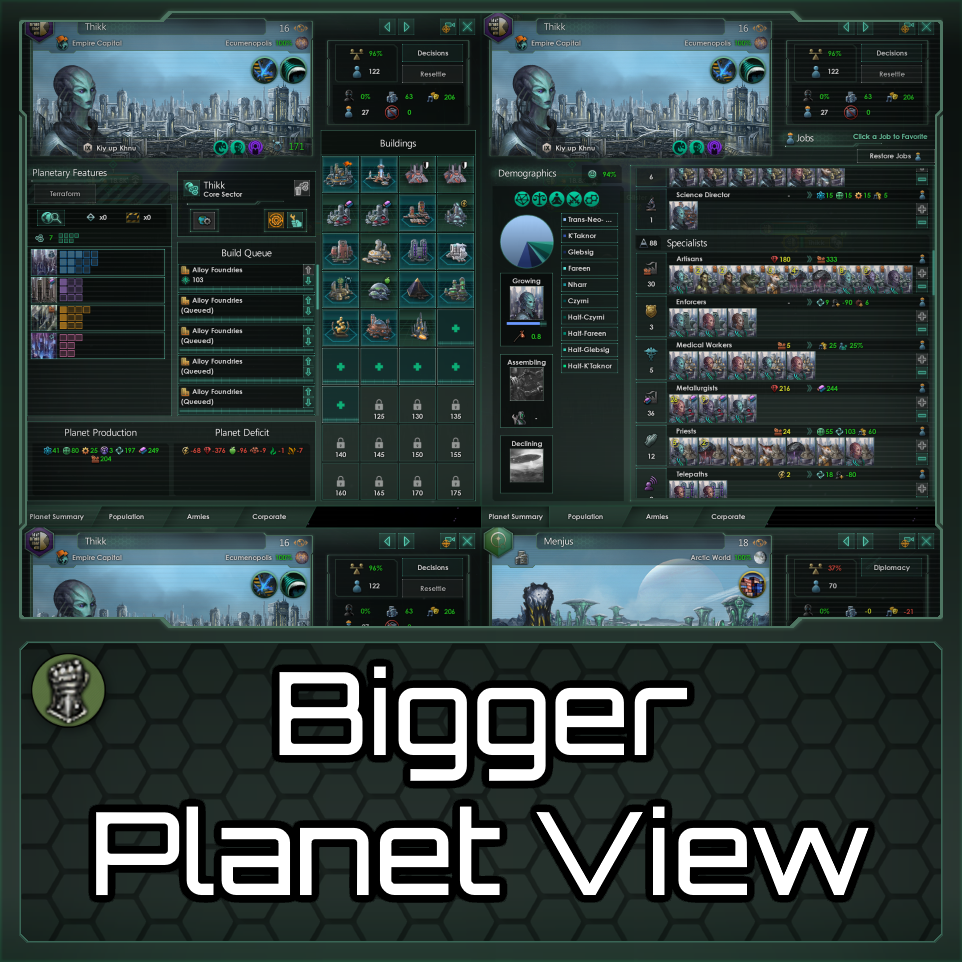
For 3.14.X ⚠️ - Abandoned ❌ Older Versions: 2.2.5 2.6.2 🎀 Building Box Dirty Fix 🎀 Previews are not always up to date. Will no longer be updated due to game changes with version…
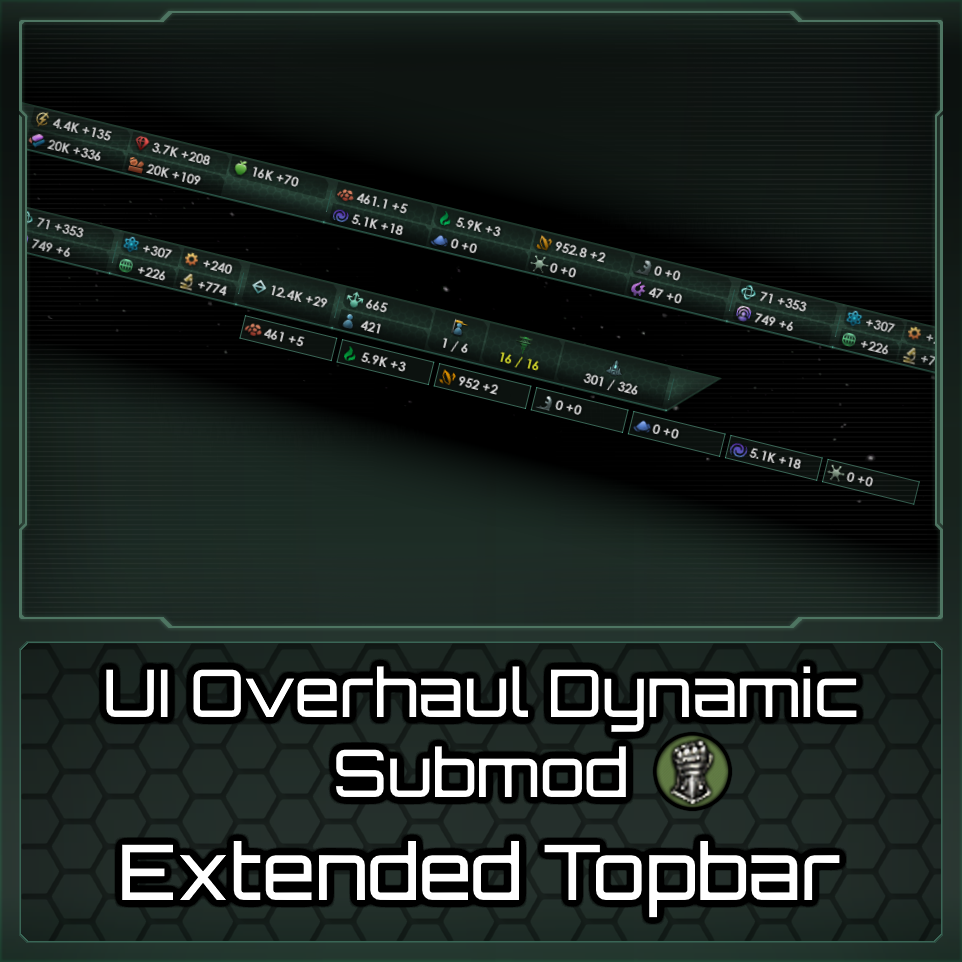
For 4.4 ✔️ A submod for UI Overhaul Dynamic that overhauls the resources displayed on the top toolbar. Doesn't require any other mods, and can be used even without the parent mod.…
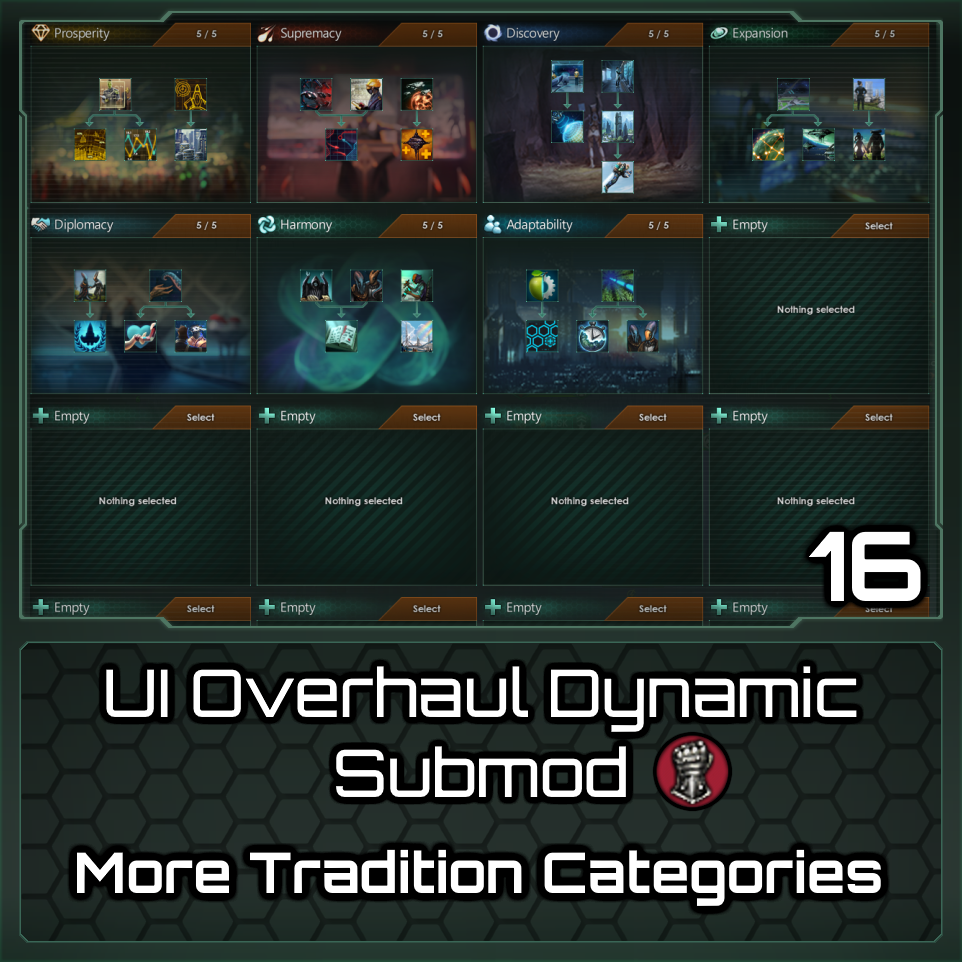
For 4.4 ✔️ It does require the main mod to run. This is a submod for UI Overhaul Dynamic that increases the amount of selectable tradition categories from the default 7 to 16.…