Начните вводить название — например, MoreHead, Sodium или PEAK

Whip's Turret AI Slaving Script — иконка
Обложка Space EngineersМод для Space Engineers

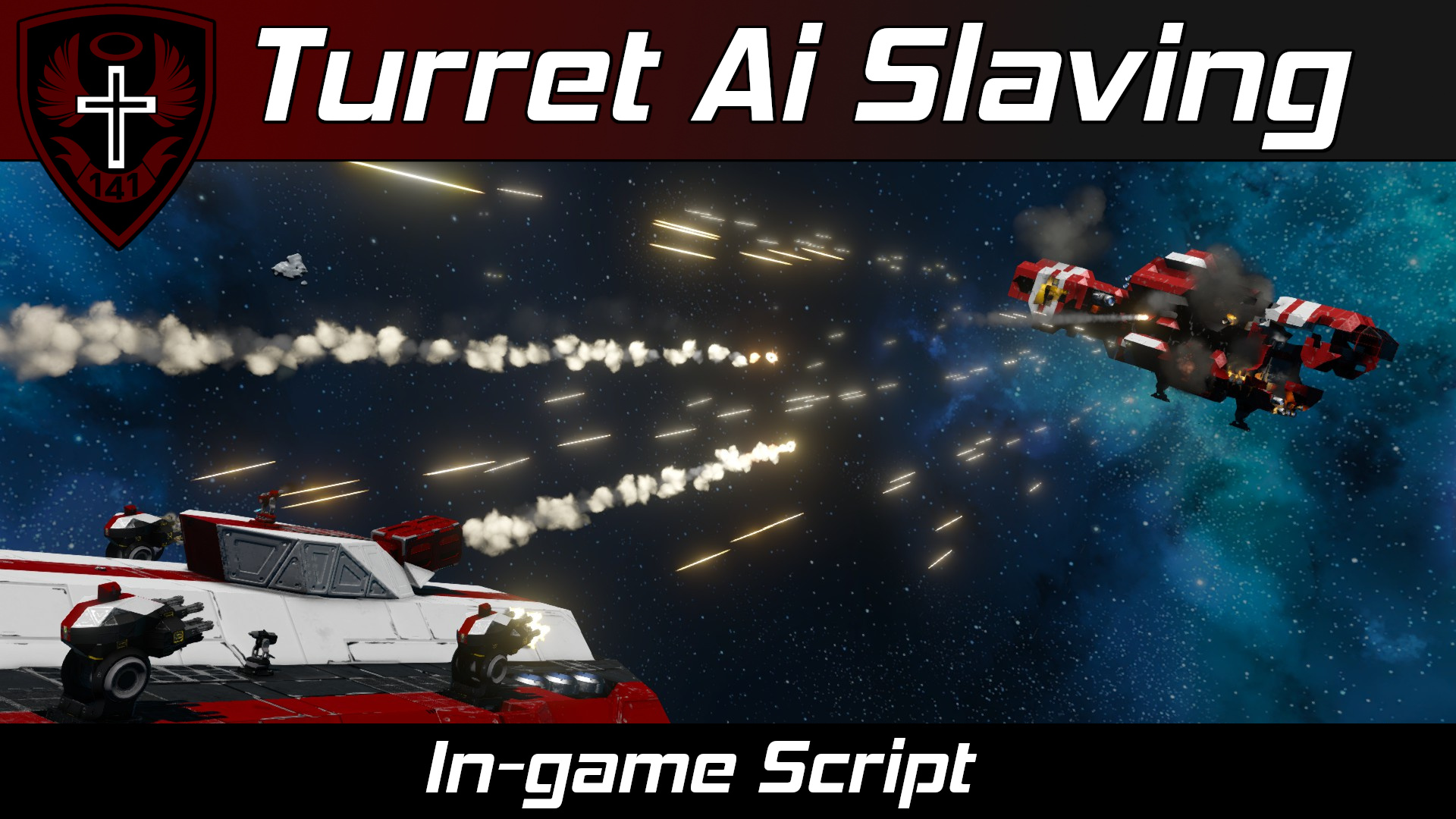
Whip's Turret AI Slaving Script

от Whiplash141

(перенаправлено с «Whip’s AI Rotor Turret Control Script») Примечание В документации ниже «ротор» относится как к роторам, так и к шарнирам! Это связано с тем, что игра рассматривает петли

  • Обычный
  • 91,4 тыс. подписок
  • Обновлён 11 октября 2024
  • Не обновлялся больше года
  • Скрипты

О моде Whip's Turret AI Slaving Script

Whip's Turret AI Slaving Script — мод для Space Engineers (Спейс Инженерс) от автора Whiplash141. (перенаправлено с «Whip’s AI Rotor Turret Control Script») Примечание В документации ниже «ротор» относится как к роторам, так и к шарнирам! Это связано с тем, что игра рассматривает петли

На него подписались 91,4 тыс. раз в Мастерской Steam: это 205-е место среди модов Space Engineers в нашем каталоге, редкость — «обычный» (нижняя половина по подпискам). Мод давно не обновлялся — проверьте совместимость с текущей версией игры.

Нужны ли ему другие моды, видно на его странице в Мастерской Steam в блоке «Необходимые продукты» — при подписке Steam сам предложит их добавить.

Полное описание Whip's Turret AI Slaving Script

Текст автора на языке оригинала

(Previously titled: "Whip's AI Rotor Turret Control Script")

Note

In the documentation below, "rotor" refers to both rotors and hinges! This is because the game considers hinges to be just fancy sideways rotors.

  • Turrets will also avoid shooting through friendly ships with Turret Based Radar or this Turret Slaving script installed.

Description

Howdy!

This script aims player made rotor or hinge based turrets at an AI turret's target. This script also allows you to slave control of other AI turrets to other AI turrets.

Now for some terminology:

  • Designator turret: An AI turret (vanilla or modded) that will be used to give targets to our custom turrets. They must have the word Designator added to their name.
  • Rotor turret: One rotor/hinge and one (or more) secondary rotors/hinges with weapons or tools on them slaved to one (or more) designator turrets (2DOF)
  • Rotor gimbal: One rotor/hinge with weapons or tools on it slaved to one (or more) designator turrets (1DOF)
  • Slaved AI group: One (or more) AI turrets slaved to one (or more) designator turrets

Additionally, you can manually control turret groups by manually controlling the designator.

You can have multiple turret groups controlled by this script simultaneously. You do not need a script for each custom turret group you wish to create.

Script Setup

  • Place this script in a programmable block.
  • Setup rotor turret, rotor gimbal, and slaved AI turret groups (See below sections for more detail).
  • You must run the script with the argument setup to process any new blocks, groups, or custom data changes!

You can heavily customize each turret's behavior in the custom data of the programmable block tha this script runs from (See "Custom Data" section below).

Rotor Turret Group Setup

Required Steps

Create a block group with the following constraints:

  • Rotor turret groups must be named like the following: "Turret Group " where is a unique tag for your turret.

Examples:

  • Turret Group 1
  • Turret Group Tomato
  • Turret Group iLikeTurtles420
  • Each turret group must have the following required blocks:
  • One base rotor/hinge. Each rotor turret only supports one base rotor/hinge. (Name does not mater)
  • One or more secondary rotors/hinges mounted sideways on top of the base rotor/hinge. (Names do not matter)
  • At least one weapon or tool atop each secondary rotor/hinge head (Names do not matter). Accepted blocks include:
  • Any fixed weapon
  • Cameras
  • Ship tools
  • Any light block
  • One or more AI turrets with the name tag "Designator". The type of the turret does not matter, but in survival, it must have ammo to work as a designator.

Optional Steps

  • Add any desired optional blocks to the group:
  • Timers: Can be configured to trigger on shoot or on targeting in the timer's custom data
  • Lights: Can be configured to blink or change color when turret is targeting or idle in the light's custom data
  • You can set rotor/hinge rest positions in the custom data of the rotors/hinges once the code has finished registering your turrets.

Examples

Rotor Gimbal Group Setup

Required Steps

Create a block group with the following constraints:

  • Rotor gimbal groups must be named like the following: "Gimbal Group " where is a unique tag for your gimbal.
  • Each gimbal group must have the following required blocks:
  • A rotor/hinge. Each gimbal group only supports one rotor/hinge. (Name does not mater)
  • At least one weapon or tool atop the rotor/hinge head(Names do not matter). Accepted blocks include:
  • Any fixed weapon
  • Cameras
  • Ship tools
  • Any light block
  • One or more AI turrets with the name tag "Designator". The type of the turret does not matter, but in survival, it must have ammo to work as a designator.

Optional Steps

  • Add any desired optional blocks to the group:
  • Timers: Can be configured to trigger on shoot or on targeting in the timer's custom data
  • Lights: Can be configured to blink or change color when turret is targeting or idle in the light's custom data
  • You can set rotor/hinge rest positions in the custom data of the rotors/hinges once the code has finished registering your turrets.

Examples

Slaved AI Turret Group Setup

Required Steps

Create a block group with the following constraints:

  • Slaved AI groups groups must be named like the following: "Slaved Group " where is a unique identifier for your slaved AI group.
  • Each slaved AI group must have the following required blocks:
  • One or more AI turrets with the name tag "Designator". The type of the turret does not matter, but in survival, it must have ammo to work as a designator.
  • One or more AI turrets without the name tag "Designator".

Optional Steps

  • Add any desired optional blocks to the group:
  • Timers: Can be configured to trigger on shoot or on targeting in the timer's custom data
  • Lights: Can be configured to blink or change color when turret is targeting or idle in the light's custom data

Example

Custom Data Config

After your turret groups are all setup, you can customize the behavior of each one in the custom data of the programmable block.

  • Open the custom data of the programmable block
  • Edit the variables you desire
  • Click "Ok"

The script will process the changes once you run the argument "setup".

Author's Notes

I went through great pains to simplify the setup of this script to reduce confusion. The script is smarter now and will try to auto detect your turrets.

Also, Weapon Core guns/turrets do not appear as weapons to the in-game API, and I have no plans to write mod specific code to support them. You can use timers to fire them.

(Do not reupload without permission, not even to mod.io)

  • Whiplash141

Как установить Whip's Turret AI Slaving Script

Мод ставится подпиской в Мастерской Steam — без архивов, перезаливов и сторонних установщиков

Подробная инструкция для Space Engineers
  1. Откройте страницу мода «Whip's Turret AI Slaving Script» в Мастерской Steam (кнопка «Скачать» на нашем сайте ведёт именно туда) и нажмите «Подписаться» — Steam сам скачает мод и будет его обновлять.
  2. Если Steam покажет список обязательных модов, подпишитесь и на них — без них мод не заработает.
  3. Запустите Space Engineers: моды подключаются к конкретному миру — при создании мира или в его настройках нажмите «Моды» и добавьте мод в список активных.
  4. Если мод не появился в игре, откройте вкладку «Загрузки» в Steam и дождитесь, пока он скачается полностью, затем перезапустите игру.
  5. Для игры по сети подпишитесь на одни и те же моды всей компанией: набор модов у хоста и у игроков, как правило, должен совпадать.
Вы автор мода? Поставьте ссылку на русское описание

Вставьте значок в описание на Мастерская Steam, в README или в Discord — русскоязычные игроки сразу попадут на страницу с переводом и инструкцией.

Описание на русском — Модка
Markdown[![Описание на русском — Модка](https://modka.app/badge.png)](https://modka.app/space-engineers/whip-s-turret-ai-slaving-script/)
HTML<a href="https://modka.app/space-engineers/whip-s-turret-ai-slaving-script/"><img src="https://modka.app/badge.png" alt="Описание на русском — Модка" height="44"></a>
Steam (BBCode)[url=https://modka.app/space-engineers/whip-s-turret-ai-slaving-script/]Описание на русском — Модка[/url]

Частые вопросы о Whip's Turret AI Slaving Script

Как установить Whip's Turret AI Slaving Script?

Откройте страницу мода «Whip's Turret AI Slaving Script» в Мастерской Steam (кнопка «Скачать» на нашем сайте ведёт именно туда) и нажмите «Подписаться» — Steam сам скачает мод и будет его обновлять. Если Steam покажет список обязательных модов, подпишитесь и на них — без них мод не заработает. Запустите Space Engineers: моды подключаются к конкретному миру — при создании мира или в его настройках нажмите «Моды» и добавьте мод в список активных. Если мод не появился в игре, откройте вкладку «Загрузки» в Steam и дождитесь, пока он скачается полностью, затем перезапустите игру. Для игры по сети подпишитесь на одни и те же моды всей компанией: набор модов у хоста и у игроков, как правило, должен совпадать.

Безопасен ли Whip's Turret AI Slaving Script?

Мы ничего не перезаливаем: кнопка скачивания открывает официальную страницу мода в Мастерской Steam. Там нужно нажать «Подписаться» — файлы загрузит и будет обновлять сам Steam.

Нужно ли друзьям ставить Whip's Turret AI Slaving Script?

В сетевой игре Space Engineers набор модов у хоста и у остальных игроков, как правило, должен совпадать: подпишитесь на одни и те же моды всей компанией. Исключения — моды, которые меняют только то, что видите и слышите вы сами; точные требования автор пишет в описании мода.

Когда Whip's Turret AI Slaving Script обновлялся последний раз?

11 октября 2024. Это больше года назад: перед установкой проверьте, работает ли мод на текущей версии игры.

Isy's Solar Alignment Script — иконка

Isy's Solar Alignment Script

Это сценарий выравнивания солнечных панелей, который использует роторы (и шарниры) или гироскопы для выравнивания солнечных панелей для максимальной эффективности. Ключевой особенностью этого сценария является то, что он может..

Эпический240 тыс.Скрипты

MART | Whip's Mouse Aimed Rotor Turret Script — иконка

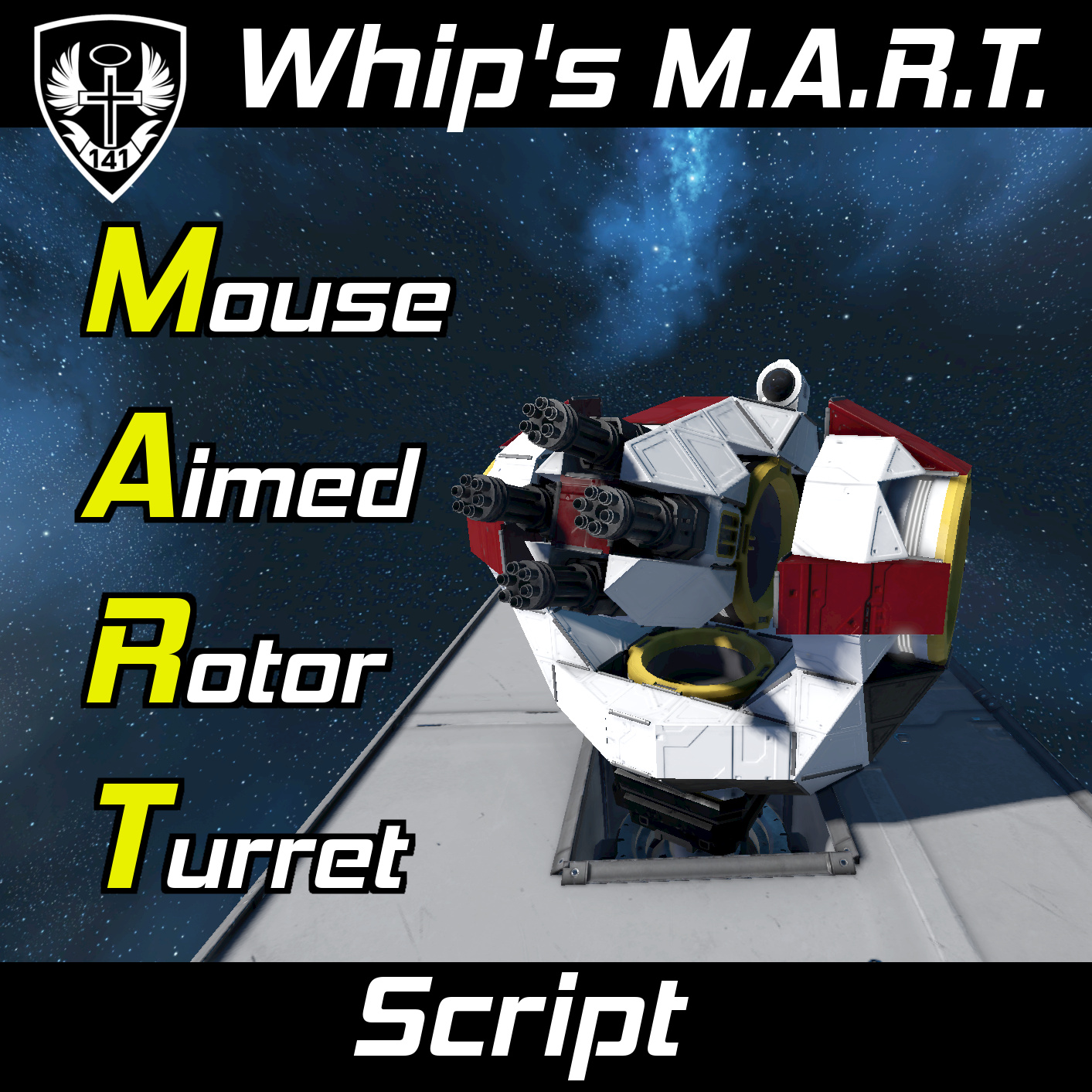
MART | Whip's Mouse Aimed Rotor Turret Script

Да, это работает с шарнирами. Внимание Начиная с версии 1.200, игра теперь правильно синхронизирует входные данные игрока на сиденьях. Это означает, что вы можете использовать MART с несколькими..

Редкий127,5 тыс.Скрипты

Whip's Subgrid Thruster Manager — иконка

Whip's Subgrid Thruster Manager

Ранее называлось «Whip’s Rotor Thruster Manager» Update • Добавлена пользовательская конфигурация данных. Вам больше не нужно открывать код и менять переменные. Добавлена милая маленькая анимационная..

Редкий116,8 тыс.Скрипты

Whip's Auto Door and Airlock Script — иконка

Whip's Auto Door and Airlock Script

Описание "Конечно, я мог бы развернуться и закрыть дверь, как цивилизованный человек. Или я могу позволить роботу сделать это для меня... как современный человек. - Акарий о достоинствах автоматического..

Редкий110,1 тыс.Скрипты

(THYA) Shield HUD Script — иконка

(THYA) Shield HUD Script

Текущая версия сценария 1.7.6b апрель 2025 Этот скрипт отображает экраны кораблей в виде % и/или визуальной панели на ЖК-дисплее. Обсуждение DarkStar's Defense Shield Mod

Обычный85,2 тыс.Скрипты

SWCS | Whip's Subgrid Wheel Control Script — иконка

SWCS | Whip's Subgrid Wheel Control Script

Описание Этот скрипт позволяет управлять рулевым управлением и движением колес, прикрепленных через поршни, роторы или шарниры, используя обычные клавиши движения! Колеса также будут эмулировать тормоза

Обычный79,2 тыс.Скрипты