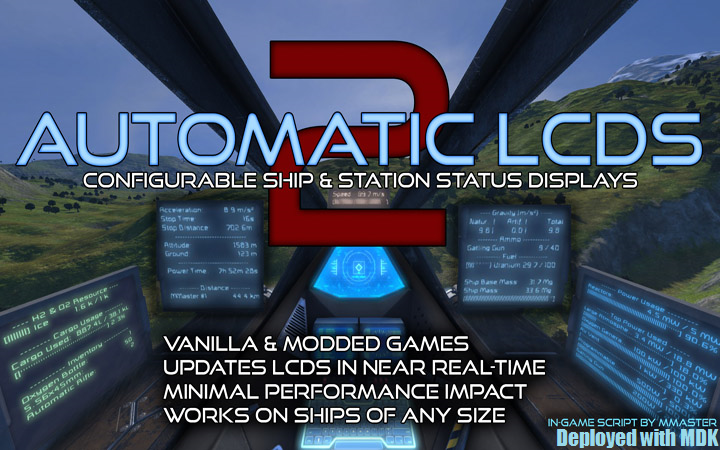
Automatic LCDs 2
Все, что вам нужно знать о вашем корабле и станции, отображается в режиме реального времени на ЖК-панелях в любых ванильных играх. Модированные игры и серверы! Теперь с панелями кабины..

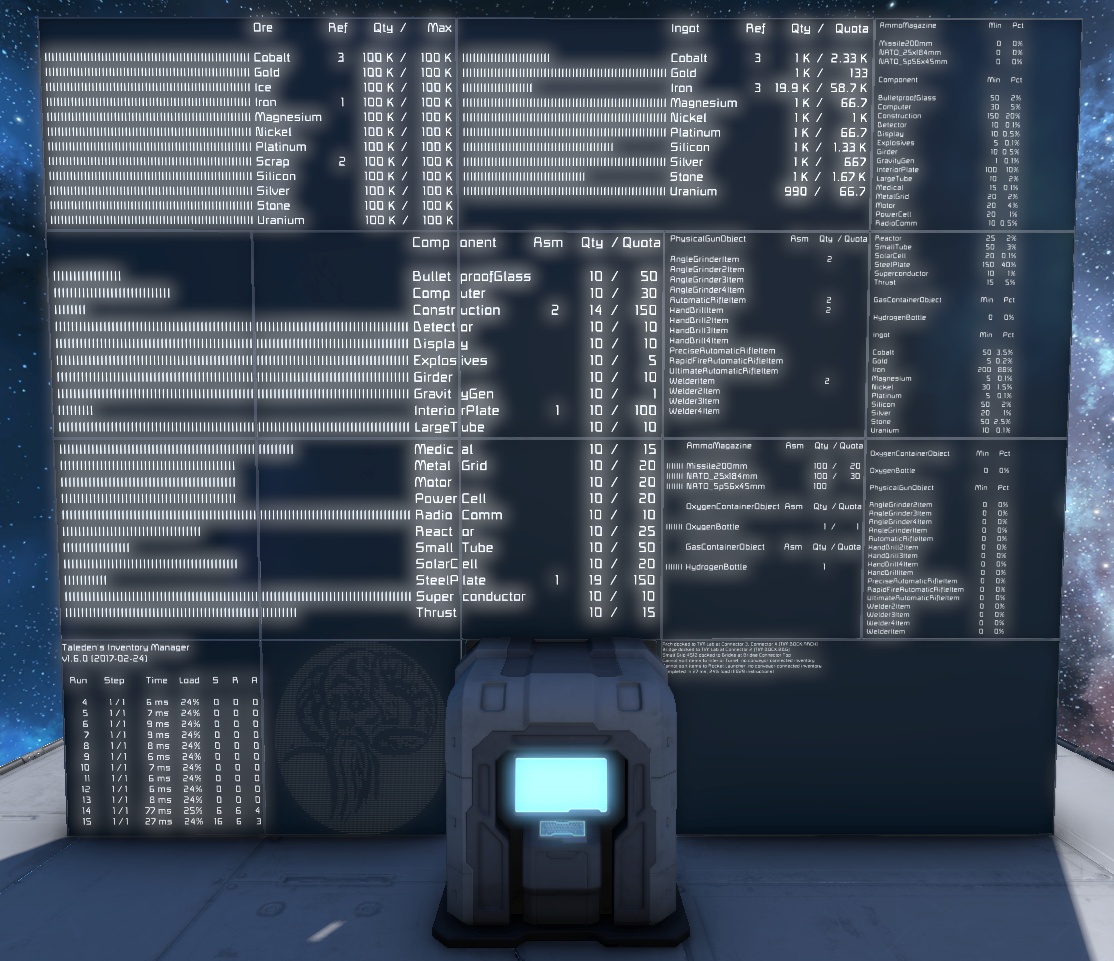
 Мод для Space Engineers
от taleden
LATEST VERSION : v1.6.4 (2017-04-03) См. вкладку «Изменить заметки» на странице семинара для получения подробной информации. DONATIONS TIM является и всегда будет бесплатным; пожертвования не требуются, но если вы..
Taleden's Inventory Manager — мод для Space Engineers (Спейс Инженерс) от автора taleden. LATEST VERSION : v1.6.4 (2017-04-03) См. вкладку «Изменить заметки» на странице семинара для получения подробной информации. DONATIONS TIM является и всегда будет бесплатным; пожертвования не требуются, но если вы..
На него подписались 90,5 тыс. раз в Мастерской Steam: это 207-е место среди модов Space Engineers в нашем каталоге, редкость — «обычный» (нижняя половина по подпискам). Мод давно не обновлялся — проверьте совместимость с текущей версией игры.
Нужны ли ему другие моды, видно на его странице в Мастерской Steam в блоке «Необходимые продукты» — при подписке Steam сам предложит их добавить.
Текст автора на языке оригинала
LATEST VERSION:
v1.6.4 (2017-04-03) See the "Change Notes" tab on the Workshop page for details.
DONATIONS
TIM is and always will be free; donations are not required, but if you like the script and would like to support my development of this and other tools, feel free to contribute:
OVERVIEW
TIM is an in-game script which can help to automate the management of your inventory and industry. It can sort items into various containers according to your prioritized preferences, make sure your Refineries are always focused on the Ore you need refined most urgently, and manage your Assemblers to keep a balanced supply of Components on hand at all times.
TIM combines and expands on the functionality of three main inspirations: the Automated Inventory Sorting mod and the Crafting Components Quotas and Refinery Manager scripts. TIM offers all of their basic features and more:
INSTALLATION
Simply load the script into a Programmable Block, set it to run every few seconds, and away you go! If you're not sure how to do that, follow these steps:
FOR USERS OF THE "Automated Inventory Sorting" MOD
If you're currently using the Automated Inventory Sorting mod, you probably already have dozens of tags set up on all your containers. To give TIM a trial run without having to change any of those tags, simply put "norewrite prefix=" (without the quotes) in the Argument field of the Programmable Block. This will disable TIM's tag prefix so that it recognizes your existing AIS tags (i.e. "[Ingot]" instead of "[TIM Ingot]"), and it will disable TIM's tag rewriting feature so that your tags will be left as-is in case you decide to switch back to AIS. Just remember to disable AIS while you're testing TIM, so they don't fight each other over where to put your stuff.
If you decide to make the switch to TIM, then you'll at least want to remove the "norewrite" argument so that you can benefit from TIM's tag rewriting to let you know when a tag wasn't understood. It is also strongly recommended to re-enable tag prefixes (either by adding a prefix to the "prefix=" argument, or by removing the argument entirely to use the default prefix "TIM"). There are many other mods and scripts that rely on tags in block names, and prefixes are a great way to keep them all from interfering with each other. When you set the prefix you will have to go back and add it to the beginning of all of your existing tags, but in the long run it will be much better for compatibility.
USAGE
Unfortunately the Steam Workshop does not allow descriptions to be long enough to cover all of TIM's features in detail. Full instructions and documentation can be found in the User's Guide:
http://steamcommunity.com/sharedfiles/filedetails/?id=546909551
Мод ставится подпиской в Мастерской Steam — без архивов, перезаливов и сторонних установщиков
Подробная инструкция для Space EngineersВставьте значок в описание на Мастерская Steam, в README или в Discord — русскоязычные игроки сразу попадут на страницу с переводом и инструкцией.

[](https://modka.app/space-engineers/taleden-s-inventory-manager/)<a href="https://modka.app/space-engineers/taleden-s-inventory-manager/"><img src="https://modka.app/badge.png" alt="Описание на русском — Модка" height="44"></a>[url=https://modka.app/space-engineers/taleden-s-inventory-manager/]Описание на русском — Модка[/url]Откройте страницу мода «Taleden's Inventory Manager» в Мастерской Steam (кнопка «Скачать» на нашем сайте ведёт именно туда) и нажмите «Подписаться» — Steam сам скачает мод и будет его обновлять. Если Steam покажет список обязательных модов, подпишитесь и на них — без них мод не заработает. Запустите Space Engineers: моды подключаются к конкретному миру — при создании мира или в его настройках нажмите «Моды» и добавьте мод в список активных. Если мод не появился в игре, откройте вкладку «Загрузки» в Steam и дождитесь, пока он скачается полностью, затем перезапустите игру. Для игры по сети подпишитесь на одни и те же моды всей компанией: набор модов у хоста и у игроков, как правило, должен совпадать.
Мы ничего не перезаливаем: кнопка скачивания открывает официальную страницу мода в Мастерской Steam. Там нужно нажать «Подписаться» — файлы загрузит и будет обновлять сам Steam.
В сетевой игре Space Engineers набор модов у хоста и у остальных игроков, как правило, должен совпадать: подпишитесь на одни и те же моды всей компанией. Исключения — моды, которые меняют только то, что видите и слышите вы сами; точные требования автор пишет в описании мода.
3 апреля 2017. Это больше года назад: перед установкой проверьте, работает ли мод на текущей версии игры.
Все, что вам нужно знать о вашем корабле и станции, отображается в режиме реального времени на ЖК-панелях в любых ванильных играх. Модированные игры и серверы! Теперь с панелями кабины..

Новое крупное обновление этого сценария было выпущено здесь: Надеюсь, вам понравится! С Рождеством всем! Этот текст был теперь заменён текстом выше
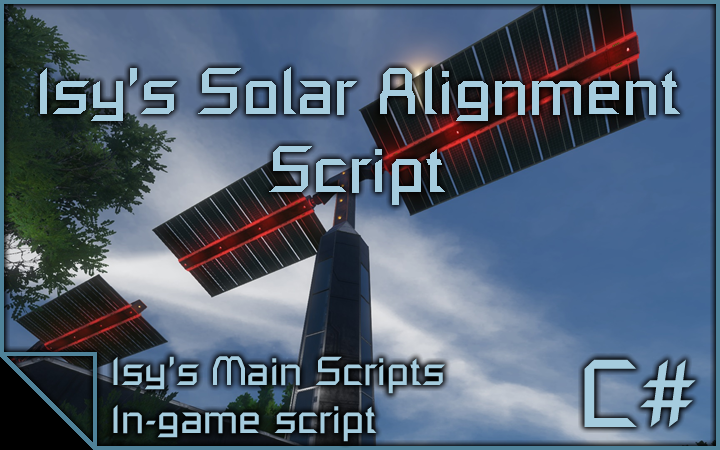
Это сценарий выравнивания солнечных панелей, который использует роторы (и шарниры) или гироскопы для выравнивания солнечных панелей для максимальной эффективности. Ключевой особенностью этого сценария является то, что он может..
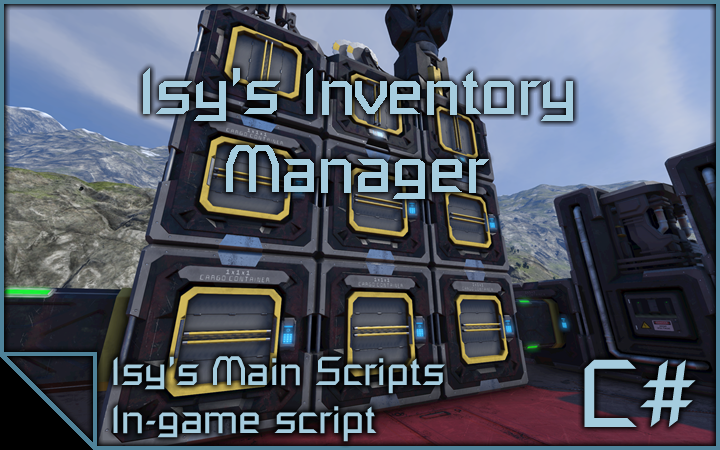
Это сценарий менеджера запасов, который способен сортировать все ваши интемы в грузовых контейнерах определенного типа. Грузовые контейнеры назначаются автоматически, если нет..
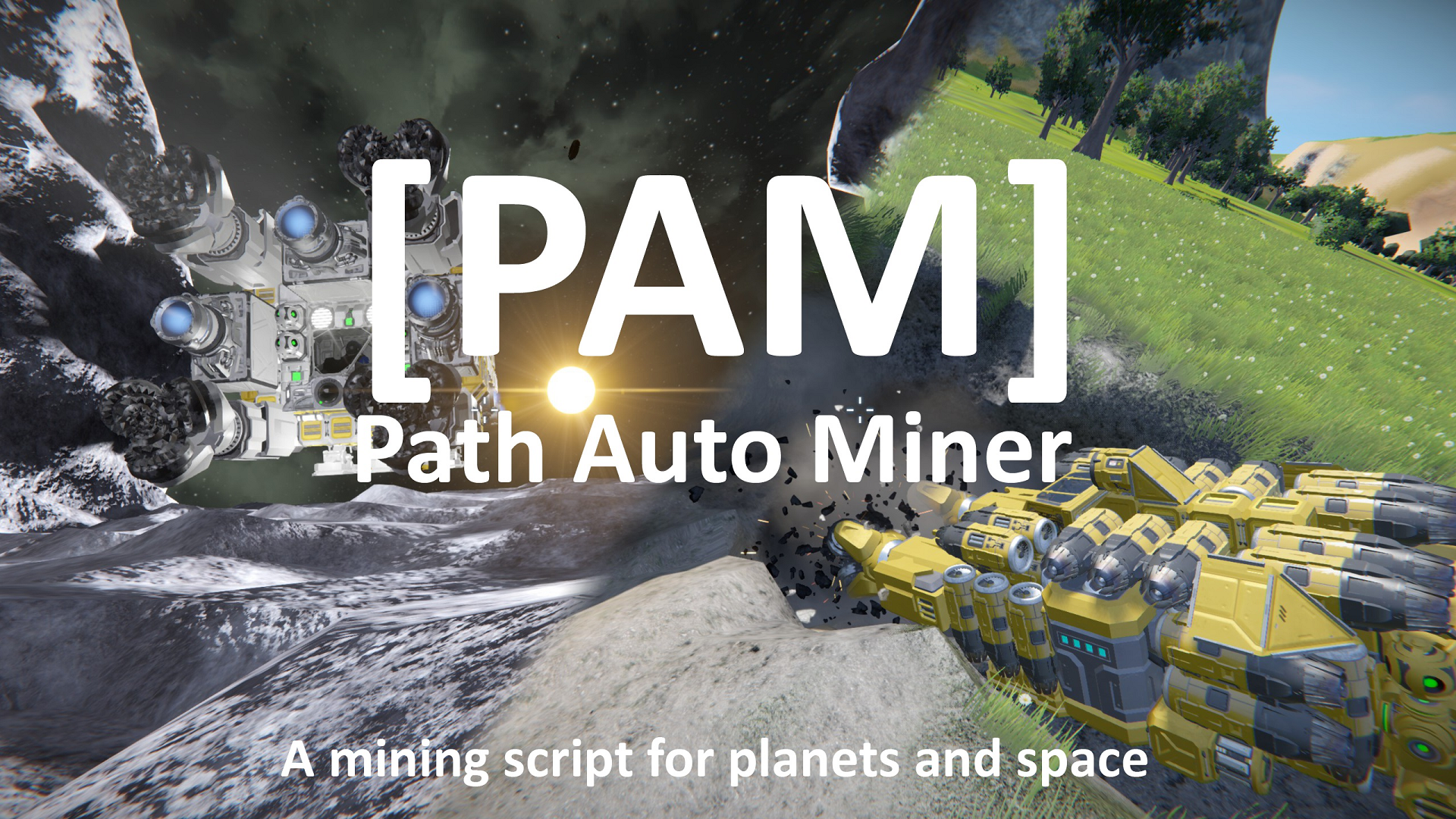
Обновления: 1.3.1: 2019-12-20 - Обновлено до новейшей версии SE Full changelog Info: Разработка PAM остановлена из-за того, что я перестал играть в SE. Сценарий хорошо сочетается с последним..
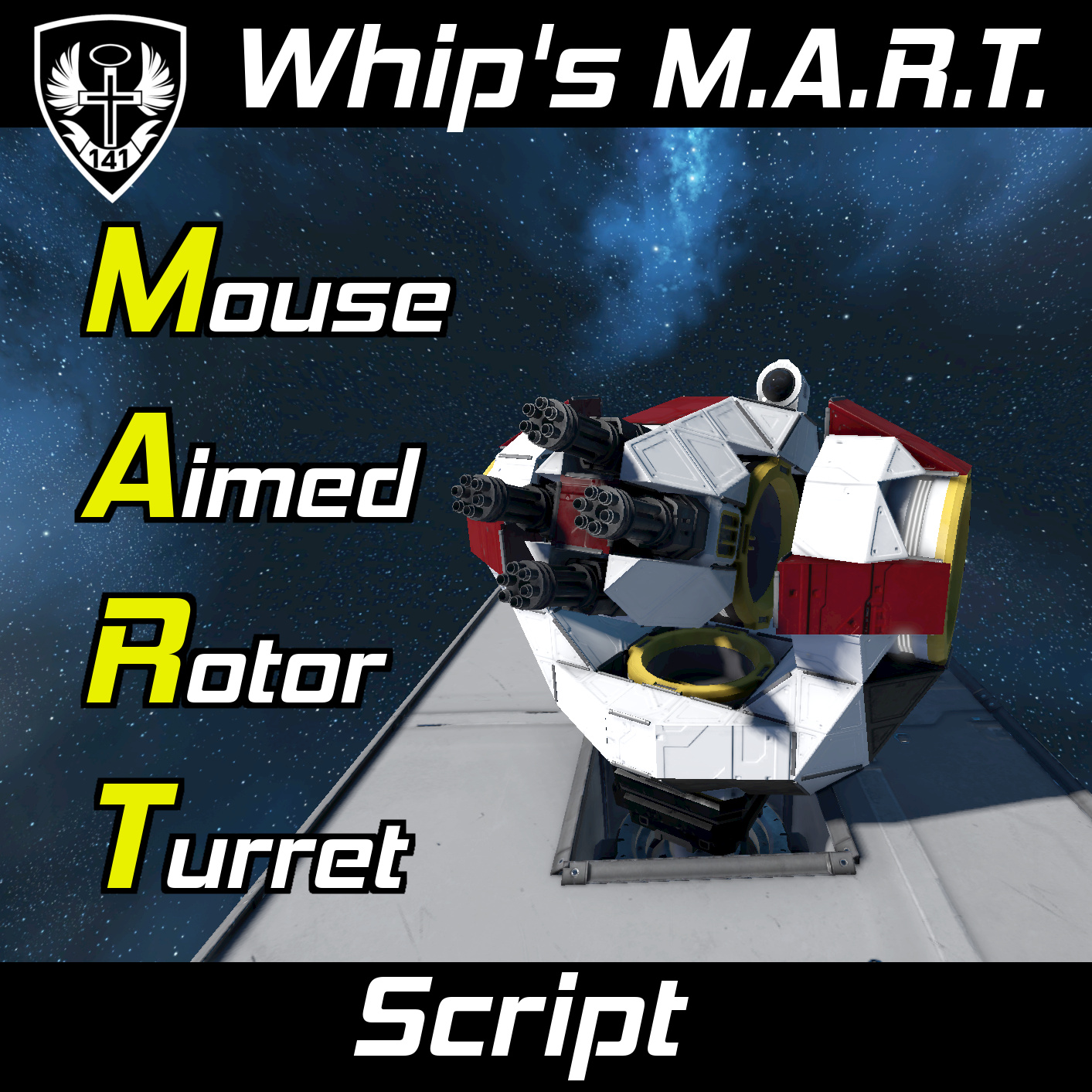
Да, это работает с шарнирами. Внимание Начиная с версии 1.200, игра теперь правильно синхронизирует входные данные игрока на сиденьях. Это означает, что вы можете использовать MART с несколькими..