
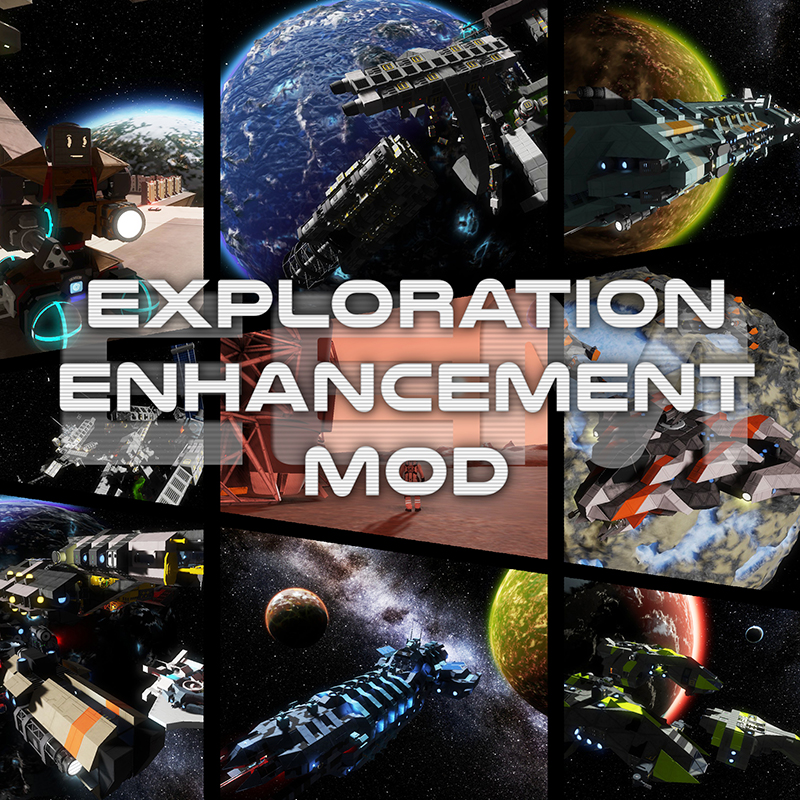
[EEM] Exploration Enhancement Mod
Огромное расширение для вашего опыта выживания, капитальный ремонт геймплея, который принесет вам опыт космического симулятора. Более 200 новых кораблей, станций, обломков и многое другое! Огромное спасибо..

 Мод для Space Engineers
от Gwindalmir
PSA - SUPERGATE - SERVER ADMINS - 2021-09-17!!! Из-за ошибки Keen размещение чего-либо в сетке супергейта приведет к сбою сервера из-за тайм-аута. Это потому, что игра..
[SEE SUPERGATE PSA] Stargate Modpack (Economy Support!) — мод для Space Engineers (Спейс Инженерс) от автора Gwindalmir. PSA - SUPERGATE - SERVER ADMINS - 2021-09-17!!! Из-за ошибки Keen размещение чего-либо в сетке супергейта приведет к сбою сервера из-за тайм-аута. Это потому, что игра..
На него подписались 85,3 тыс. раз в Мастерской Steam: это 227-е место среди модов Space Engineers в нашем каталоге, редкость — «обычный» (нижняя половина по подпискам). Мод давно не обновлялся — проверьте совместимость с текущей версией игры.
Нужны ли ему другие моды, видно на его странице в Мастерской Steam в блоке «Необходимые продукты» — при подписке Steam сам предложит их добавить.
Текст автора на языке оригинала
Due to a Keen bug, placing anything on a supergate grid will cause the server to crash due to a timeout. This is because the game is taking too long to process grid updates now, and if given enough time (60-90 seconds) the operation would complete successfully.
Here are the available workarounds:
THERE IS NO FIX AT THIS TIME.
Nexus support is being done by someone else. No ETA.
NOTE!!!!!!!!! The mod has started to split up. This includes the script. This mod now references that new script mod. Players shouldn't need to change anything, but server admins: make sure your server pulls in the script mod (it should by default).
For players that want a simpler mod configuration, here's the starting list of separate mods: Stargate [Script] Stargate [Ore] Stargate [Gates] Stargate [Factions] Stargate [Energy Production]
More will come as I separate them all.
If you add the mod to an existing world (or have it already active when this update went live), you'll start to see Stargate components on sale in the trading stores after the next economy tick (by default is about 20 minutes or so). Custom factions may not be added unless the world was created (or economy was enabled) after this mod was added.
For maintenance reasons, the Stargate mod is moving here. We sincerely apologize for the inconvenience, but this will allow us to service the mod better. I (Phoenix) am the scripter, so it makes sense to move the mod here, since the scripts are what break and change the most. The old versions will still work for a time, to ease transition, however they will not function forever. This is a drop-in replacement, 100% compatible with the previous versions. You will not lose blocks when switching to this.
If you have a world with the Stargate mod from before the dialing update (Dec 2016), you need to upgrade your DHDs. To do this, enter /stargate upgrade in the chat box. Small ship DHDs must be rebuilt, they won't automatically upgrade.
This is a replacement for both the Stargate, and Stargate (hardcore) mods.
The default is standard, but if you want hardcore, the server admin (or single player) can enter the following chat command: /stargate hardcore on to change it. Takes effect immediately, and will save with the world.
http://steamcommunity.com/workshop/filedetails/discussion/754173702/350540973990913567/
This mod is under constant development, just like Space Engineers itself The mod works for both DX9 and DX11 Models are ready for Creative and Survival
If you install Text HUD API, then when placing the portal, you'll see a helpful guide for finding the 'front' of the gate. The top of the gate is the top when facing down to read the word 'Front'. You can also toggle it after placement by turning on 'Show On Hud' in the terminal.
Note: The gates will stay open 10 sec after the first Engineer went through. This means, all your friends can follow you. Put "[Autoclose=#]" in the DHD name, to autoclose the DHD after # seconds.
Access a terminal and change the option "Iris/Shield" of the gate to "On". The iris will also automatically open for any members of your faction.
Remember, you cannot connect a small Stargate with a Supergate.
+-------------------------------------------------------------+ If you having problems, try deleting the mod and reloading the world to download it again. There seems to be a problem with updating, causing the mod to get corrupted. +-------------------------------------------------------------+
--> If only want a gate and nothing else, you can check this [mod](http://steamcomm
Описание длинное — здесь его начало. Читать целиком на странице автора
Мод ставится подпиской в Мастерской Steam — без архивов, перезаливов и сторонних установщиков
Подробная инструкция для Space EngineersВставьте значок в описание на Мастерская Steam, в README или в Discord — русскоязычные игроки сразу попадут на страницу с переводом и инструкцией.

[](https://modka.app/space-engineers/see-supergate-psa-stargate-modpack-economy-support/)<a href="https://modka.app/space-engineers/see-supergate-psa-stargate-modpack-economy-support/"><img src="https://modka.app/badge.png" alt="Описание на русском — Модка" height="44"></a>[url=https://modka.app/space-engineers/see-supergate-psa-stargate-modpack-economy-support/]Описание на русском — Модка[/url]Откройте страницу мода «[SEE SUPERGATE PSA] Stargate Modpack (Economy Support!)» в Мастерской Steam (кнопка «Скачать» на нашем сайте ведёт именно туда) и нажмите «Подписаться» — Steam сам скачает мод и будет его обновлять. Если Steam покажет список обязательных модов, подпишитесь и на них — без них мод не заработает. Запустите Space Engineers: моды подключаются к конкретному миру — при создании мира или в его настройках нажмите «Моды» и добавьте мод в список активных. Если мод не появился в игре, откройте вкладку «Загрузки» в Steam и дождитесь, пока он скачается полностью, затем перезапустите игру. Для игры по сети подпишитесь на одни и те же моды всей компанией: набор модов у хоста и у игроков, как правило, должен совпадать.
Мы ничего не перезаливаем: кнопка скачивания открывает официальную страницу мода в Мастерской Steam. Там нужно нажать «Подписаться» — файлы загрузит и будет обновлять сам Steam.
В сетевой игре Space Engineers набор модов у хоста и у остальных игроков, как правило, должен совпадать: подпишитесь на одни и те же моды всей компанией. Исключения — моды, которые меняют только то, что видите и слышите вы сами; точные требования автор пишет в описании мода.
25 мая 2024. Это больше года назад: перед установкой проверьте, работает ли мод на текущей версии игры.
Огромное расширение для вашего опыта выживания, капитальный ремонт геймплея, который принесет вам опыт космического симулятора. Более 200 новых кораблей, станций, обломков и многое другое! Огромное спасибо..

Мега-мод Малый корабль Мега-мод пакет для всего, что вам может понадобиться для всех ваших малых судов. Маленькое судно с вентилируемыми стенами..
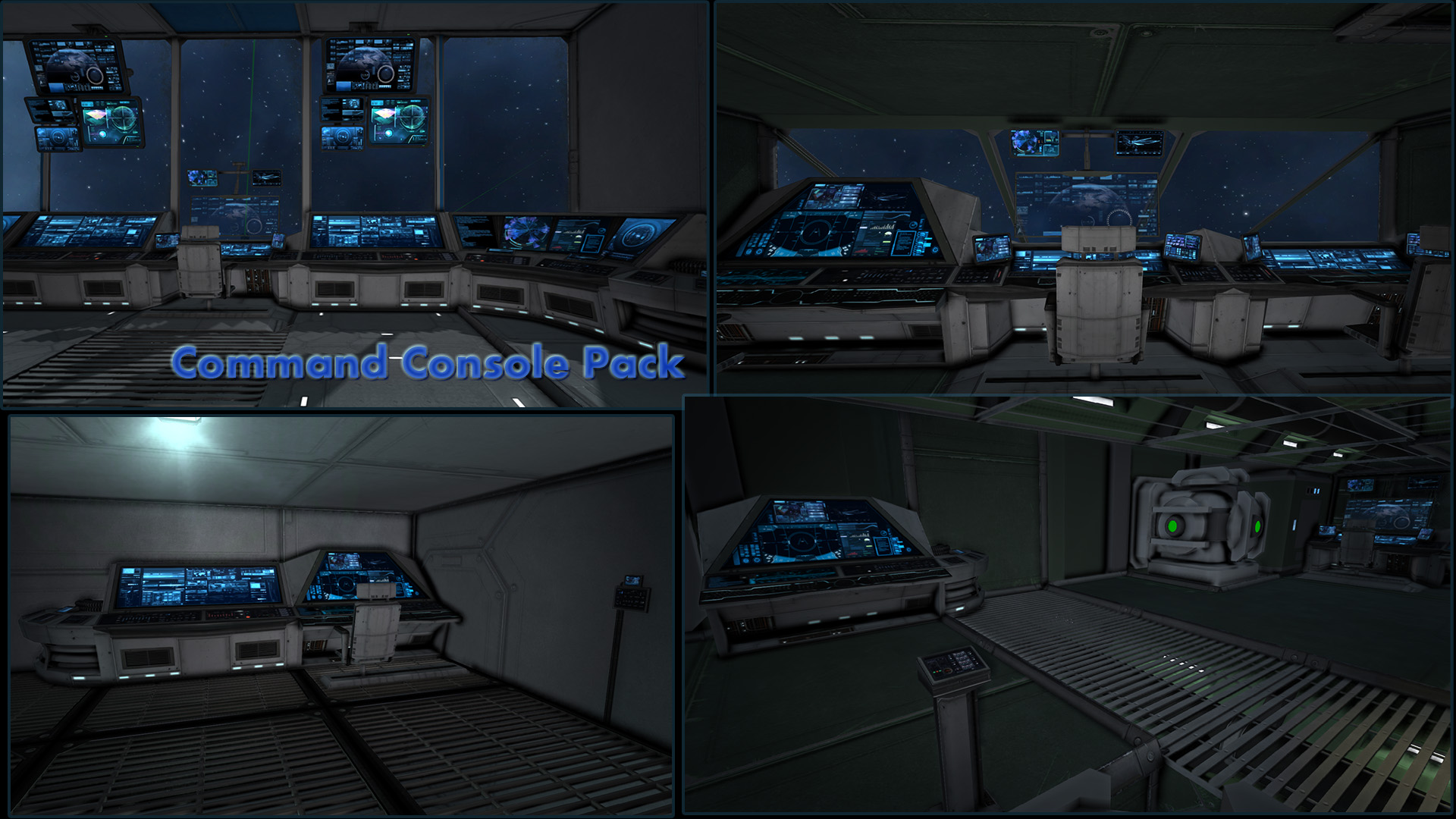
Command Console Pack Fixed DX11 с анимацией (Миллион благодаря Эйкестеру) Теперь выживание готово! Обратите внимание, что это своего рода бета-версия. Нормальных карт не бывает..

The Ultimate Complete Azimuth Mega Mod Pack Azimuth Complete Mega Mod Pack~(DX-11 Ready) This Ultimate Azimuth mod pack consists of TumbleTV/Vergil's Epic mod creations they have…
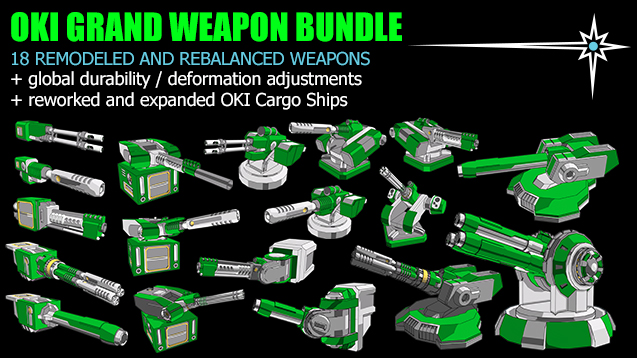
Состояние мода! Текущая версия очень устарела и больше не поддерживается, поэтому используйте одну из перезагрузок, представленных ниже! Повторная загрузка Seff Please use this much..
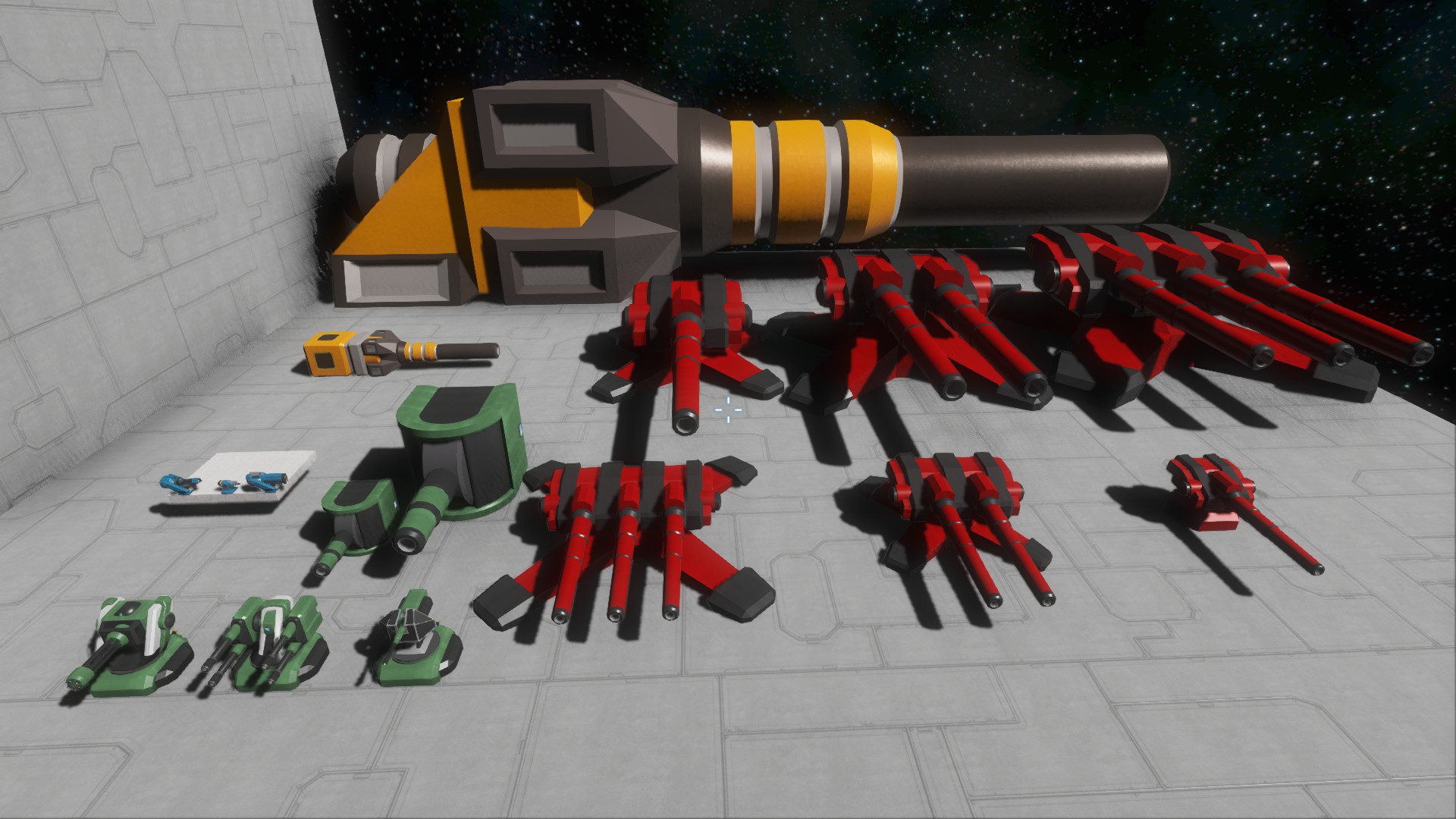
>>Автопушечные башни<<< "300 мм" Автопушка 1x1x1 ReloadTime: 4 сек "2x300 мм" Автопушка 3x1x3 ReloadTime: 6 сек "3x300 мм" Автопушка 5x1x5 ReloadTime: 8 сек "300 мм" Сбоку..