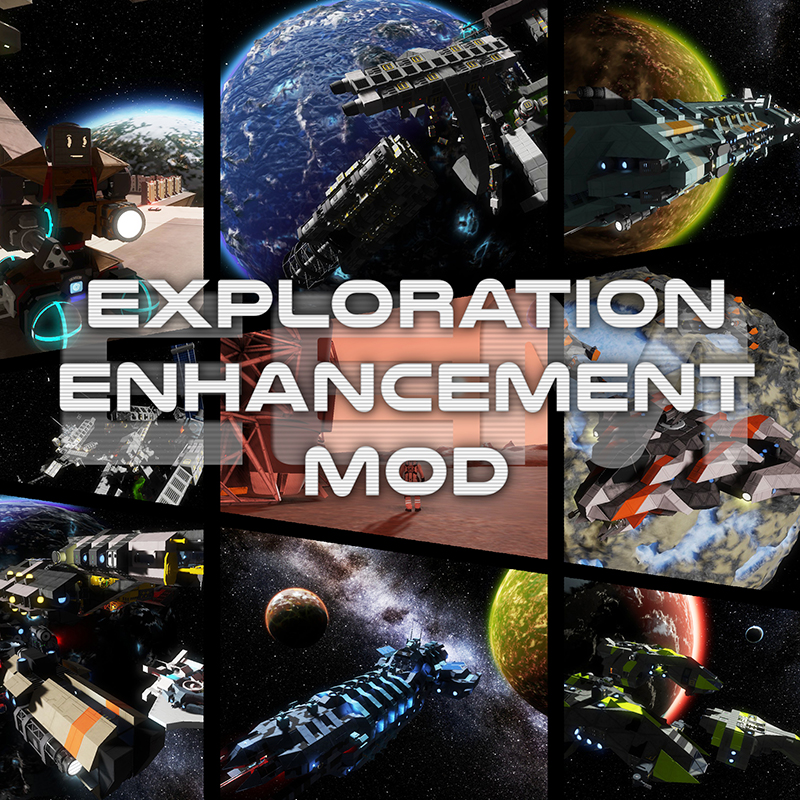
[EEM] Exploration Enhancement Mod
Огромное расширение для вашего опыта выживания, капитальный ремонт геймплея, который принесет вам опыт космического симулятора. Более 200 новых кораблей, станций, обломков и многое другое! Огромное спасибо..

 Мод для Space Engineers
от DraygoKorvan
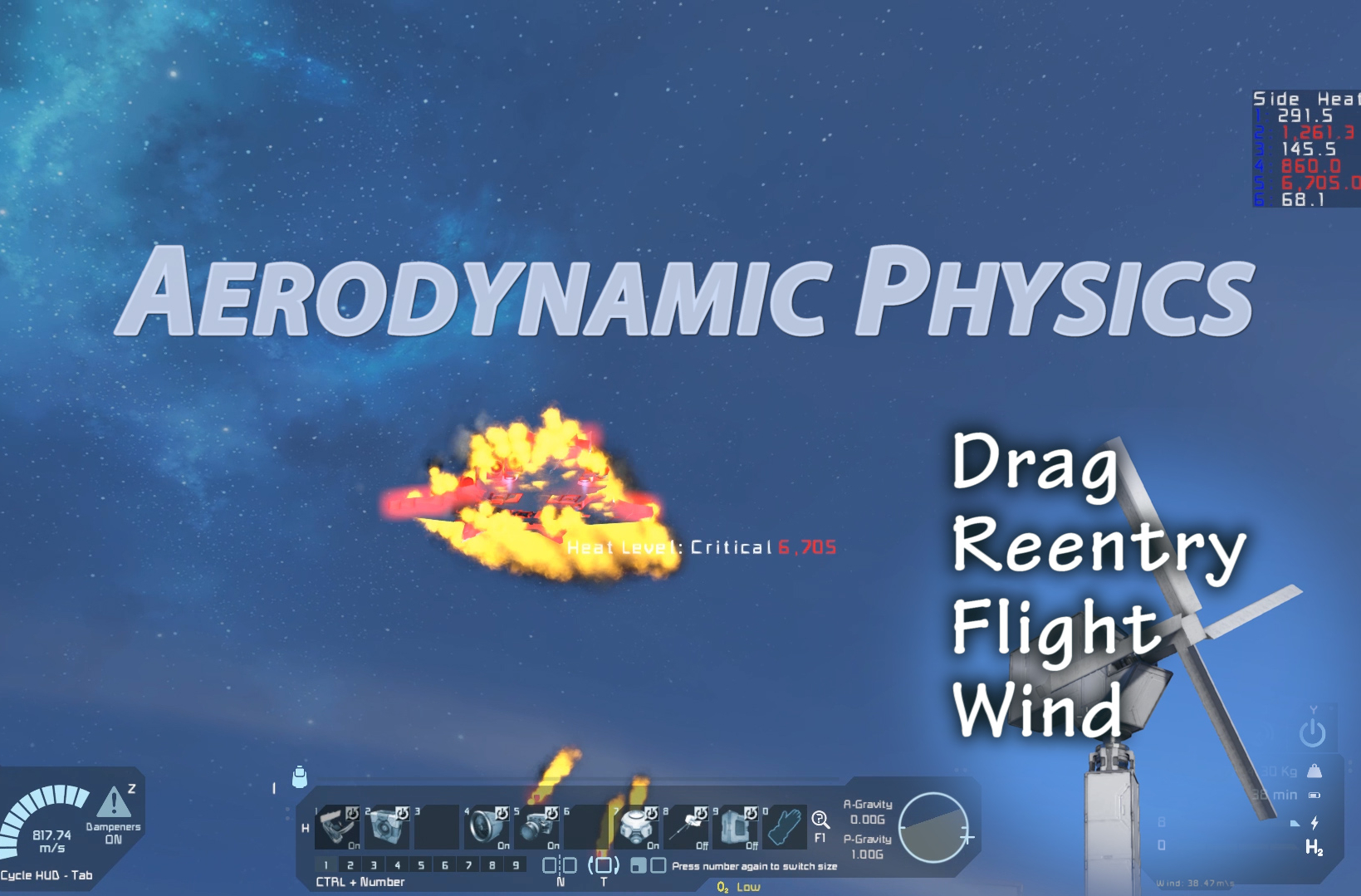
Добавляет профили лифтов во все сетки игры. Добавляет смертельное возвращение в игру. Добавляет ветер в игру. Физическое моделирование включает в себя силы сопротивления, силы отклонения, подъем..
Aerodynamic Physics — мод для Space Engineers (Спейс Инженерс) от автора DraygoKorvan. Добавляет профили лифтов во все сетки игры. Добавляет смертельное возвращение в игру. Добавляет ветер в игру. Физическое моделирование включает в себя силы сопротивления, силы отклонения, подъем..
На него подписались 182,8 тыс. раз в Мастерской Steam: это 61-е место среди модов Space Engineers в нашем каталоге, редкость — «редкий» (топ-50% по подпискам). Мод давно не обновлялся — проверьте совместимость с текущей версией игры.
Нужны ли ему другие моды, видно на его странице в Мастерской Steam в блоке «Необходимые продукты» — при подписке Steam сам предложит их добавить.
Текст автора на языке оригинала
Adds lift profiles to all grids in the game. Adds deadly reentry to the game. Adds wind to the game.
Physics simulation includes, drag forces, deflection forces, lift, differential lift, ground effect.
Ground effect will calculate based on altitude from voxels or water. Mod compatible with digi's wings blocks (this mod may override the physics of his mod).
Q: Drag does not feel like it is taking effect, I cant seem to get reentry to work? A: Usually this is because you are running an unlimited speed mod or using relative top speed. In either of these cases if you want reentry to happen at lower speeds please change the Simulation Max Speed to a lower value. The Debug GUI will tell you what the simulated mach 5 is (m5), and simulated reentry ablation speeds (ab). ab is the speed that aggressive reentry heat happens.
You can access a graphical admin menu with Alt + F10 (Or Shift + Alt + F10) Player preferences menu is accessed by opening chat and pressing F2, these settings are global and apply to any online or private save.
Open Chat and press F2, then click Mod Settings
(Alt+F10 menu or Shift+Alt+F10 on some computers - Top Left Corner)
Mod will automatically adjust drag to be more realistic with higher maximum speeds. This is to allow drag to feel natural in worlds with 150m/s top speeds, and worlds without a top speed.
Mod takes in account your ship's design. If you have a sleek jet like design, flying forward will result in less drag, if you pitch up exposing the surface area of your wings to the direction of travel you will increase the drag and slow down faster.
Heat is calculated by adding or removing energy from the surfaces of your ship. It will dissipate on its own. Ideally you wont overheat from regular planetary travel, unless you strap a ton of thrusters on.
Ship drag and lift is pre-calculated in a separate thread to prevent lagging the main game thread.
Math behind it:
D = (Cd * r * V^2 * A ) / 2
D = Drag Force (this is a force, it is applied to the craft with the opposite vector as the crafts direction of travel, mass impacts the delta v applied to the craft) Cd= (coefficient of drag, varies based on max speed and drag multiplier setting) r = density of the air at your particular elevation this is the games air density multiplied by the actual air density of well, air. V^2 = velocity squared A = Surface area of your ship facing the direction of travel. (Yes, very close to the actual surface area!)
The following file will let your retrieve certain settings from this mod, such as the digi setting and advlift. https://github.com/DraygoKorvan/ModAPI/blob/master/RemoteDragSettings.cs
Aerodynamic block properties can be modified using Mod Definition Extensions, details on discord.
Описание длинное — здесь его начало. Читать целиком на странице автора
Мод ставится подпиской в Мастерской Steam — без архивов, перезаливов и сторонних установщиков
Подробная инструкция для Space EngineersВставьте значок в описание на Мастерская Steam, в README или в Discord — русскоязычные игроки сразу попадут на страницу с переводом и инструкцией.

[](https://modka.app/space-engineers/aerodynamic-physics/)<a href="https://modka.app/space-engineers/aerodynamic-physics/"><img src="https://modka.app/badge.png" alt="Описание на русском — Модка" height="44"></a>[url=https://modka.app/space-engineers/aerodynamic-physics/]Описание на русском — Модка[/url]Откройте страницу мода «Aerodynamic Physics» в Мастерской Steam (кнопка «Скачать» на нашем сайте ведёт именно туда) и нажмите «Подписаться» — Steam сам скачает мод и будет его обновлять. Если Steam покажет список обязательных модов, подпишитесь и на них — без них мод не заработает. Запустите Space Engineers: моды подключаются к конкретному миру — при создании мира или в его настройках нажмите «Моды» и добавьте мод в список активных. Если мод не появился в игре, откройте вкладку «Загрузки» в Steam и дождитесь, пока он скачается полностью, затем перезапустите игру. Для игры по сети подпишитесь на одни и те же моды всей компанией: набор модов у хоста и у игроков, как правило, должен совпадать.
Мы ничего не перезаливаем: кнопка скачивания открывает официальную страницу мода в Мастерской Steam. Там нужно нажать «Подписаться» — файлы загрузит и будет обновлять сам Steam.
В сетевой игре Space Engineers набор модов у хоста и у остальных игроков, как правило, должен совпадать: подпишитесь на одни и те же моды всей компанией. Исключения — моды, которые меняют только то, что видите и слышите вы сами; точные требования автор пишет в описании мода.
23 октября 2024. Это больше года назад: перед установкой проверьте, работает ли мод на текущей версии игры.
Огромное расширение для вашего опыта выживания, капитальный ремонт геймплея, который принесет вам опыт космического симулятора. Более 200 новых кораблей, станций, обломков и многое другое! Огромное спасибо..
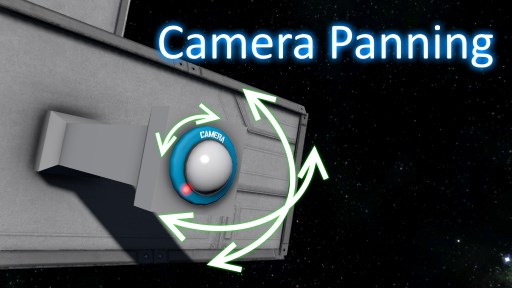
Этот мод позволяет игрокам изменять направление камеры во время просмотра. Работает для любого блока камеры, моддированной или ванильной. Как использовать в игре При просмотре фотоаппарата мод будет..
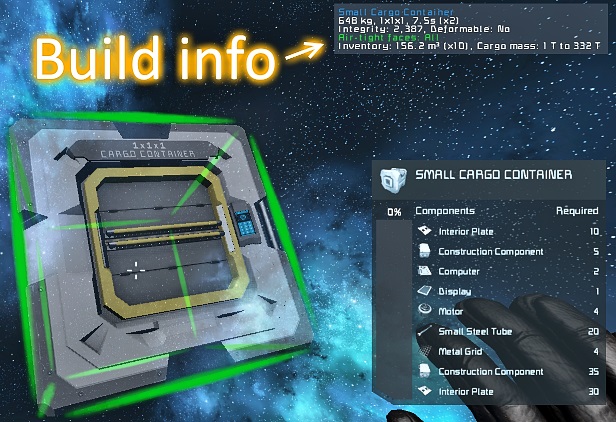
Отображает больше информации о блоке, который вы держите или нацеливаетесь, а также другие функции, перечисленные ниже. Поиск утечек воздуха был перенесен в отдельную версию! Это означает, что вы..

Это контекстное меню быстрого доступа, основанное на оригинальном Build Vision от Jimmacle, предназначенное для дополнения терминала игры. Большую часть времени терминал работает просто отлично

The Ultimate Complete Azimuth Mega Mod Pack Azimuth Complete Mega Mod Pack~(DX-11 Ready) This Ultimate Azimuth mod pack consists of TumbleTV/Vergil's Epic mod creations they have…
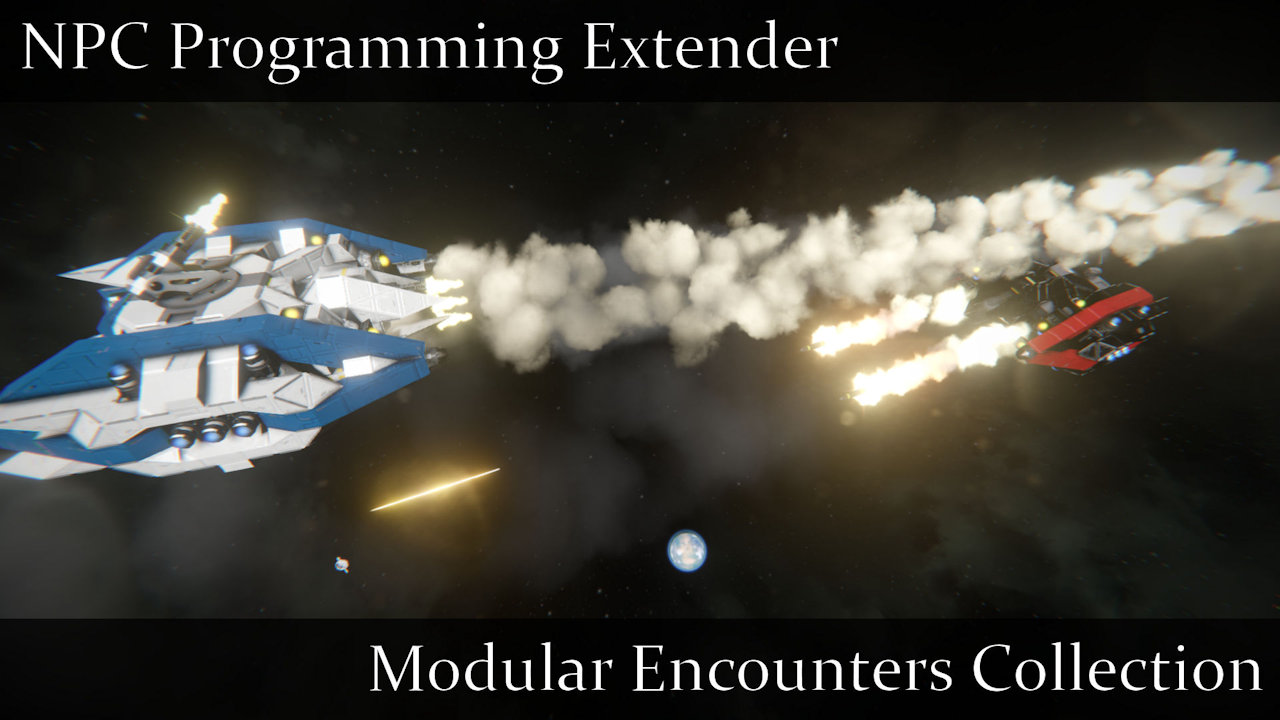
Meridius IX ушел из моды щелкнуть Вот для более подробной информации. Описание Этот мод добавляет несколько новых пользовательских методов, которые беспилотники, принадлежащие NPC, могут использовать для расширения своих возможностей