
New Legend Mod (Creative)
CURRENT VERSION New Legend Mod 3.2.3 ABOUT LEGEND MOD Приветствуем механику подписки на Legend Mod, созданную командой игроков из Китая под названием Legend Team. Legend Mod является..

 Мод для Scrap Mechanic
от Xesau
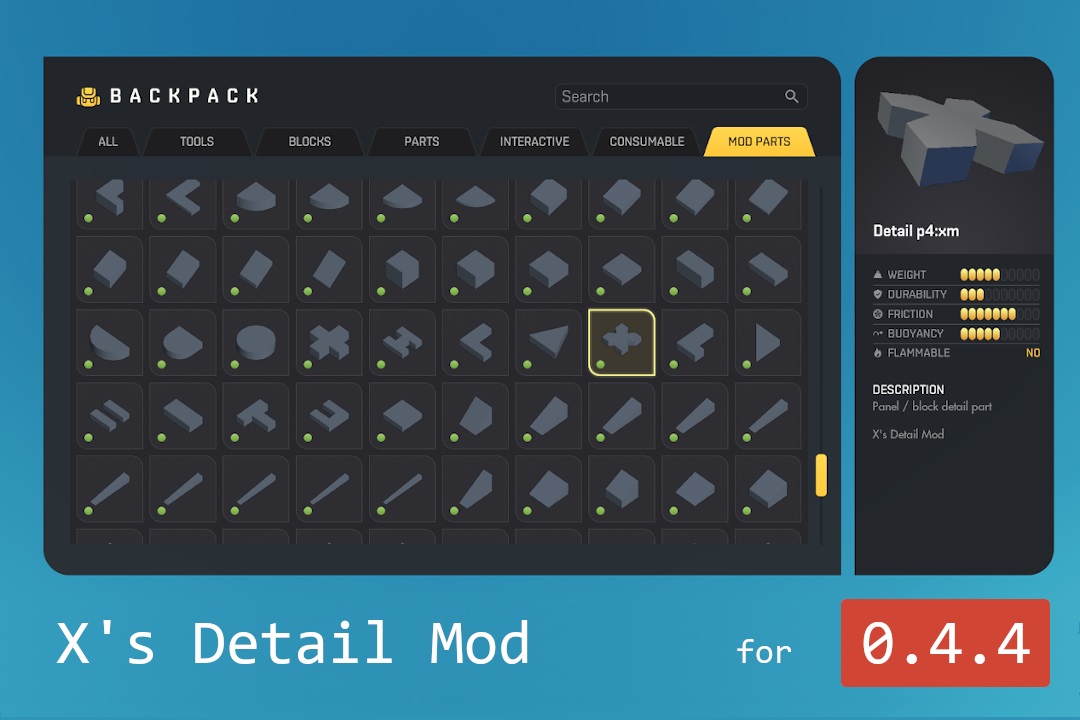
Режим X's Detail Mod добавляет в игру около 300 деталей. Эти части особенно полезны для детализации ваших творений или создания вещей в микромасштабе. (Нет, вы не первый, кто...)
X's Detail Mod — мод для Scrap Mechanic (Скрап Механик) от автора Xesau. Режим X's Detail Mod добавляет в игру около 300 деталей. Эти части особенно полезны для детализации ваших творений или создания вещей в микромасштабе. (Нет, вы не первый, кто...)
На него подписались 163,5 тыс. раз в Мастерской Steam: это 24-е место среди модов Scrap Mechanic в нашем каталоге, редкость — «эпический» (топ-20% по подпискам). Мод давно не обновлялся — проверьте совместимость с текущей версией игры.
Нужны ли ему другие моды, видно на его странице в Мастерской Steam в блоке «Необходимые продукты» — при подписке Steam сам предложит их добавить.
6 шт · нажмите, чтобы открыть
Текст автора на языке оригинала
X's Detail Mod adds around 300 parts to your game! These parts are especially useful to detail your creations or build things at micro-scale. (No, you are not the first one to notice that some parts in this mod look very much like parts in the Modpack Polygons. I've talked with Durf about this. No worries.)
If you feel like you miss a type of part, suggest it in the comments and maybe it will be in the next update! (I cannot guarantee this, though) All parts can be rotated and placed on every side. Extra detailing abilities!
Slopes (wedges) The vanilla game only has one slope piece, the wedge, but this mod adds many more! The sizes range from 1x1 to 1x10. There is also a 2x3 slope.
All slopes are named like this: "S1x4" (for a 1x4 slope). Some slope parts have an additional number after them ("S1x8:6" for example). That means that it's the 6th block of the part. You can use this for extra detailing or to paint the slope part in multiple colors. An example of this is visible in an image above, where different parts of the slope are painted in dark and light green.
Plates There are many mods that add plates or panels, but none is as extensive as X's Detail Mod. It offers plates in 4 thicknesses (1/2, 1/3, 1/4 and 1/8 block). Plates are in many different shapes.
The naming of these parts may be a bit confusing, but there's some logic to it if you look closely. All panels are named like this "P2:fb" The number is the thickness of the panel. P2 means panels that are half a block thick, P8 means 1/8 of a block. You get it. Then, the letter "f" is the shape of the block. There are many different shapes. In the image above, all of the available shapes are shown. Last, "b" means bottom. 'Plates' are all b. "m" means middle, so that can be wing blocks.
"f" has some special combinations, namely:
Unfortunately, there are some double parts (P1:7b is the same as S1:0). I will not remove those, because some people may already be using them.
Curves (quarter ellipses/circles) In the base game there is just a single curve pieces, the duct bend, but this mod adds many more! It's available 22 different sizes. Just search for "E2x3" in the inventory, or replace 2x3 with any size that you need.
You can combine four of the 1x1, 2x2, 3x3, 4x4, 5x5 and 6x6 parts to make a perfect circle. If you need circles that have an odd radius, or a circle with an even radius but centered in the middle of a block, check out the circle parts in this mod. (more info below)
Corner parts Together with the curve parts, there are corner parts. These go well together with the slopes and curves. There are three different styles of curve parts: triangular, square and elliptical.
In the inventory, search for "C1x1x5", or replace 1x1x5 with any size that you need.
Concave curves If a corner looks just a little too blocky, you can always use one of the 50 concave corners in this mod to make it look seamless.
You can find them in the inventory under names such as "O1x4" (where you replace 1x4 with the desired size). If you want a concave curve for panels, try "O1x4p2" (where you replace 2 with the panel thickness you use).
Circles This mod adds circles. All circle parts are centered on a block, so that circles with an even radius can also be placed on bearings. If you need to make a circle with even dimensions, use 4 curve parts. (above)
Circles can be found in the inventory with names like "R5", which is a circle with a diameter of 5.
Pyramid tips, cones and nose cones These blocks are always useful in detailing.
You can find them in the inventory with names like "T4e", which means a 4 high elliptical (nose cone) tip. The number indicates the height of the part (1-10), and the letter is for the shape.
Block, plate and pipe adaptors There exist some adaptor blocks to connect plates of different thickness, and plates with pipes. These can be found with names like "Ap3p8", which connects a P3 plate with a P8 plate. "Ap3pipe" connects a P3 panel with a small pipe. There are some more variants.
I hope you have fun using this mod!
Мод ставится подпиской в Мастерской Steam — без архивов, перезаливов и сторонних установщиков
Подробная инструкция для Scrap MechanicВставьте значок в описание на Мастерская Steam, в README или в Discord — русскоязычные игроки сразу попадут на страницу с переводом и инструкцией.

[](https://modka.app/scrap-mechanic/x-s-detail-mod/)<a href="https://modka.app/scrap-mechanic/x-s-detail-mod/"><img src="https://modka.app/badge.png" alt="Описание на русском — Модка" height="44"></a>[url=https://modka.app/scrap-mechanic/x-s-detail-mod/]Описание на русском — Модка[/url]Откройте страницу мода «X's Detail Mod» в Мастерской Steam (кнопка «Скачать» на нашем сайте ведёт именно туда) и нажмите «Подписаться» — Steam сам скачает мод и будет его обновлять. Если Steam покажет список обязательных модов, подпишитесь и на них — без них мод не заработает. Запустите Scrap Mechanic: постройки и моды, на которые вы подписаны, игра подхватит сама — постройки доступны в творческом режиме. Если мод не появился в игре, откройте вкладку «Загрузки» в Steam и дождитесь, пока он скачается полностью, затем перезапустите игру. Чтобы убрать мод, нажмите «Отписаться» на его странице в Мастерской — Steam удалит его файлы сам.
Мы ничего не перезаливаем: кнопка скачивания открывает официальную страницу мода в Мастерской Steam. Там нужно нажать «Подписаться» — файлы загрузит и будет обновлять сам Steam.
27 мая 2020. Это больше года назад: перед установкой проверьте, работает ли мод на текущей версии игры.
CURRENT VERSION New Legend Mod 3.2.3 ABOUT LEGEND MOD Приветствуем механику подписки на Legend Mod, созданную командой игроков из Китая под названием Legend Team. Legend Mod является..

Этот мод теперь старые детали, которые я не обновлял. В основном это мой моддинговый "мусорный ящик". Если я обновлю какую-либо из этих частей, я перенесу их в свой нынешний мод: «Сеации и..
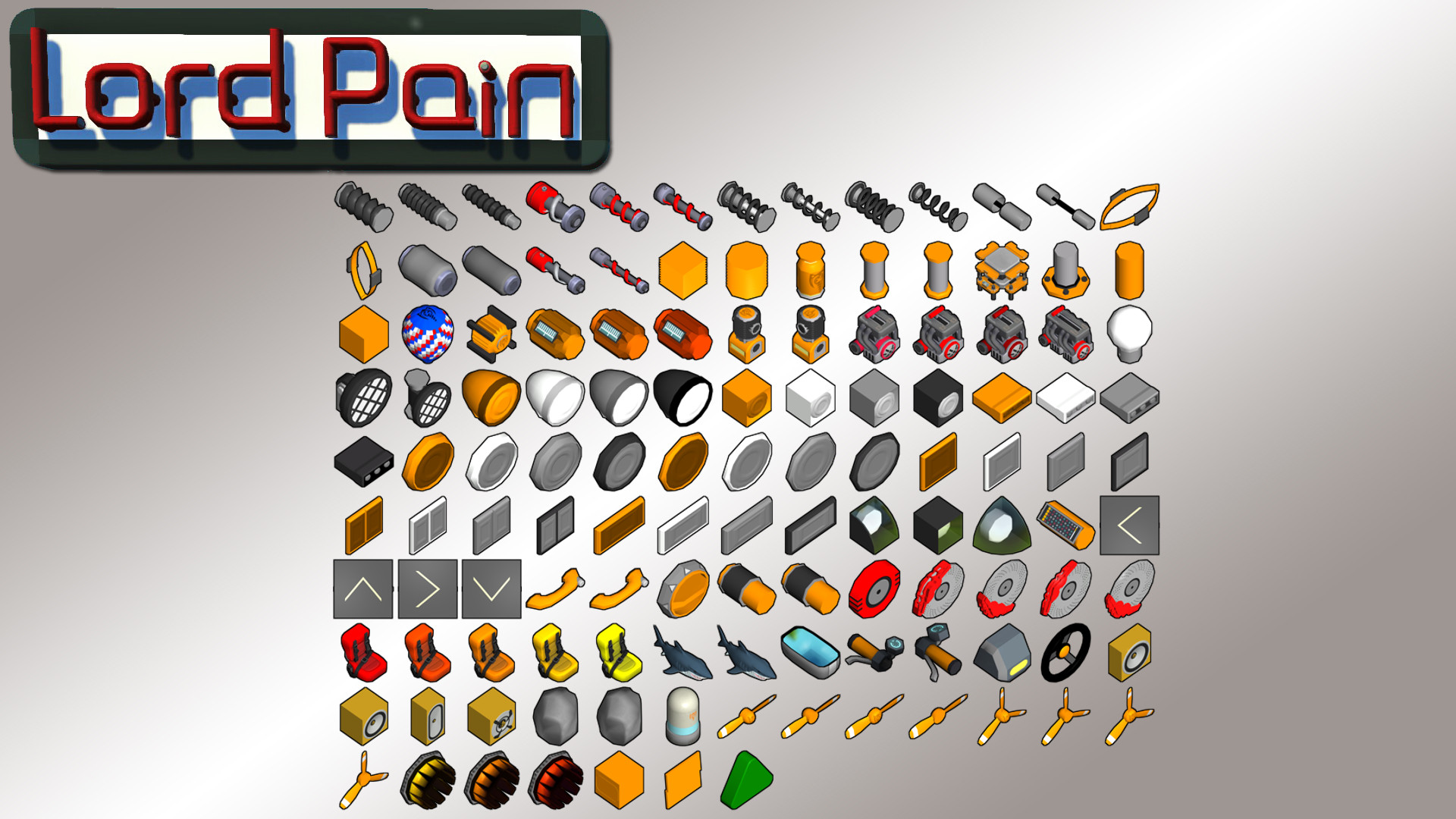
Обновление 14.06.2020 Обновление выживаемости! Подпишитесь на мой канал YT, чтобы не пропустить будущие обновления! Придёт ещё больше!!! Я обновлю этот мод!!! Специально для MJM за помощь..
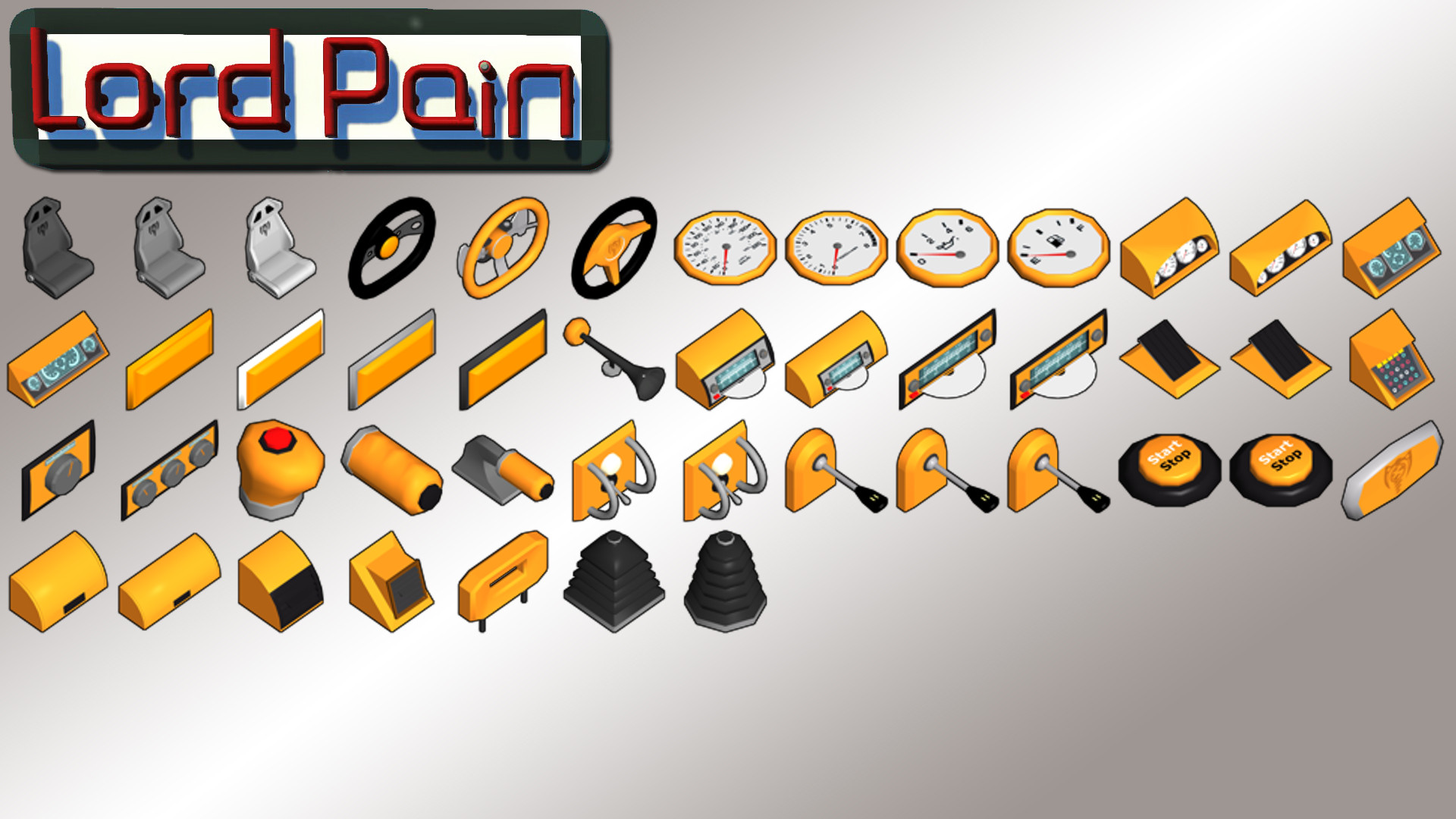
Обновление: 23.09.2018 Посмотрите мой канал YT, чтобы не пропустить будущие обновления: французское описание Крома Коалы: Не забудьте нажать кнопку «Нравится», если вам это нравится!!! Веселитесь!!

Этот мод добавляет 8 новых кнопок и переключателей при загрузке / создании миров, для загрузки списка модов может потребоваться некоторое время, просто подождите, пока ваши моды появятся в списке.

Модульные крылья! Этот мод теперь находится в пассивном обслуживании. Создавайте проблемы или извлекайте запросы, если вы хотите помочь внести обновления. См. репозиторий GitHub для лицензирования и..