


SwapperPlugin
Позволяет плавно обмениваться между il2cpp и моно бэкэндами. Можно использовать для установки моно- и Il2Cpp-версии мода
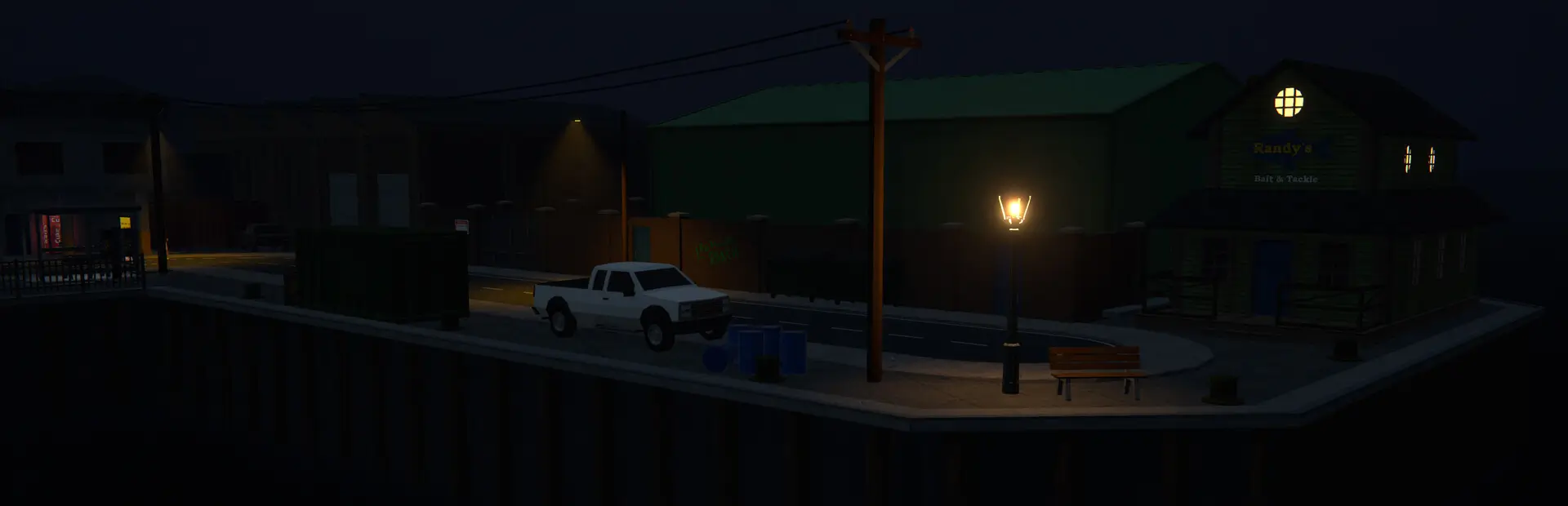

 Мод для Schedule I
от SirTidez
Дает вам планку здоровья выше вашего инвентаря.
SimpleHealthBarMono — мод для Schedule I (Шедул 1) от автора SirTidez. Дает вам планку здоровья выше вашего инвентаря.
Его скачали 5,1 тыс. раз: это 172-е место среди модов Schedule I в нашем каталоге, редкость — «обычный» (нижняя половина по скачиваниям). Мод обновлялся в последние полгода, актуальная версия — 1.5.2.
Для работы ему нужны: MelonLoader.
2 шт · нажмите, чтобы открыть
Текст автора на языке оригинала
A lightweight mod that adds a clean, easy-to-read health bar above your inventory in Schedule I. Keep track of health at a glance with world-space bars for NPCs and other players.
Version 1.5.2 supports the current beta and alternate-beta branches, adds world-space multiplayer health bars, and supports both Il2Cpp and Mono versions of the game!
A subtle health bar appears just above your inventory UI, showing current and maximum health in real time.
Choose to have the bar fade out after a few seconds of full health, or keep it visible at all times.
Healthbars now appear directly above each NPC's head in the game world! See health information for all NPCs within a configurable radius (default 50m). Healthbars automatically fade out when NPCs are dead, knocked out, or inside buildings. Fully configurable scale, position, and display radius.
In multiplayer sessions, health bars for other players appear above their heads and always face your camera. Each bar shows the synchronized player name and current health, automatically updating as players join or leave.
Bar display duration, time, and speed via a simple config file. More coming in a future update.
If you install the Mod Manager – Phone App (Nexus #397), you can browse and tweak all settings directly through your phone’s Settings app.
Settings are stored in your MelonLoader preferences file. To customize without the phone app, open:
/Schedule I/UserData/MelonPreferences.cfgLocate (or add) the following sections and adjust these values:
[SimpleHealthBar_HealthBar]
# Fades the health bar after a few seconds
FadeOutBar = true
# Fades out the text display showing your health
FadeOutHealthText = true
# Shows player and NPC bars only while they are damaged
ShowOnDamage = true
# Configures the font size of the text label HUD element
FontSize = 12.0

[SimpleHealthBar_Animation]
# The amount of time in seconds it takes for the bar and text to disappear
FadeDelay = 10.0
# Manages the speed of the fade transition
FadeSpeed = 5.0

[SimpleHealthBar_NPCHealthBar]
# Enables the health bar for NPCs
NPCBarEnabled = true
# Enables fading out the health bar for NPCs
FadeOutNPCBar = false
# Maximum distance from player to display NPC health bars (in meters)
NPCWorldSpaceRadius = 50.0
# Vertical offset above NPC transform for health bar position (in meters)
NPCHeadOffset = 2.0
# Multiplier for NPC health bar size (base scale: 0.005). Use simple values like 0.5, 1.0, 1.5, etc.
NPCHealthBarScale = 1.0
After editing, save the file and restart Schedule I for changes to take effect.
SimpleHealthBar-IL2CPP.dllSimpleHealthBar-Mono.dllMods/ folder. Do not install both runtime DLLs together.Got feedback or feature requests? Feel free to open an issue or join the discussion; this mod is a work in progress, and your ideas help shape future updates!
В r2modman ставится автоматически
Файл скачивается с официального сервера Thunderstore, без перезаливов и сторонних установщиков
Подробная инструкция для Schedule IВставьте значок в описание на Thunderstore, в README или в Discord — русскоязычные игроки сразу попадут на страницу с переводом и инструкцией.

[](https://modka.app/schedule-i/sirtidez-simplehealthbarmono/)<a href="https://modka.app/schedule-i/sirtidez-simplehealthbarmono/"><img src="https://modka.app/badge.png" alt="Описание на русском — Модка" height="44"></a>[url=https://modka.app/schedule-i/sirtidez-simplehealthbarmono/]Описание на русском — Модка[/url]Скачайте менеджер модов r2modman (или Gale) и выберите в нём игру Schedule I. Создайте профиль — так моды не смешаются с чистой версией игры. Найдите «SimpleHealthBarMono» во вкладке Online и нажмите Download — MelonLoader и все зависимости подтянутся сами. Нажмите «Start modded» — игра запустится с модами. Чтобы сыграть без модов, запустите игру как обычно из Steam — r2modman не трогает чистую версию игры.
Файл скачивается с официального сервера Thunderstore, куда его загрузил SirTidez. Мы не перезаливаем и не изменяем моды.
Установите вместе с ним: MelonLoader. В менеджере модов зависимости подтягиваются автоматически.
22 августа 2026, актуальная версия — 1.5.2. Дата берётся с официальной страницы мода при каждом обновлении каталога.
Позволяет плавно обмениваться между il2cpp и моно бэкэндами. Можно использовать для установки моно- и Il2Cpp-версии мода
Управляйте настройками модов - со своего телефона!

Добавление новых пушек в игру

Теперь вы можете доставить свою мебель прямо в вашу собственность!
Таким образом, расстояние до точек пути всегда отображается на компасе. По умолчанию игра отображала расстояние только тогда, когда вы приблизились, поэтому, например, было трудно определить, в каком порядке вы должны делать свои сделки с первого взгляда.
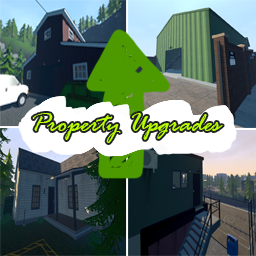
Это не мода на чай! Нужен дополнительный грузовой отсек? Дополнительный работник? Быстрее смешивать? Быстрый рост растений? Купите обновление для него.