
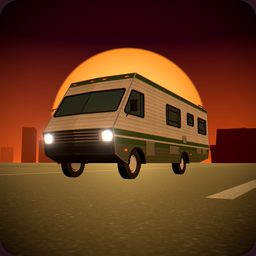
RVRepairVan
Почини свой разбитый фургон в Списке I - получи работу от миссис Минг, заплати Марко механику, руководствуясь гусеничным квестом с ремонтным кинематографом.
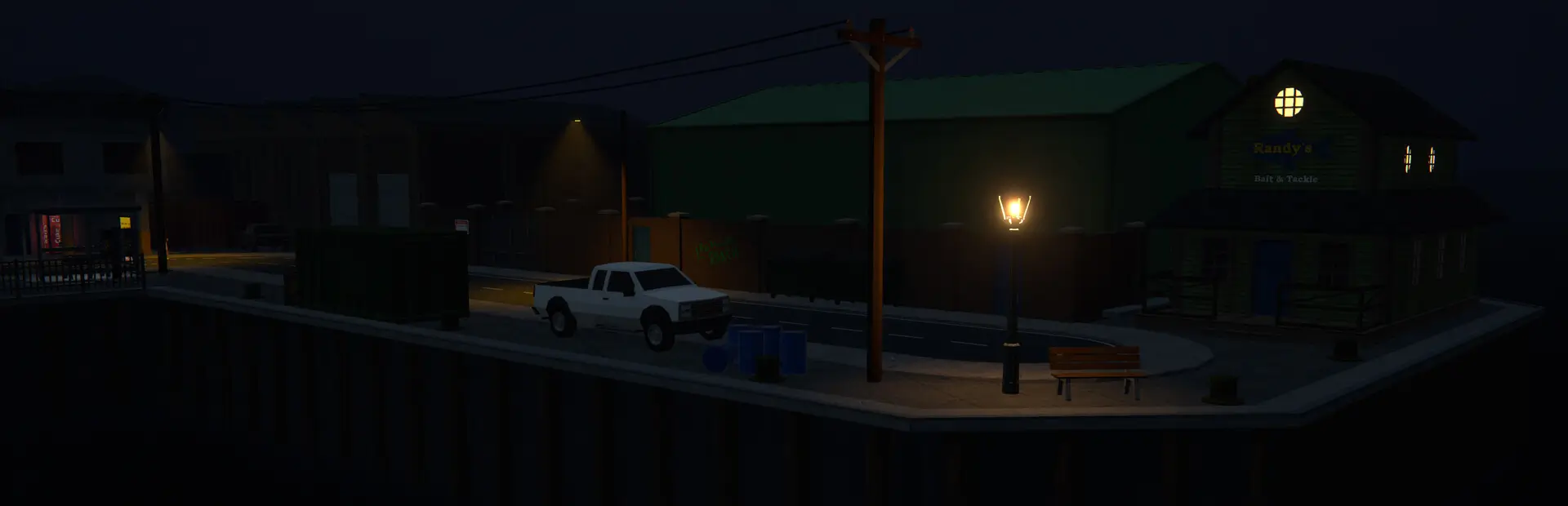

 Мод для Schedule I
от DooDesch
Водители и пассажиры заметно сидят с руками на колесе. Добавляет вид от первого лица, рог, индикаторы, замки и владельцев, базовый интерьер для ванильных автомобилей и кооперативную синхронизацию.
Chassis — мод для Schedule I (Шедул 1) от автора DooDesch. Водители и пассажиры заметно сидят с руками на колесе. Добавляет вид от первого лица, рог, индикаторы, замки и владельцев, базовый интерьер для ванильных автомобилей и кооперативную синхронизацию.
Его скачали 4 тыс. раз: это 197-е место среди модов Schedule I в нашем каталоге, редкость — «обычный» (нижняя половина по скачиваниям). Мод обновлялся в последний месяц, актуальная версия — 1.12.1.
Для работы ему нужны: MelonLoader.
8 шт · нажмите, чтобы открыть
Текст автора на языке оригинала
🛟 Need help or found a bug? Get support at support.doodesch.de/chassis.
📖 API documentation: docs.doodesch.de/mods/chassis/api/
Drivers and passengers sit in the car where you can see them, with their hands on a steering wheel that turns. Chassis adds a first person view, a horn, indicators, locks and owners, and a base interior for the vanilla cars. Other mods build their vehicles on it.
the steering wheel with both hands, and the wheel turns when you steer.
The next seat starts in the view you last used.
Push and Let Go.
After the turn they switch off on their own.
only its owner. Others can ride along while the owner sits inside. Other mods set the lock through the API. Vehicles from older saves belong to the host.
so you can see who sits inside.
graphics settings picks Off, Rear Only, Rear + Side (default) or + Nearby Cars, which also renders the mirrors of up to three cars within 15 m. Reflections sets how sharp they are.
light switch, hazard lights, indicator stalk and the horn in the wheel centre.
you drive. Click the dome lamp to switch between Auto, On and Off.
passenger seat. It holds 2 to 4 items, by car size, and is saved with the car.
of the brake light in red.
stay vanilla props.
the host.
Key — Action
V — First person view in a vehicle
G — Horn
H — Headlights (vanilla)
Left arrow / Right arrow — Indicator left / right. Press again to switch off.
Left click — In first person: use the switch you look at.
Mouse wheel — In first person: turn the knob or stalk you look at.
0.4.7f12 (IL2CPP) with MelonLoader 0.7.3+.BaseInterior (default true) in category Chassis of UserData/MelonPreferences.cfg. It turns the base interior and the visible NPC drivers of the vanilla cars on or off.
SpeedUnit (default kmh) sets kmh or mph for the speedometer and the odometer.
Mirrors (default 2) picks which mirrors render: 0 Off, 1 Rear Only, 2 Rear + Side, 3 + Nearby Cars. Reflections (default 1, 0 Low to 3 Ultra) sets how sharp chrome and the mirrors reflect. Both are also in the game's graphics settings.
GloveboxOwnStorage (default true) gives the glovebox its own slots, saved in Chassis.glovebox. false makes the lid open the vanilla trunk, and saves stay vanilla.
StartInFirstPerson (default false) starts every seat in first person. Without it, a seat starts in the view you had when you last got out.
Chassis has a public C# API in Chassis.Api (ChassisApi). With it you give a vehicle seat profiles, a steering wheel, lids, lamps and a horn sound, sound the horn, set indicators, and read or set owner and lock, and add your own keys to the key hints. Mods can also build their own interior with working gauges and clickable switches, and read
Описание длинное — здесь его начало. Читать целиком на странице автора
В r2modman ставится автоматически
2 в каталоге
Почини свой разбитый фургон в Списке I - получи работу от миссис Минг, заплати Марко механику, руководствуясь гусеничным квестом с ремонтным кинематографом.

Магазин перекраски Marco становится тюнинг-гаражем для каждого автомобиля: краска, освещение и внешний вид, а также двигатель, тормоза, трансмиссия, подвеска, турбо и шины, выбранные из меню поверх автомобиля.
Файл скачивается с официального сервера Thunderstore, без перезаливов и сторонних установщиков
Подробная инструкция для Schedule IВставьте значок в описание на Thunderstore, в README или в Discord — русскоязычные игроки сразу попадут на страницу с переводом и инструкцией.

[](https://modka.app/schedule-i/doodesch-chassis/)<a href="https://modka.app/schedule-i/doodesch-chassis/"><img src="https://modka.app/badge.png" alt="Описание на русском — Модка" height="44"></a>[url=https://modka.app/schedule-i/doodesch-chassis/]Описание на русском — Модка[/url]Скачайте менеджер модов r2modman (или Gale) и выберите в нём игру Schedule I. Создайте профиль — так моды не смешаются с чистой версией игры. Найдите «Chassis» во вкладке Online и нажмите Download — MelonLoader и все зависимости подтянутся сами. Нажмите «Start modded» — игра запустится с модами. Чтобы сыграть без модов, запустите игру как обычно из Steam — r2modman не трогает чистую версию игры.
Файл скачивается с официального сервера Thunderstore, куда его загрузил DooDesch. Мы не перезаливаем и не изменяем моды.
Установите вместе с ним: MelonLoader. В менеджере модов зависимости подтягиваются автоматически.
10 ноября 2026, актуальная версия — 1.12.1. Дата берётся с официальной страницы мода при каждом обновлении каталога.

Перевод текста игры на русский язык

До 20 игроков вместо 4

Управляйте сотрудниками удаленно, используя телефонный NPC. Назначьте общие кровати, установите пользовательские точки ожидания с F4, наберите персонал, заплатите заработную плату и получите доступ к портфелю из любого места. Стабильный, устойчивый и построенный для более плавного управления экипажем.
Управляйте настройками модов - со своего телефона!

Банковское приложение с пользовательским интерфейсом, которое копирует функции банкомата в любом месте. Вывод и депозит на ходу - никаких физических банкоматов не требуется!

Добавление новых пушек в игру