Начните вводить название — например, MoreHead, Sodium или PEAK

ActionUI — иконка
Обложка OutwardМод для Outward

ActionUI

от ModifAmorphic

Expand QuickSlots with highly configurable Action Slots. Add hotkeyable Equipment Sets. Damaged equipment Durability Display. Reposition HUD elements. Access stash from character inventory, crafting and merchant menus. Preserve food in the stash.

  • Редкий
  • 28,6 тыс. скачиваний
  • Версия 1.1.5
  • Обновлён 30 октября 2022
  • Не обновлялся больше года
  • Интерфейс
  • Предметы
  • Утилиты

О моде ActionUI

ActionUI — мод для Outward (Аутворд) от автора ModifAmorphic. Expand QuickSlots with highly configurable Action Slots. Add hotkeyable Equipment Sets. Damaged equipment Durability Display. Reposition HUD elements. Access stash from character inventory, crafting and merchant menus. Preserve food in the stash.

Его скачали 28,6 тыс. раз: это 64-е место среди модов Outward в нашем каталоге, редкость — «редкий» (топ-50% по скачиваниям). Мод давно не обновлялся — проверьте совместимость с текущей версией игры, актуальная версия — 1.1.5.

Для работы ему нужны: BepInExPack Outward.

Скриншоты

8 шт · нажмите, чтобы открыть

Полное описание ActionUI

Текст автора на языке оригинала

#

Expand Quickslots, Create Equipment Sets, Show Equipment Durability, Reposition HUD UI Elements, Stash and Storage Improvements

  • Add Highly Configurable Multiple Hotbars and Action Slots (Quick Slots)
  • Combat Mode: Extra Slots without ruining game balance.
  • Scale size of hotbars.
  • Add additional action slots, rows of slots and/or new hotbars.
  • See wiki for more.
  • Create Weapon and Armor Sets. Equip entire sets with a single hotkey.
  • Reposition UI Elements with Drag and Drop
  • Equipment Durability UI displays when equipment is damaged.
  • Use stash while crafting, selling, equiping gear or in the character menu.
  • See the Action UI Wiki for more details
  • For Manual Installations, download the latest "ModifAmorphic-ActionUI-*.Standalone-BepInEx.zip" version under ModifAmorphic Releases

Highly Configurabe Hotbars and Action Slots

Drag Actions to Slots right from Inventory!

Equipment Sets and Quickslotable Skills

Create and Customize Equipment Sets

New Equipment Set Skills, slottable in Outward's Quickslots or ActionUI's Action Slots.

Reposition UI Elements

Equipment Durability UI

Storage Improvements

Latest Release 1.1.5

  • Mousewheel Up/Down can now be set as a hotkey for selecting Hotbars.
  • Fix for Action Slot Hotkey Buttons disabling after setting one hotkey.
  • Performance fix for equipment sets when "Equip Sets from Stash" is enabled and stash contains several items.
  • Added number tracking of remaining items to skills that consume that item to Action Slots.

1.1.4

  • Stash Updates and Fixes
  • Renamed section to "Storage" from "Stash".
  • Added new option to settings to display item currency values in stash and character inventory.
  • Added "Move to Stash" button to item context menu. Button is only displayed when stash use is enabled.
  • Added new "Open Stash" button in the character inventory to the right of the "Stash" label. Clicking opens the same Stash Panel that shown when opening a stash in a player home.
  • Pressing Ctrl and Left Clicking on an item in the character's inventory (backpack or pouch) will now move it to the stash.
  • Clicking on an item in the stash will now move it to the backpack or pouch.
  • Fix food decay in multiplayer. Client's will now have food decay based on the hosts configuration.
  • Previously, food in client stashes was decaying at it's base rate, using neither client nor hosts stash configuration.
  • Durability Display fixes
  • Durability display should now track equipment when first loading, without needing to unequip and equip.
  • Fix for Durability Display not displaying after first save is loaded without switching gear.
  • Action Slots Updates and Fixes
  • Added new "Hide Left Navigation" option in the Hotkey Settings menu that hides the UI element left of the hotbar which displays the current hotbar number and hotkeys.
  • "Show HUD" in Outward's setting menu will now also hide Hotbars when disabled.
  • Added "Scale Hotbars %" to adjust size of hotbars.
  • Empty Action Slots without a hotkey bound will now only show when the "Action UI" settings menu is open or Hotkeys are being assigned.
  • Action Slots no longer stop tracking stack counts after switching from keyboard to controller and back to keyboard.
  • Fix for Action UI settings not displaying correctly when Action Slots are disabled.
  • Equipment Set Fixes
  • Equipment sets should now unequip to stash correctly when hosting a game.
  • Several fixes for swapping between 2h and 1h weapon sets, or sets with empty slots.

1.1.3

  • All changes in 1.1.4.
  • Introduced bug causing severe slowdown in the inventory menu. (fixed in 1.1.4)

Release 1.1.2

  • Characters should no longer be stuck in a T-pose when joining another game.
  • Equipment Sets equip from stash fix. Set items could be equipped from stash even with the option disabled if the character or merchant stash options where enabled.
  • Action UI settings menu should now open correctly after a split screen session.
  • Fixed bug where user would be prompted to move items from stash to the stash when using the Stash Chest.
  • Fixed issue where a 2h weapon set would be unusable if the set was saved in 1h mode using the Mixed Grip mod

Описание длинное — здесь его начало. Читать целиком на странице автора

Нужно для работы

В r2modman ставится автоматически

Как установить ActionUI

Файл скачивается с официального сервера Thunderstore, без перезаливов и сторонних установщиков

Подробная инструкция для Outward
  1. Скачайте менеджер модов r2modman (или Gale) и выберите в нём игру Outward.
  2. Создайте профиль — так моды не смешаются с чистой версией игры.
  3. Найдите «ActionUI» во вкладке Online и нажмите Download — BepInEx и все зависимости подтянутся сами.
  4. Нажмите «Start modded» — игра запустится с модами.
  5. Для мультиплеера всем игрокам нужен одинаковый набор модов: в r2modman профиль можно экспортировать кодом и отправить друзьям.
Вы автор мода? Поставьте ссылку на русское описание

Вставьте значок в описание на Thunderstore, в README или в Discord — русскоязычные игроки сразу попадут на страницу с переводом и инструкцией.

Описание на русском — Модка
Markdown[![Описание на русском — Модка](https://modka.app/badge.png)](https://modka.app/outward/modifamorphic-actionui/)
HTML<a href="https://modka.app/outward/modifamorphic-actionui/"><img src="https://modka.app/badge.png" alt="Описание на русском — Модка" height="44"></a>
Steam (BBCode)[url=https://modka.app/outward/modifamorphic-actionui/]Описание на русском — Модка[/url]

Частые вопросы о ActionUI

Как установить ActionUI?

Скачайте менеджер модов r2modman (или Gale) и выберите в нём игру Outward. Создайте профиль — так моды не смешаются с чистой версией игры. Найдите «ActionUI» во вкладке Online и нажмите Download — BepInEx и все зависимости подтянутся сами. Нажмите «Start modded» — игра запустится с модами. Для мультиплеера всем игрокам нужен одинаковый набор модов: в r2modman профиль можно экспортировать кодом и отправить друзьям.

Безопасен ли ActionUI?

Файл скачивается с официального сервера Thunderstore, куда его загрузил ModifAmorphic. Мы не перезаливаем и не изменяем моды.

Нужно ли друзьям ставить ActionUI?

Автор не указал, клиентский это мод или серверный. Безопаснее, чтобы одинаковый набор модов был у всех игроков в лобби: проще всего поделиться профилем r2modman.

Что нужно для работы ActionUI?

Установите вместе с ним: BepInExPack Outward. В менеджере модов зависимости подтягиваются автоматически.

Когда ActionUI обновлялся последний раз?

30 октября 2022, актуальная версия — 1.1.5. Это больше года назад: перед установкой проверьте, работает ли мод на текущей версии игры.

Похожие моды

Все моды на Outward
Enchantments Viewer — иконка

Enchantments Viewer

Outward mod that let's you view details of enchantments without wiki pages. Additionally shows on equipment all available and missing enchantments.
Редкий20,4 тыс.Интерфейс

BetterInventory — иконка

BetterInventory

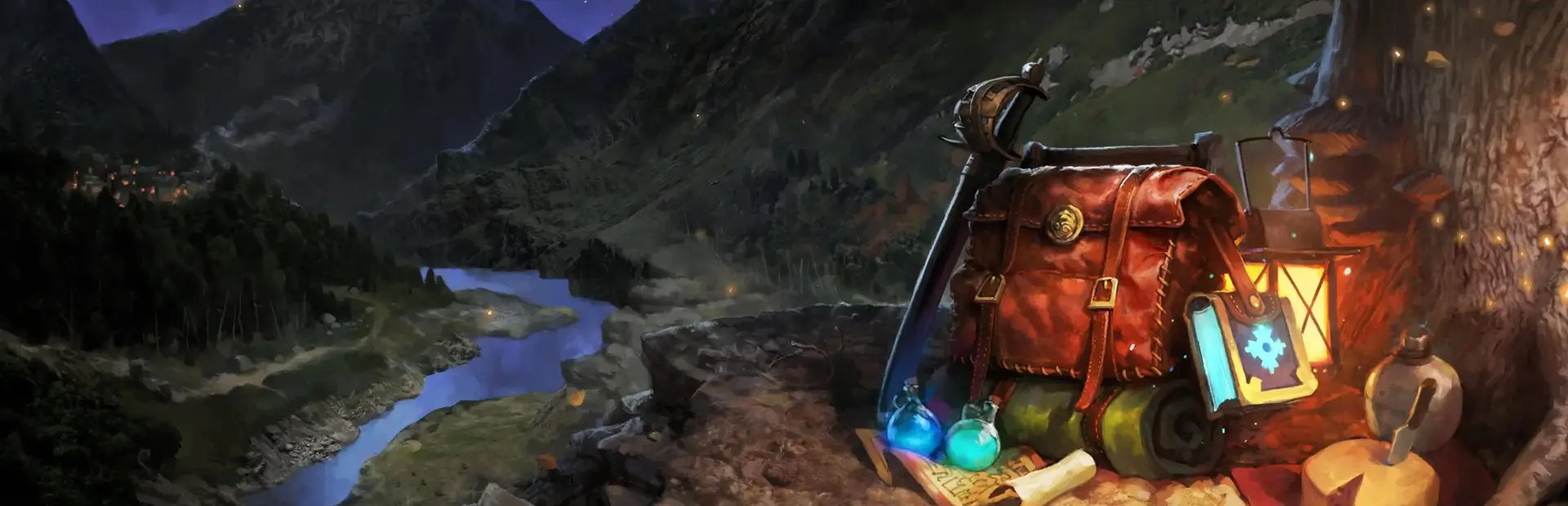
Inventory menu improvements: 'Salvage', 'Send to Stash', 'Send to Host's Stash', 'Send to Other Player' in item menu. Show item price in inventory. More information in readme.
Эпический93,5 тыс.Интерфейс

Shared Stashes — иконка

Shared Stashes

Combines all Stash inventories so all of your items are accessible from any Stash.
Эпический85,8 тыс.Предметы

Transmorphic — иконка

Transmorphic

Transmogrify and enchant your equipment with built in crafting menus. Transmog Weapons, Armor, Backpacks, Lanterns and Lexicons. Enchant gear through a crafting menu. No more fiddling around with pillar placements.
Эпический52,7 тыс.Интерфейс

StashCraft — иконка

StashCraft

Enables crafting directly from your stash and adds some QoL options.
Редкий25,9 тыс.Интерфейс

ModSupport — иконка

ModSupport

Adds a 'Mods' menu with various tools to help troubleshoot mod-related problems (such as showing mod version, comparing mods between client and host). Allows the user to send error reports to the ModSupport server to help fix mod errors.

Редкий25,1 тыс.Интерфейс