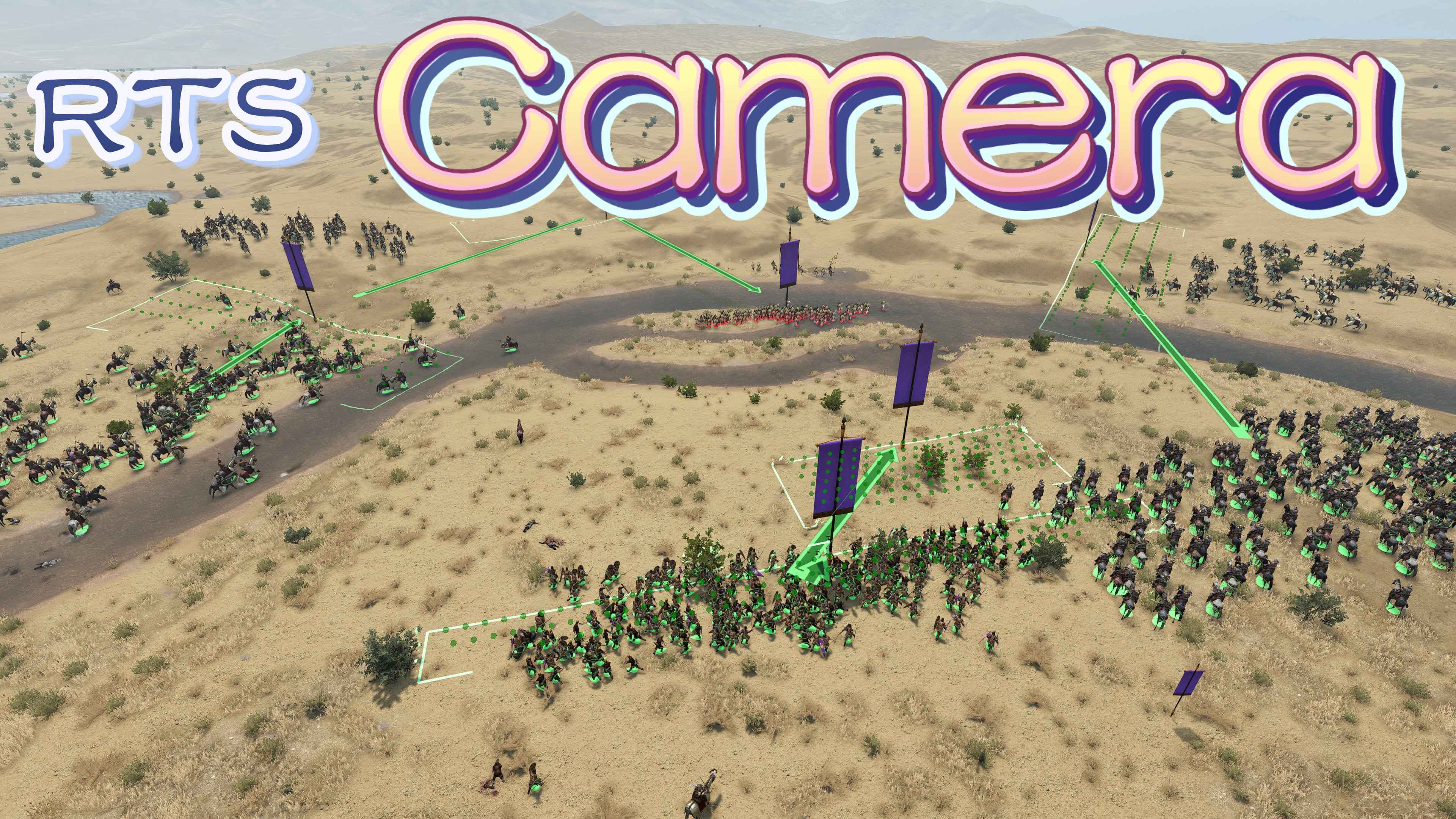
RTS Camera for v1.2.12
Камера RTS для v1.2.12 Основные особенности: - плавно переключать свободный режим камеры в любое время боя. Управляйте одним из ваших солдат и продолжайте сражаться / командовать после игрока

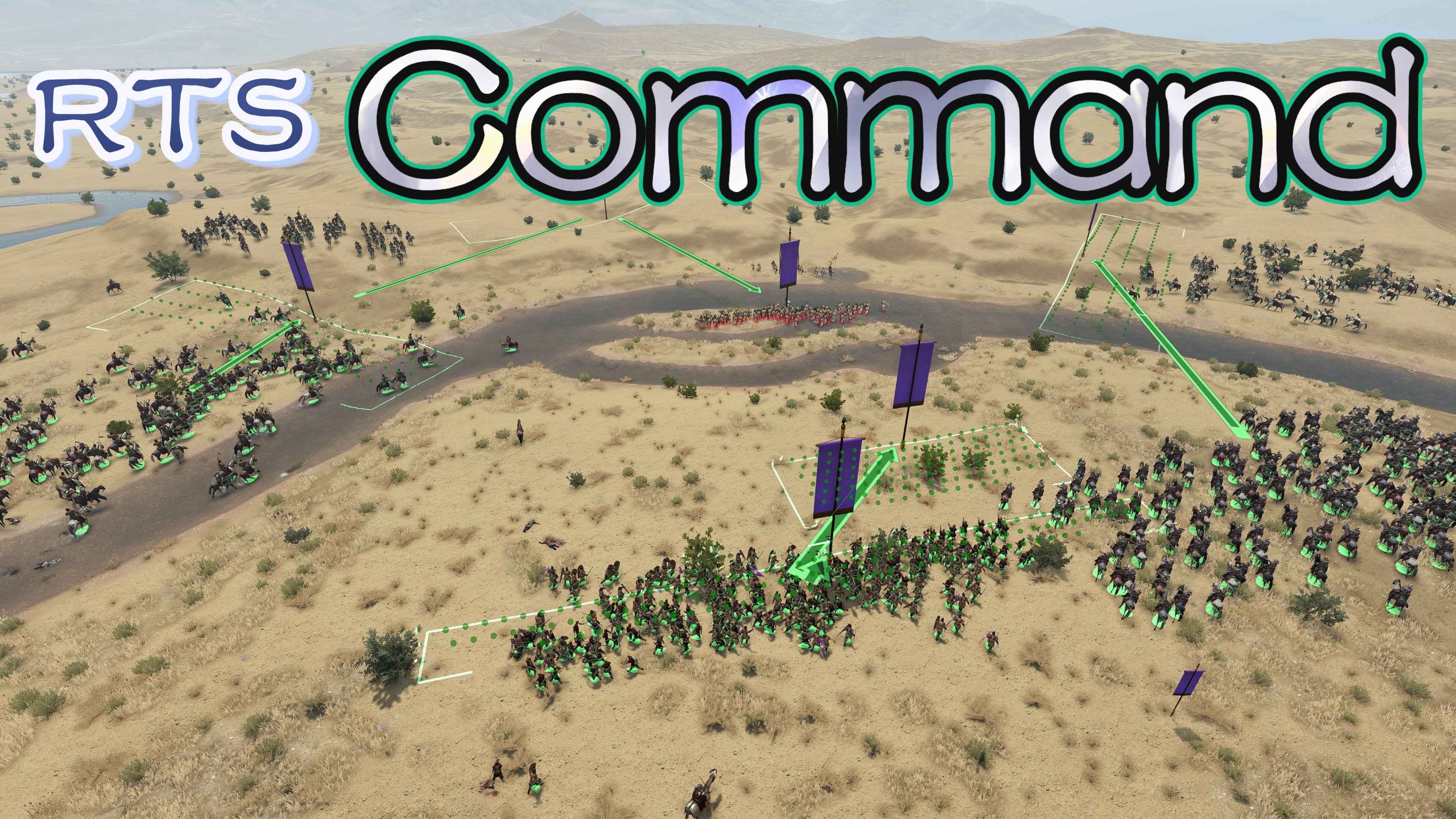
 Мод для Mount & Blade II: Bannerlord
от lzh
RTS Command for v1.2.12 (полное название RTS Camera Command System) Основные функции: Переработанная система команд в базовой игре. Цель заказа выделена, чтобы быть видимой издалека
RTS Command for v1.2.12 — мод для Mount & Blade II: Bannerlord (Баннерлорд) от автора lzh. RTS Command for v1.2.12 (полное название RTS Camera Command System) Основные функции: Переработанная система команд в базовой игре. Цель заказа выделена, чтобы быть видимой издалека
На него подписались 89,7 тыс. раз в Мастерской Steam: это 87-е место среди модов Mount & Blade II: Bannerlord в нашем каталоге, редкость — «редкий» (топ-50% по подпискам). Мод обновлялся в течение года.
Нужны ли ему другие моды, видно на его странице в Мастерской Steam в блоке «Необходимые продукты» — при подписке Steam сам предложит их добавить.
Текст автора на языке оригинала
RTS Command for v1.2.12 (full name RTS Camera Command System)
Main features: Reworked the command system in the base game. Order target is highlighted to be visible from far distance. Troops with throwing weapons will correctly keep distance under engage order. In siege battle you can click on siege weapons to make your troops stop using it. Square and Circle formations are improved. Allows to give a series of orders and let your troops execute them one by one. For example, move along a given path and then shooting/charging. If you move/turn multiple formations at the same time, their relative positions/directions will be locked. Fix issues in the base game about formation width and unit spacing. Set attack target without interrupting previous movement orders. For example, let your archers focus shooting while holding position. Facing to enemy order now has an optional enemy formation target. Allows you to select your formation using middle mouse button. Select your troops and give orders by clicking left mouse button on order UI. Replace square formation with hollow square formation for player.
Recommend: RTS Camera: another part of the RTS mod, for free camera view when giving orders: https://steamcommunity.com/sharedfiles/filedetails/?id=2879991660
Dependency: Do not require any of ButterLib/MCM/UIExtenderEx. If War Sails DLC is enabled, it should be placed before this mod.
Compatibility: Compatible with v1.2.12. For other versions: v1.2.12: https://steamcommunity.com/sharedfiles/filedetails/?id=2879991827 v1.3.4-v1.3.13: https://steamcommunity.com/sharedfiles/filedetails/?id=3596693285 v1.4.5-v1.4.7: https://steamcommunity.com/sharedfiles/filedetails/?id=3747771970
Save compatibility: This mod won't read/write anything from/into your save, so you can feel free to enable or uninstall this mod at any time.
Main Usage: Please enable "RTS Camera" and "RTSCamera.CommandSystem" in launcher. For complete usage: https://github.com/lzh-mb-mod/RTSCamera/blob/master/README.md
Hold Shift and give orders to add orders to queue. Your troops will execute them one by one. When you move/turn multiple formations together, relative positions/directions will be locked.
Ctrl while dragging on the ground, formations' widths will also be locked.Alt to disable the locking behavior and revert to behavior in the base game.Hold Alt while clicking the enemy formation to target the enemy without interrupting previous movement orders. Click middle mouse button on the enemy formation to make your formation attack it. Click middle mouse button on your formation to select it. The attacked enemy formation will be highlighted with red outline when you open command panel. Your attacked formation will be highlighted with dark blue outline when you open command panel. Your selected formation will be highlighted with green outline when you open command panel.
Press L to open config menu during battles.
Hotkeys: Shift - Hold to add order to queue when giving orders. Ctrl - Hold to lock formation widths while dragging on the ground. Alt - Hold to cancel formation locking during movement or turning. Click mouse middle button - Select/Attack formation. Hold Alt + Click mouse middle button - Attack enemy formation without interrupting previous movement orders L - Open the config menu. All the hotkeys can be changed in config menu.
More Details: Improved square and circle formation:
This allows soldiers to form formations more quickly and avoids them crowding together.
Troubleshooting If there're a lot of "text with id xxxxx doesn't exist": If you enabled Realm of Thrones, please move RTS Camera and Command System above it. As version 6.2 of Realm of Thrones, there's a bug in its file that causes all the mods below it cannot load text correctly.
If crash on startup, please check the following:
Feedback or suggestion Feel free to comment below or send email to lizhenhuan1019@outlook.com
Donate By me a coffee at https://ko-fi.com/lizhenhuan1019
links: Nexusmods: https://www.nexusmods.com/mountandblade2bannerlord/mods/355 source code: https://github.com/lzh-mb-mod/RTSCamera
Мод ставится подпиской в Мастерской Steam — без архивов, перезаливов и сторонних установщиков
Подробная инструкция для Mount & Blade II: BannerlordВставьте значок в описание на Мастерская Steam, в README или в Discord — русскоязычные игроки сразу попадут на страницу с переводом и инструкцией.

[](https://modka.app/bannerlord/rts-command-for-v1-2-12/)<a href="https://modka.app/bannerlord/rts-command-for-v1-2-12/"><img src="https://modka.app/badge.png" alt="Описание на русском — Модка" height="44"></a>[url=https://modka.app/bannerlord/rts-command-for-v1-2-12/]Описание на русском — Модка[/url]Откройте страницу мода «RTS Command for v1.2.12» в Мастерской Steam (кнопка «Скачать» на нашем сайте ведёт именно туда) и нажмите «Подписаться» — Steam сам скачает мод и будет его обновлять. Если Steam покажет список обязательных модов, подпишитесь и на них — без них мод не заработает. Запустите игру: в лаунчере Bannerlord откройте вкладку «Моды» (Mods), отметьте мод галочкой и расставьте порядок загрузки, затем нажмите «Играть». Если мод не появился в игре, откройте вкладку «Загрузки» в Steam и дождитесь, пока он скачается полностью, затем перезапустите игру. Чтобы убрать мод, нажмите «Отписаться» на его странице в Мастерской — Steam удалит его файлы сам.
Мы ничего не перезаливаем: кнопка скачивания открывает официальную страницу мода в Мастерской Steam. Там нужно нажать «Подписаться» — файлы загрузит и будет обновлять сам Steam.
25 января 2026. Дата берётся с официальной страницы мода при каждом обновлении каталога.
Камера RTS для v1.2.12 Основные особенности: - плавно переключать свободный режим камеры в любое время боя. Управляйте одним из ваших солдат и продолжайте сражаться / командовать после игрока
Оригинальный создатель с тех пор возобновил работу над модом. Таким образом, это будет прекращено в любом случае. Пожалуйста, обратитесь к предисловию Повторная загрузка камеры RTS, направленная на..
RTS Camera for latest game: English below. 自由视角模式可让你在空中指挥,如同玩全面战争一样,步战指挥再也不怕被队友骑兵淹没了。 你在战斗中倒下以后可以控制一个队友继续进行战斗和指挥,尽情砍砍砍吧。 顺带修复1.9.0游戏本体带来的同伴编队bug。 Free camera mode allows you to…
Для ранней версии, пожалуйста, посетите это! Для версии v1.0.0-v1.2.12, пожалуйста, посетите эту страницу! Источники доступны на GitHub! установка Этот модуль должен быть одним из..

Оригинальное название: MBOptionScreen Standalone Ранее была разветвлена вилка ModLib. Источники доступны на GitHub! Кредиты Дрогеану для MCM Logos! MCM — это экран с модными опциями
Улучшенные гарнизоны - это мод Mount & Blade Bannerlord, который направлен на улучшение управления вашими замками и поселениями. С этим модом улучшенный гарнизон будет добавлен к каждому..