UIExtenderEx
Для ранней версии, пожалуйста, посетите это! Для версии v1.0.0-v1.2.12, пожалуйста, посетите эту страницу! Источники доступны на GitHub! установка Этот модуль должен быть одним из..
 Мод для Mount & Blade II: Bannerlord
от SolWayward
BLGM позволяет создавать и управлять королевствами, героями, странниками, кланами и инструментами для контроля, обновления и изменения владения поселениями. Легко добавить членов в свой клан или..
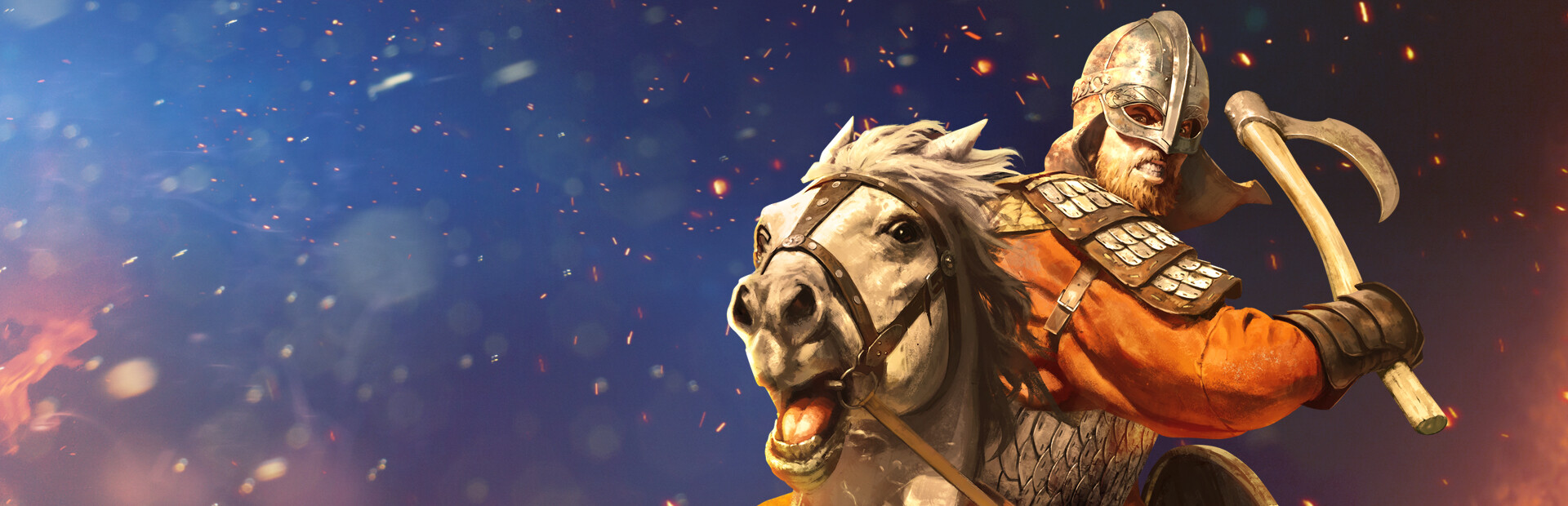
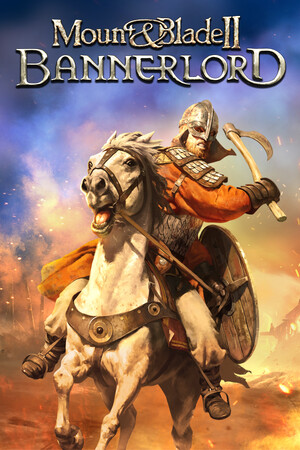
GameMaster [BLGM] — мод для Mount & Blade II: Bannerlord (Баннерлорд) от автора SolWayward. BLGM позволяет создавать и управлять королевствами, героями, странниками, кланами и инструментами для контроля, обновления и изменения владения поселениями. Легко добавить членов в свой клан или..
На него подписались 30,8 тыс. раз в Мастерской Steam: это 228-е место среди модов Mount & Blade II: Bannerlord в нашем каталоге, редкость — «обычный» (нижняя половина по подпискам). Мод обновлялся в последние полгода.
Нужны ли ему другие моды, видно на его странице в Мастерской Steam в блоке «Необходимые продукты» — при подписке Steam сам предложит их добавить.
Текст автора на языке оригинала
BLGM allows you to create and manage kingdoms, heroes, wanderers, clans, and tools to control, upgrade, and change ownership of settlements. Easily add members to your clan, or clans to your kingdom and way more. Edit any hero's appearance, modify any clan's banner, open any hero's inventory, or change any kingdom's colors. Rename any settlement, change the culture, of settlements, clans, heroes, and way more. A powerful query system is also included allowing you to easily add items, modifiers, and troops as well.
BLGM v1.5.5 Download Link
BLGM v1.5.5 will be released on steam when Bannerlord v1.5.x is released to public branch until then use Nexus mods for the beta branch
User Command Documentation Documentation for players using BLGM to enhance their gameplay
Developer API Reference API Reference for mod developers using BLGM as a framework or helper for developing mods
BLGM extends Bannerlord's console with powerful commands for managing heroes, clans, kingdoms, items, and game state. This mod is useful for taking control of your game, testing things out, fixing saves, or whatever other reason you may need to take control of your game. Add family members or companions to your clan, add clans to your kingdom, edit the appearance of your wife, Open a hero's inventory from another clan to modify their equipment (or steal their equipment), modify the banner of a clan in your kingdom, change Vlandia's kingdom colors from red to white, create clan parties exceeding your party limit, quickly add troops or items, instantly upgrade all buildings in a settlement or raise the settlement's prosperity, change the culture of a settlement, hero, clan, or even kingdom, rename a settlement or even take ownership of a settlement, and much more. The user command documentation wiki lists and explains every command and their usage.
Commander Workshop Page Highly recommended to also download Commander which is a fully interactive in-game management system providing a Graphical User Interface on top of BLGM. Commander allows you to perform most BLGM functions without having to use console commands and even provides additional functionality such as directly controlling / issuing orders to NPC parties and armies.
Update for 1.4.x released If steam is not auto updating the mod, unsubscribe from the mod and make sure Bannerlord is completely stopped in your library and then resubscribe.
If you need to use the previous version of this mod compatible with Bannerlord 1.3.X, Then you can download old versions from Nexus Mods
You may also need to unblock dlls if you manually downloading an old verison.
Note: If steam is not auto updating, unsubscribe and resubscribe after making sure bannerlord is completely stopped in the steam library
BLGM is easy to use.
To open the console, press Alt + ~ (Alt + tilde)
Typing gm. into the console will show every command category. Typing gm.hero will show all hero commands. Commands are as easy as gm.hero.generate_lords 10
Optional arguments can be used with commands as well such as gm.hero.generate_lords 10 culture:vlandia gender:female clan:player
Typing any command without any args will show help for the command with info on how to use the command, required/optional arguments, and examples. Alternatively, you can use the BLGM Command Documentation to view detailed info about all commands.
Arguments can either be specified using positional arguments or named arguments. Any argument with spaces such as names must use single quotes: 'Arg with Spaces'
gm.. [parameters]
gm.hero.create_hero Maximus gm.hero.edit_appearance derthert gm.clan.edit_banner 'dey meroc' gm.hero.open_inventory derthert gm.clan.generate_clans 5 gm.kingdom.create_kingdom Poros gm.kingdom.generate_kingdoms 5 gm.troops.upgrade_troops player gm.item.add imperial_sword 5 player gm.item.save_equipment_both player my_loadout gm.settlement.set_culture 'Ocs Hall' sturgia gm.settlement.rename Galend 'Kings Landing' gm.settlement.upgrade_buildings Charas 3 gm.settlement.set_owner Sargot player gm.query.hero empire lord female gm.query.item sword tier5 sort:value:desc gm.item.add Justicier count:1 player gm.item.set_equipped_modifier player legendary gm.item.save_equipment_both derthert my_loadout gm.item.load_equipment_both derthert my_loadout gm.kingdom.declare_war empire battania gm.kingdom.declare_alliance empire battania
And much more - over 115 commands as of v1.3.14.2
Мод ставится подпиской в Мастерской Steam — без архивов, перезаливов и сторонних установщиков
Подробная инструкция для Mount & Blade II: BannerlordВставьте значок в описание на Мастерская Steam, в README или в Discord — русскоязычные игроки сразу попадут на страницу с переводом и инструкцией.

[](https://modka.app/bannerlord/gamemaster-blgm/)<a href="https://modka.app/bannerlord/gamemaster-blgm/"><img src="https://modka.app/badge.png" alt="Описание на русском — Модка" height="44"></a>[url=https://modka.app/bannerlord/gamemaster-blgm/]Описание на русском — Модка[/url]Откройте страницу мода «GameMaster [BLGM]» в Мастерской Steam (кнопка «Скачать» на нашем сайте ведёт именно туда) и нажмите «Подписаться» — Steam сам скачает мод и будет его обновлять. Если Steam покажет список обязательных модов, подпишитесь и на них — без них мод не заработает. Запустите игру: в лаунчере Bannerlord откройте вкладку «Моды» (Mods), отметьте мод галочкой и расставьте порядок загрузки, затем нажмите «Играть». Если мод не появился в игре, откройте вкладку «Загрузки» в Steam и дождитесь, пока он скачается полностью, затем перезапустите игру. Чтобы убрать мод, нажмите «Отписаться» на его странице в Мастерской — Steam удалит его файлы сам.
Мы ничего не перезаливаем: кнопка скачивания открывает официальную страницу мода в Мастерской Steam. Там нужно нажать «Подписаться» — файлы загрузит и будет обновлять сам Steam.
23 мая 2026. Дата берётся с официальной страницы мода при каждом обновлении каталога.
Для ранней версии, пожалуйста, посетите это! Для версии v1.0.0-v1.2.12, пожалуйста, посетите эту страницу! Источники доступны на GitHub! установка Этот модуль должен быть одним из..
Для ранней версии, пожалуйста, посетите это! Источники доступны на GitHub! установка Этот модуль должен быть одним из самых высоких в погрузочном порядке и размещаться выше нативных..
Оригинальное название: MBOptionScreen Standalone Ранее была разветвлена вилка ModLib. Источники доступны на GitHub! Кредиты Дрогеану для MCM Logos! MCM — это экран с модными опциями

Улучшенные гарнизоны - это мод Mount & Blade Bannerlord, который направлен на улучшение управления вашими замками и поселениями. С этим модом улучшенный гарнизон будет добавлен к каждому..

Taleworlds отключает достижение, если вы используете модификатор :^. Используйте этот мод, чтобы обойти это. 100% без запутывания. Не стесняйтесь компилировать..
Губернаторы городов и замков решат все вопросы с городами и прилегающими деревнями. Если вы не знали, нерешенные квесты в городах и деревнях повредят процветанию