Начните вводить название — например, MoreHead, Sodium или PEAK

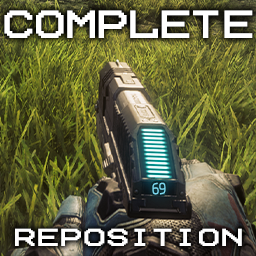
Complete Reposition — иконка
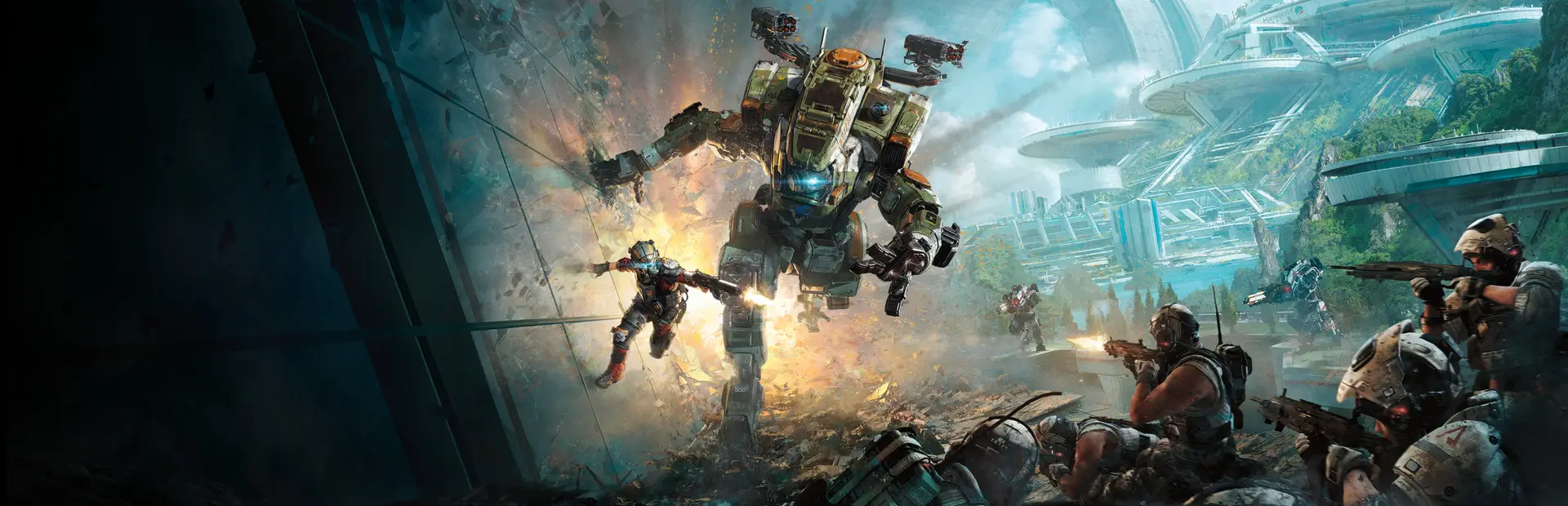
Обложка Titanfall 2Мод для Titanfall 2

Complete Reposition

от Dubaser

Different position for all weapons and more

  • Эпический
  • 25,5 тыс. скачиваний
  • Версия 1.6.0
  • Обновлён 22 июля 2023
  • Не обновлялся больше года
  • Кому ставить: только себе

О моде Complete Reposition

Complete Reposition — мод для Titanfall 2 (Тайтанфол 2) от автора Dubaser. Different position for all weapons and more

Его скачали 25,5 тыс. раз: это 16-е место среди модов Titanfall 2 в нашем каталоге, редкость — «эпический» (топ-20% по скачиваниям). Мод давно не обновлялся — проверьте совместимость с текущей версией игры, актуальная версия — 1.6.0.

Для работы ему нужны: Northstar.

Автор пометил мод как клиентский: достаточно установить его себе, друзьям и хосту он не нужен.

Полное описание Complete Reposition

Текст автора на языке оригинала

Changes the position of each weapon

Fixes TF2 issues with ammo counters

Contains additional settings

The position is adjusted to the maximum FOV (110)

Compatible with **Perfect Scopes**

Compound

  • All guns: Primary + Secondary + AT-weapons + SP + Titan weapons
  • Tacticals
  • Ordnance
  • Boosts
  • Melee: Pilots + Titans
  • Titan abilities and Cores

Demonstration

Guns

Tacticals/Ordnance/Melee

Main preset

Picked up optimal in my opinion the position of the weapon from the hip and when aiming

Weapon positions were chosen based on QoL and realism, with an eye to the principles of composition and the rules of Respawn designers

Changed the position of all weapons (40)

Additional presets

Add freshness, but will not make cardinal deterrent changes

  • Main preset more massive
  • Vanilla more massive
  • Vanilla better visibility
  • Apex and Titanfall 1 for some guns
  • Unique possition for every pistol
  • Exclusive presets for some guns

Installation

Disable mods that change the position of weapons, if any

Make a copy of the old version of the Complete Reposition so as not to lose the changes you made

If you want, copy the lines you changed or just the values

Go to Dubaser-Complete_Reposition-1.x.x.zip\mods

Unzip to Titanfall2\R2Northstar\mods

Files

1 Complete Reposition\**keyvalues**\scripts\weapons - files with links to scripts

  • Files should not be renamed
  • The files contain links to scripts with weapon configurations
  • If the link is not correct, the configuration will not be applied
  • If you rename the script, you will need to change the link as well

2 Complete Reposition\**mod**\scripts\weapons - scripts with configurations

  • Configurations for each gun (38)
  • You can edit them and change their name
  • If you change the config name, you will need to change the link in the corresponding keyvalues\scripts\weapons
  • References are registered in Actual_Weapon_Names.txt
  • To enable or disable the setting - put or remove //
  • Lines can be added and removed
  • There are hints in the script of each weapon
  • Tenths and hundredths can be used (4.20, 6.9, -13.37)
  • Mod scripts are only read at startup. You can change files while playing (minimize the game). To apply the changes, restart the game or exit to the main menu and reload the mods through the console or special menu
  • You can assign one config file to multiple guns. It is desirable that the configurations match as much as possible (used sights, particles). To do this, in the files Complete Reposition\keyvalues\scripts\weapons you need to change the links
  • You cannot remove empty sections in Mods. This will break the order of weapon modifications, they will not work correctly in the game

Main Settings

  1. viewmodel_offset_hip - Weapon position when firing from the hip and idle position
  2. zoom_fov - Zoom level while aiming
  3. zoom_fov_viewmodel - Weapon visibility while aiming
  4. uix_draw_cloaked - Drawing ammo counters under the Cloak
  5. viewmodel_offset_ads - Weapon displacement when aiming
  6. dof_zoom_ - Depth of field

Setup Guide

1 viewmodel_offset_hip

  • Weapons can be moved (-left/X/right front/Z/-back up/Y/-down)
  • You can't rotate the weapon clockwise/counterclockwise. The weapon is always directed to the center of the screen (as well as the HUD)
  • You can have multiple position lines in the same file, but only one can be active, others must be preceded by //
  • You can put // anywhere, so you can keep a few values you need and quickly switch between them
  • If you put Sniper Rifles too far (2+), then the reticle of the optics will be visible, it will greatly impair visibility
  • Model shift in also means the corresponding shift of the weapon in crouching and running, on the wall, in falling and jumping
  • Due to the size of the Titan weapons, the result is visible at values of +-3
  • To set the default weapon hip position - put // in front of each line "viewmodel_offset_hip". The position of the weapon when aiming, zoom and other parameters will remain

2 zoom_fov

  • Zoom level while aiming
  • Zoom level available for each scope
  • FOV close to standard: ~25
  • Value "26.26" = 3x zoom
  • Normal values: ~10 - 100

3 zoom_fov_viewmodel

  • Weapon visibility while aiming (high value = away from cam, low = close to cam)
  • It's better to use this command than viewmodel_offset_ads
  • At a high angle of view on Double Take, the pilot's left hand will "float" for a while
  • Sniper optics - picture over the model
  • There are stubs in configurations that are best ignored (//ignore). Making changes will not give a result, or will lead to bugs
  • High Kraber and Long Bow visibility values will result in distortion (+-80)
  • FOV close to standard: ~40
  • Normal values: ~20 - 90

4 uix_draw_cloaked

  • Drawing ammo counters under the Cloak
  • Disabled by default

5 viewmodel_offset_ads

  • Weapons can be moved (-left/X/right front/Z/-back up/Y/-down). Shift leads to broken aim. The scripts contain the necessary values

6 dof_zoom_

  • Depth of field commands. DOF when aiming is disabled for all weapons

Changelog

1.0

  • Realease

1.1

  • Added support for 31st weapon - Smart Pistol
  • CAR - added ammo counter when aiming (fix - Creamy#5877)
  • EVA - added ammo counter with Redline, Threat (fix - Creamy#5877)
  • P2016 - added a setting

Описание длинное — здесь его начало. Читать целиком на странице автора

Нужно для работы

В r2modman ставится автоматически

Как установить Complete Reposition

Файл скачивается с официального сервера Thunderstore, без перезаливов и сторонних установщиков

Подробная инструкция для Titanfall 2
  1. Скачайте менеджер модов r2modman (или Gale) и выберите в нём игру Titanfall 2.
  2. Создайте профиль — так моды не смешаются с чистой версией игры.
  3. Найдите «Complete Reposition» во вкладке Online и нажмите Download — Northstar и все зависимости подтянутся сами.
  4. Нажмите «Start modded» — игра запустится с модами.
  5. Чтобы сыграть без модов, запустите игру как обычно из Steam — r2modman не трогает чистую версию игры.
Вы автор мода? Поставьте ссылку на русское описание

Вставьте значок в описание на Thunderstore, в README или в Discord — русскоязычные игроки сразу попадут на страницу с переводом и инструкцией.

Описание на русском — Модка
Markdown[![Описание на русском — Модка](https://modka.app/badge.png)](https://modka.app/titanfall-2/dubaser-complete-reposition/)
HTML<a href="https://modka.app/titanfall-2/dubaser-complete-reposition/"><img src="https://modka.app/badge.png" alt="Описание на русском — Модка" height="44"></a>
Steam (BBCode)[url=https://modka.app/titanfall-2/dubaser-complete-reposition/]Описание на русском — Модка[/url]

Частые вопросы о Complete Reposition

Как установить Complete Reposition?

Скачайте менеджер модов r2modman (или Gale) и выберите в нём игру Titanfall 2. Создайте профиль — так моды не смешаются с чистой версией игры. Найдите «Complete Reposition» во вкладке Online и нажмите Download — Northstar и все зависимости подтянутся сами. Нажмите «Start modded» — игра запустится с модами. Чтобы сыграть без модов, запустите игру как обычно из Steam — r2modman не трогает чистую версию игры.

Безопасен ли Complete Reposition?

Файл скачивается с официального сервера Thunderstore, куда его загрузил Dubaser. Мы не перезаливаем и не изменяем моды.

Что нужно для работы Complete Reposition?

Установите вместе с ним: Northstar. В менеджере модов зависимости подтягиваются автоматически.

Когда Complete Reposition обновлялся последний раз?

22 июля 2023, актуальная версия — 1.6.0. Это больше года назад: перед установкой проверьте, работает ли мод на текущей версии игры.

Похожие моды

Все моды на Titanfall 2
SpeedometerV2 — иконка

SpeedometerV2

Customisable Speedometer. Now with ModSettings support.
Легендарный38,5 тыс.Английский язык

GlitchOverhaul — иконка

GlitchOverhaul

A stunning, visual-only overhaul of Glitch.

Легендарный37 тыс.Карты

HaloAnnouncer — иконка

HaloAnnouncer

Adds the Halo Announcer to your game!

Легендарный33,1 тыс.Английский язык

Night City — иконка

Night City

A Cyberpunk 2077 themed, visual-only mod for Angel City.
Легендарный31,8 тыс.Английский язык

Speedometer — иконка

Speedometer

Use the SP speedometer in MP.

Легендарный29 тыс.