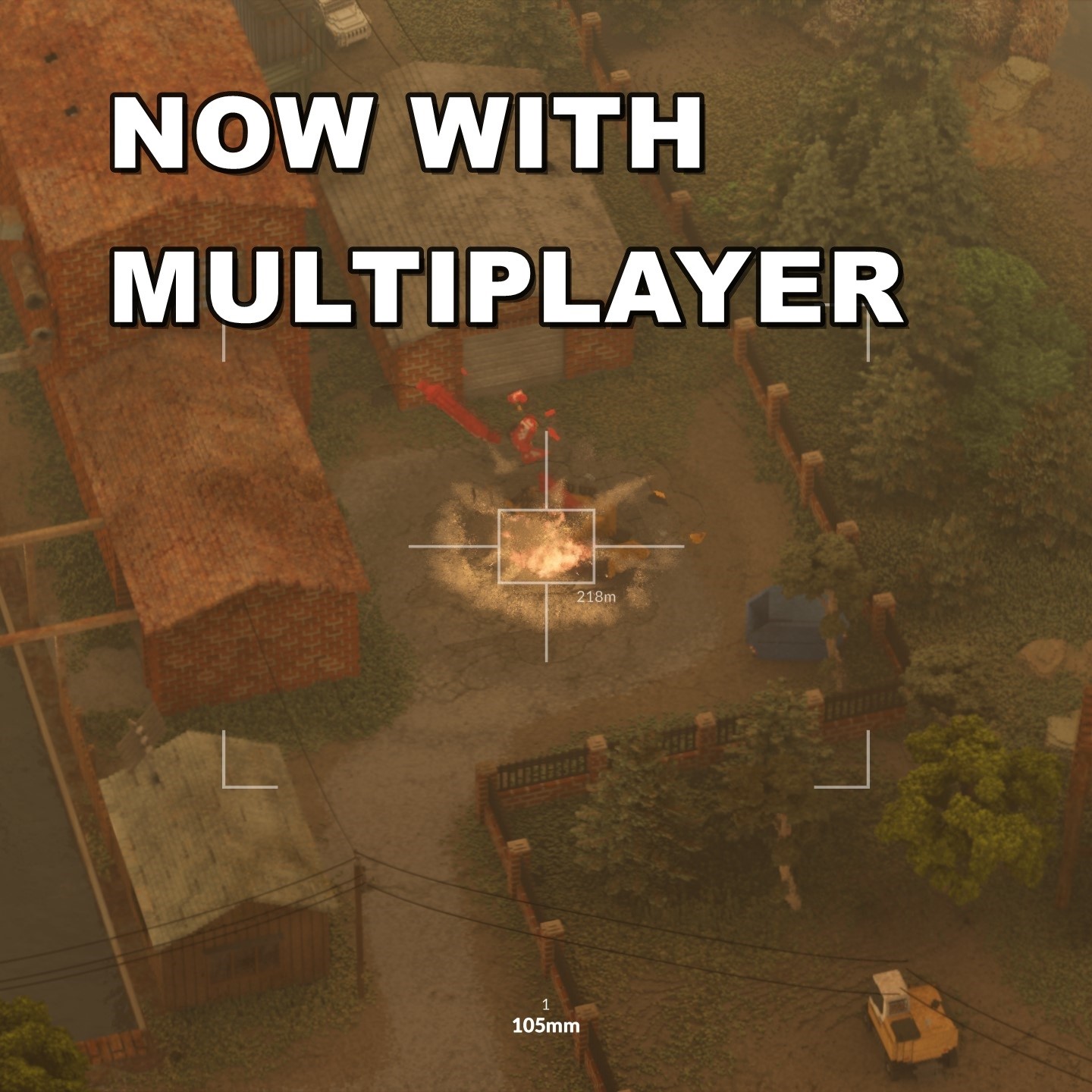
AC130 Airstrike
AC130 Airstrike - Multiplayer Support Update Thank you for helping this mod reach 1,000,000 subscribers . The biggest part of this update is that AC130 Airstrike now supports…

 Мод для Teardown
от CoolJWB
ABOUT A mod that will try to increase performance when large objects are destroyed. This is still in the works so please have this in mind when you rate the mod, and it would be…
Performance Mod v3.1 — мод для Teardown (Тирдаун) от автора CoolJWB. ABOUT A mod that will try to increase performance when large objects are destroyed. This is still in the works so please have this in mind when you rate the mod, and it would be…
На него подписались 267,1 тыс. раз в Мастерской Steam: это 103-е место среди модов Teardown в нашем каталоге, редкость — «редкий» (топ-50% по подпискам). Мод давно не обновлялся — проверьте совместимость с текущей версией игры.
Нужны ли ему другие моды, видно на его странице в Мастерской Steam в блоке «Необходимые продукты» — при подписке Steam сам предложит их добавить.
Текст автора на языке оригинала
ABOUT A mod that will try to increase performance when large objects are destroyed. This is still in the works so please have this in mind when you rate the mod, and it would be better to ask on Discord first if it does not work for you so that it can be fixed.
USAGE, READ THIS BEFORE INSTALLING To show the mod user interface you enter any level and hold the left ALT button down and then press the letter P (as default), if it does not work then press ESC on your keyboard and click on the button named Performance Mod at the bottom (you may need to scroll over this area to find it). If neither of the above works, make sure the mod is enabled in the main menu under mods and that you have not changed the default bind.
If the user interface works you will find a few buttons on the left side (if none show, you have an outdated version of Teardown), these can be interacted with and be enabled or disabled. Enabled means that the module will try to make your game run faster, disabled means that this module will do nothing to optimize your game. You will be able to configure each module to your preference with buttons, sliders, and color pickers.
PLANNED
KNOWN ISSUES
Thanks to everyone who supports the project! And a special thanks to early supporters like The Mafia, KV and Narcrate140!
Мод ставится подпиской в Мастерской Steam — без архивов, перезаливов и сторонних установщиков
Подробная инструкция для TeardownВставьте значок в описание на Мастерская Steam, в README или в Discord — русскоязычные игроки сразу попадут на страницу с переводом и инструкцией.

[](https://modka.app/teardown/performance-mod-v3-1/)<a href="https://modka.app/teardown/performance-mod-v3-1/"><img src="https://modka.app/badge.png" alt="Описание на русском — Модка" height="44"></a>[url=https://modka.app/teardown/performance-mod-v3-1/]Описание на русском — Модка[/url]Откройте страницу мода «Performance Mod v3.1» в Мастерской Steam (кнопка «Скачать» на нашем сайте ведёт именно туда) и нажмите «Подписаться» — Steam сам скачает мод и будет его обновлять. Если Steam покажет список обязательных модов, подпишитесь и на них — без них мод не заработает. Запустите Teardown и откройте раздел «Моды» (Mods) в главном меню: моды из Мастерской лежат в списке подписок — карты запускаются оттуда, а оружие и инструменты включаются переключателем. Если мод не появился в игре, откройте вкладку «Загрузки» в Steam и дождитесь, пока он скачается полностью, затем перезапустите игру. Чтобы убрать мод, нажмите «Отписаться» на его странице в Мастерской — Steam удалит его файлы сам.
Мы ничего не перезаливаем: кнопка скачивания открывает официальную страницу мода в Мастерской Steam. Там нужно нажать «Подписаться» — файлы загрузит и будет обновлять сам Steam.
10 июня 2023. Это больше года назад: перед установкой проверьте, работает ли мод на текущей версии игры.
AC130 Airstrike - Multiplayer Support Update Thank you for helping this mod reach 1,000,000 subscribers . The biggest part of this update is that AC130 Airstrike now supports…
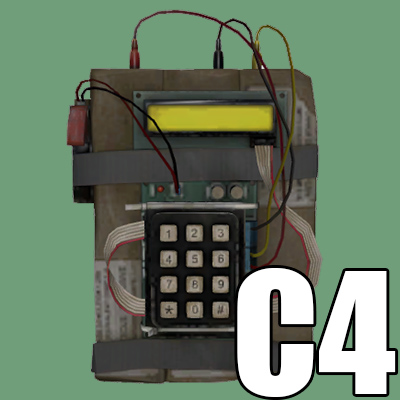
No longer updated. Remote detonated explosives. Left mouse button to plant, K to detonate, O and L to change explosion size, I to change delay between explosions Non-physics…
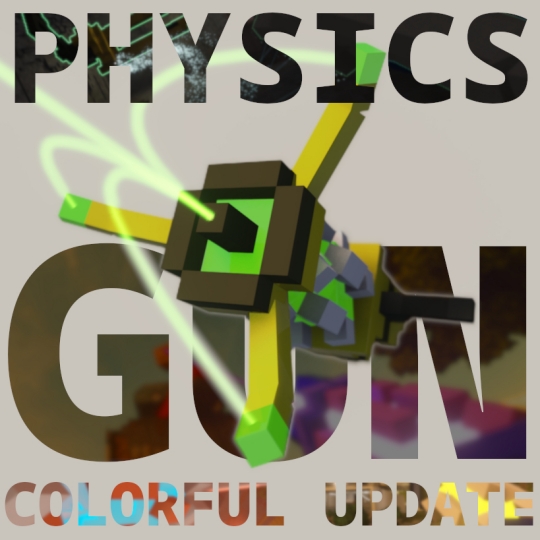
THIS MOD IS NOT COMPATIBLE WITH MULTIPLAYER I am working on porting the tool, you can help by testing it out here: The Physics Gun, also known as "Physgun", is a general-purpose…
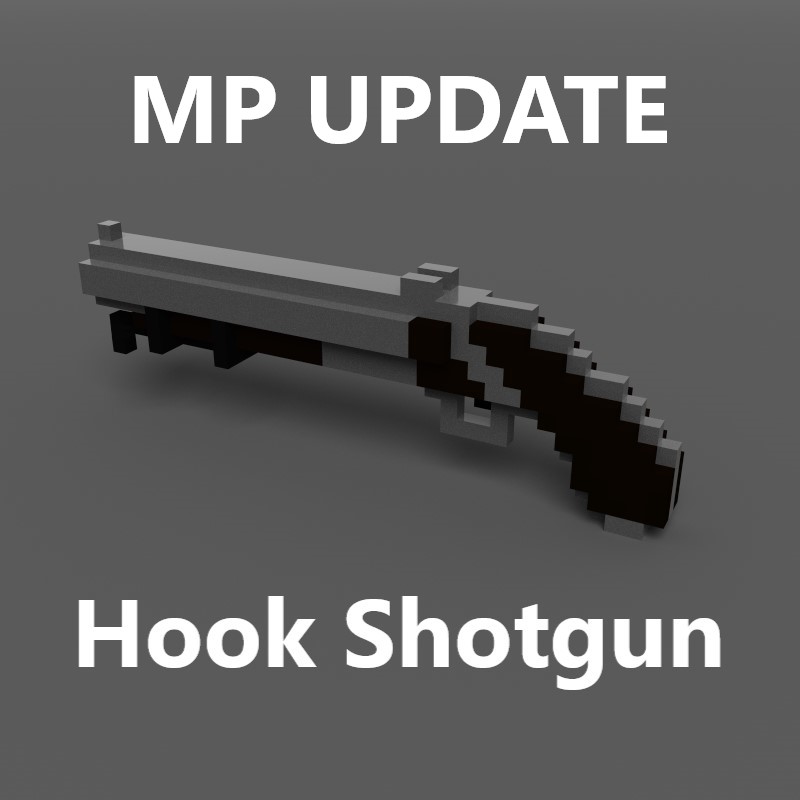
Multiplayer Hook Shotgun - Shoot with LMB. Hook/pull with RMB. Open/close menu with R.
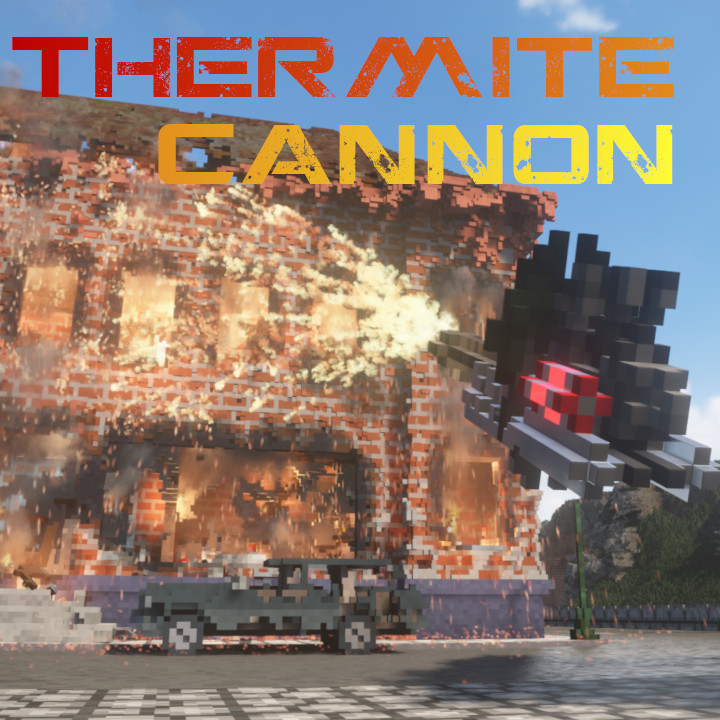
Thermite Cannon The Thermite Cannon , brings a high powered cannon that propels a stream of highly combustible thermite at whatever you want to not be there any longer. The…
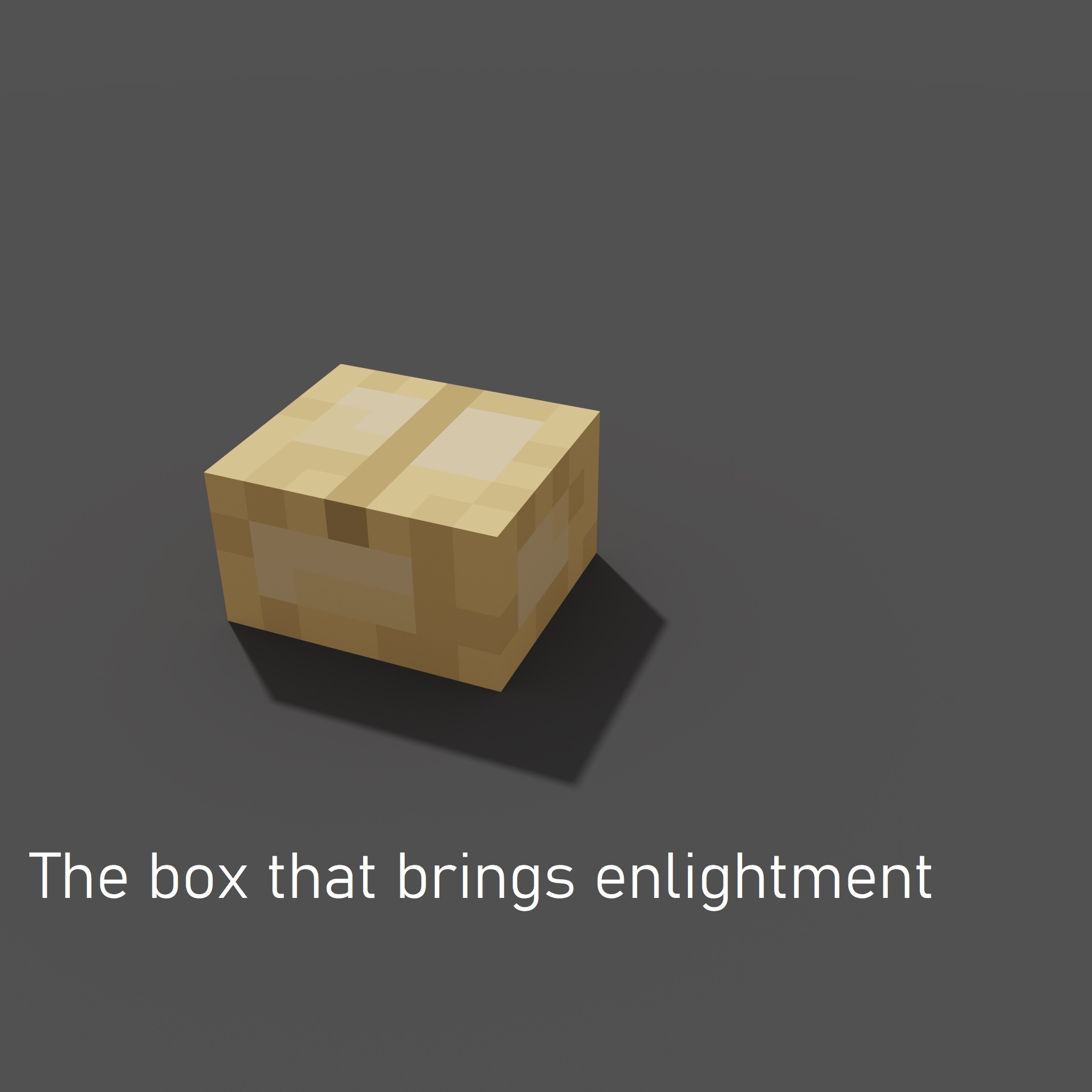
Only modders will understand. Feel free to use this in your mods as a required item.