

Advancement Plaques
Замените эти скучные всплывающие окна с чем-то более ярким.

 Мод для Minecraft
от Sparkierkan7
Мод ткани, который добавляет систему температуры тела.
Thermite — мод для Minecraft (Майнкрафт) от автора Sparkierkan7. Мод ткани, который добавляет систему температуры тела.
Его скачали 175,3 тыс. раз: это 2138-е место среди модов Minecraft в нашем каталоге, редкость — «обычный» (нижняя половина по скачиваниям). Мод давно не обновлялся — проверьте совместимость с текущей версией игры, актуальная версия — 5.0.0.
Для работы ему нужны: Fabric API, Обязательная библиотека.
Работает на Fabric, поддерживает Minecraft до 1.20.1 включительно. По данным Modrinth, ставить его нужно так: на сервер и всем игрокам.
7 шт · нажмите, чтобы открыть
Текст автора на языке оригинала
This mod is available under the MIT license.
Fabric Api >=0.83.1 for mc 1.20.1
CompleteConfig >=2.4.0 for mc 1.20.1
Roughly Enough Items (Recommended)
This is a fabric mod that adds a body temperature system based on what biome you are in, the time of day, weather conditions and what blocks are around you. If you get too cold or hot you will start to take damage, but there are ways to maintain a good temperature.
In vanilla minecraft, biomes have there own built in temperature. This mod takes that temperature and determines how cold or hot you should feel. So it should work with any modded biome as long as its biome temperature is set appropriately.
Heat making blocks will slowly increase your temperature if you are less than 3 blocks away. Torches increase temperature by 3, fire also 3, lava 8 and campfires 15. You can also increase your temperature by wearing leather armor. Boots increase by 1, leggings 2, chestplate 3 and helmet 1.
By putting any piece of leather armor in the crafting table along with wool cloth, you can increase the warmth it provides. You can only do this twice with each armor piece.
Cold making blocks do the opposite of heat making blocks and cool you down but within a shorter range (2 blocks). Ice decreases by 1, packed ice decreases by 3 and blue ice decreases by 6. This is useful if you are in a hot climate since you can just put some ice under your floor and that will cool you down, or in the nether if you don't have fire resistance.
You will also become colder if it rains, snows, its nighttime or if you get in water. The fire protection enchantment will cool you down 0.5 per level and fire resistance will stop you from taking any damage from high temperature. So if you are too hot drink fire resistance or make ice juice. (use REI to see ice juice recipe). Ice juice is very useful in the nether before you get fire resistance or fire protection.
When it is windy you will see particles showing the direction the wind is flowing. Being exposed to the wind will cool you down. It will get more windy the higher up you are.
The ice box is a new block added that can be used to get ice easier before getting silk touch. First craft an empty ice box (use REI for recipe). Then you can right click it with a water bottle to fill it with water. For it to make ice it needs to be in a cold or frigid climate (taiga biomes and snowy biomes will be fine). When you have filled it and it is in a cold or frigid climate you just have to wait and it will freeze. Once it has frozen you can right click it and it will give you 3 ice and turn back into an empty ice box.
When it is in a frozen state it will act like packed ice and cool you down by 3 if you are near enough. But it will slowly melt and turn back into its unfrozen state in biomes than are not cold or frigid. The hotter the biome the faster it melts.
The brick fireplace block, when lit, will heat you up by 16 in a large radius. You can light it by right clicking it with fuel items. Coal and charcoal fuel it for 60 seconds, coal blocks 540 seconds and sticks 5 seconds.
Putting brick walls, cobblestone walls or stone brick walls above the fireplace cause the smoke it makes to come out above the walls like a chimney.
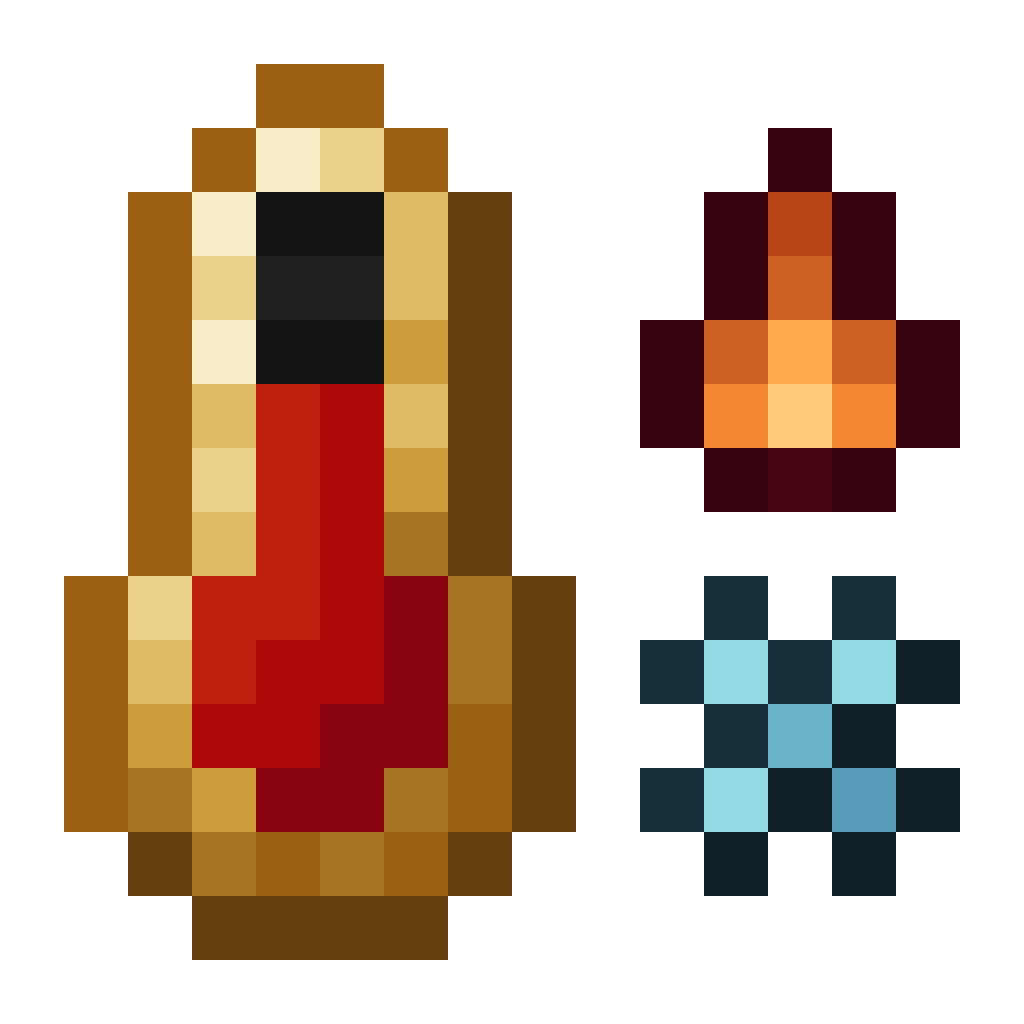
The temperature display is a thermometer in the center of your hotbar. It will start turning blue as you get colder and start turning orange as you get hotter. It will become icy if you are getting colder and fiery if you are getting hotter. It will also shake if you are hot or cold enough to take damage.
     
The temperature display alone does not show your exact temperature as a number, but if you hold a thermometer in your offhand a display will pop up on your left showing your exact temperature. the number it shows is not any specific unit of temperature like celsius or fahrenheit. 50 is the most neutral.
     
Compatible with Fabric Seasons. Your temperature will be affected by the current season.
Incompatible with C2ME.
Config file path is "config/therm.conf", if you want something added to the config create an issue on github.
В r2modman ставится автоматически
Файл скачивается с официального сервера Modrinth, без перезаливов и сторонних установщиков
Подробная инструкция для MinecraftВставьте значок в описание на Modrinth, в README или в Discord — русскоязычные игроки сразу попадут на страницу с переводом и инструкцией.

[](https://modka.app/minecraft/thermite/)<a href="https://modka.app/minecraft/thermite/"><img src="https://modka.app/badge.png" alt="Описание на русском — Модка" height="44"></a>[url=https://modka.app/minecraft/thermite/]Описание на русском — Модка[/url]Установите загрузчик модов — Fabric, Forge или NeoForge — под вашу версию Minecraft (проще всего через лаунчер Modrinth App или Prism Launcher). Откройте страницу мода «Thermite» на Modrinth и скачайте файл .jar для своей версии игры и загрузчика. Положите .jar в папку .minecraft/mods (в Modrinth App — кнопка «Добавить контент» в профиле). Проверьте зависимости: многим модам нужен Fabric API или другие библиотеки. Запустите игру с выбранным профилем — мод появится в списке модов.
Файл скачивается с официального сервера Modrinth, куда его загрузил Sparkierkan7. Мы не перезаливаем и не изменяем моды.
По данным Modrinth — на сервер и всем игрокам. Если мод добавляет в игру новые блоки, предметы или мобов, он должен стоять и на сервере, и у игроков — одной и той же версии.
Установите вместе с ним: Fabric API, Обязательная библиотека. В менеджере модов зависимости подтягиваются автоматически.
Последняя поддерживаемая версия — 1.20.1. Файлы под конкретную версию и загрузчик — в таблице на этой странице.
24 февраля 2024, актуальная версия — 5.0.0. Это больше года назад: перед установкой проверьте, работает ли мод на текущей версии игры.
Замените эти скучные всплывающие окна с чем-то более ярким.
Мод камеры с акцентом на процесс и эстетику
Посмотрите на свои вещи, когда вы гребите на лодке!

Добавление новых тонких деталей через частицы и несколько звуков

Дает всем сельским сущностям по умолчанию или собственное имя, чтобы оживить мир.

Помогите своим друзьям вернуться после их смерти (если вы можете сделать это вовремя)