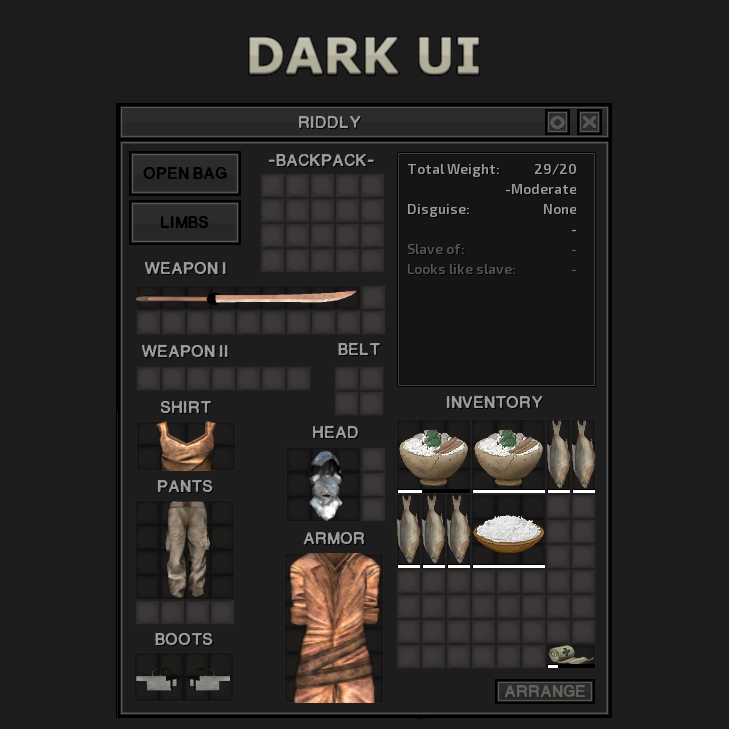
Dark UI
Dark UI changes majority of the UI to a darker and cleaner look. Optimal resolution: 1920x1080, borderless window. Alternative download links Nexus mirror. Known issues Problem…

 Мод для Kenshi
от Xscreade
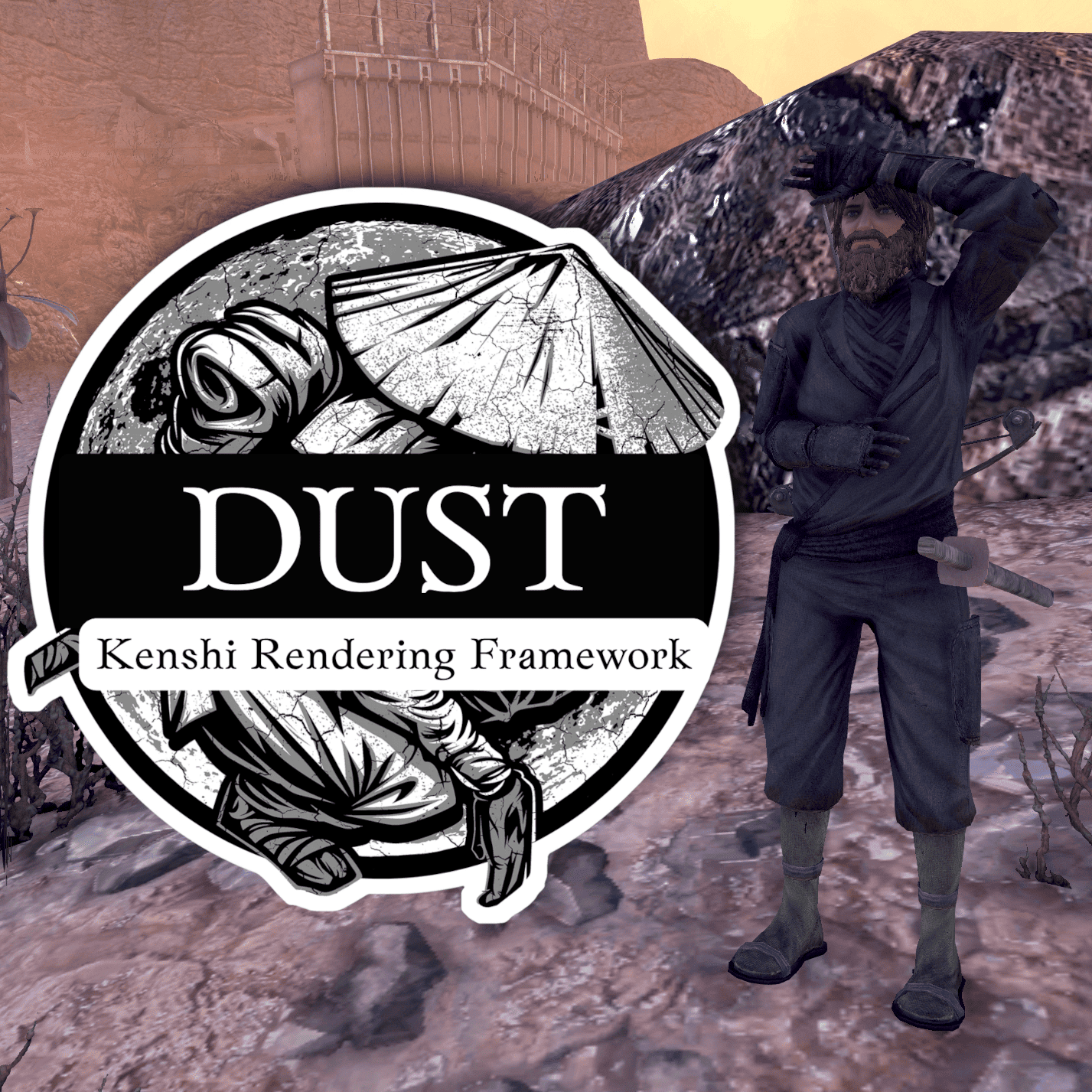
Dust - Graphics Enhancement for Kenshi Dust modernizes Kenshi's visuals with global illumination, ambient occlusion, improved shadows, color grading, depth of field, bloom, and…
Dust - A Kenshi Rendering Framework — мод для Kenshi (Кенши) от автора Xscreade. Dust - Graphics Enhancement for Kenshi Dust modernizes Kenshi's visuals with global illumination, ambient occlusion, improved shadows, color grading, depth of field, bloom, and…
На него подписались 93,4 тыс. раз в Мастерской Steam: это 296-е место среди модов Kenshi в нашем каталоге, редкость — «обычный» (нижняя половина по подпискам). Мод обновлялся в последние полгода.
Это библиотека: сама по себе ничего не добавляет, но нужна другим модам.
Текст автора на языке оригинала
Dust modernizes Kenshi's visuals with global illumination, ambient occlusion, improved shadows, color grading, depth of field, bloom, and more. The goal is to make the game look better while staying true to its original art style.
Everything is tweakable in-game with an F11 settings menu, so you can adjust things to your taste or turn off what you don't like.
Under the hood, Dust works differently from ReShade or other injectors. It hooks directly into the game's rendering pipeline, which means effects like SSAO can work with the actual lighting system instead of being applied on top after the fact. This avoids common issues like fog bleed and UI getting affected.
The mod is also built as a plugin framework. Effects are separate DLLs, so anyone can make and share their own.
Lighting & shadows
Image & post-processing
Press F11 to open the settings overlay. From there you can adjust every effect, see performance stats, save your configuration, or reset to defaults. Double-click any slider to type in an exact value.
The mod should be compatible with any other mod, except specific mods that hook directly into the render pipeline of the game, or mods that modify the render pipeline directly (ReShade REST addon seems to be causing issues). The mod currently does not officialy support Proton/Wine for now. It seems to work for a lot of users, but it depends on the version.
A startup notification appears for 30 seconds indicating the mod is active and which key toggles the GUI. This can be disabled in the framework settings.
Dust is not a ReShade preset or a post-process overlay. It hooks into Kenshi's D3D11 deferred rendering pipeline and injects effects at specific points in the render pass (after GBuffer, after lighting, after tonemapping, etc). This means effects have access to the actual depth buffer, HDR scene data, and lighting state before the game flattens everything to the final image.
For example, SSAO is injected into the deferred lighting pass so it affects both ambient and direct light. Color grading captures the HDR render target before the game's tonemapper runs, applies its own ACES tonemapping, and writes the result back. This would not be possible with a generic post-process injector.
Effects are loaded as plugin DLLs via a stable C API. The framework handles shader compilation, state management, constant buffers, GPU timing, config I/O, and the settings GUI. A new effect only needs to fill out a descriptor struct and provide a pixel shader.
https://discord.gg/3fd3c7EFvT
Мод ставится подпиской в Мастерской Steam — без архивов, перезаливов и сторонних установщиков
Подробная инструкция для KenshiВставьте значок в описание на Мастерская Steam, в README или в Discord — русскоязычные игроки сразу попадут на страницу с переводом и инструкцией.

[](https://modka.app/kenshi/dust-a-kenshi-rendering-framework/)<a href="https://modka.app/kenshi/dust-a-kenshi-rendering-framework/"><img src="https://modka.app/badge.png" alt="Описание на русском — Модка" height="44"></a>[url=https://modka.app/kenshi/dust-a-kenshi-rendering-framework/]Описание на русском — Модка[/url]Откройте страницу мода «Dust - A Kenshi Rendering Framework» в Мастерской Steam (кнопка «Скачать» на нашем сайте ведёт именно туда) и нажмите «Подписаться» — Steam сам скачает мод и будет его обновлять. Если Steam покажет список обязательных модов, подпишитесь и на них — без них мод не заработает. Запустите Kenshi: в окне лаунчера откройте вкладку «Mods», отметьте мод галочкой и нажмите «OK». Для новых рас и стартов обычно нужна новая игра или импорт сохранения. Если мод не появился в игре, откройте вкладку «Загрузки» в Steam и дождитесь, пока он скачается полностью, затем перезапустите игру. Чтобы убрать мод, нажмите «Отписаться» на его странице в Мастерской — Steam удалит его файлы сам.
Мы ничего не перезаливаем: кнопка скачивания открывает официальную страницу мода в Мастерской Steam. Там нужно нажать «Подписаться» — файлы загрузит и будет обновлять сам Steam.
30 сентября 2026. Дата берётся с официальной страницы мода при каждом обновлении каталога.
Dark UI changes majority of the UI to a darker and cleaner look. Optimal resolution: 1920x1080, borderless window. Alternative download links Nexus mirror. Known issues Problem…
This mod replace textures with "compressed ones". Textures compressed to DXT5 and resize down: • for landscape from 2048 to 1024 • for some other stuff from 4096 to 2048 Those…
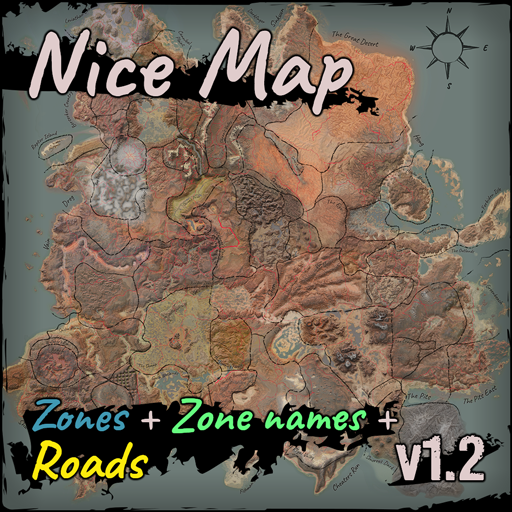
[Simple map replacement with Zones, Zone names and Roads] It includes some colour adjustments , zone outlines (in sort of scribbled style) , zone names and roads . There are more…
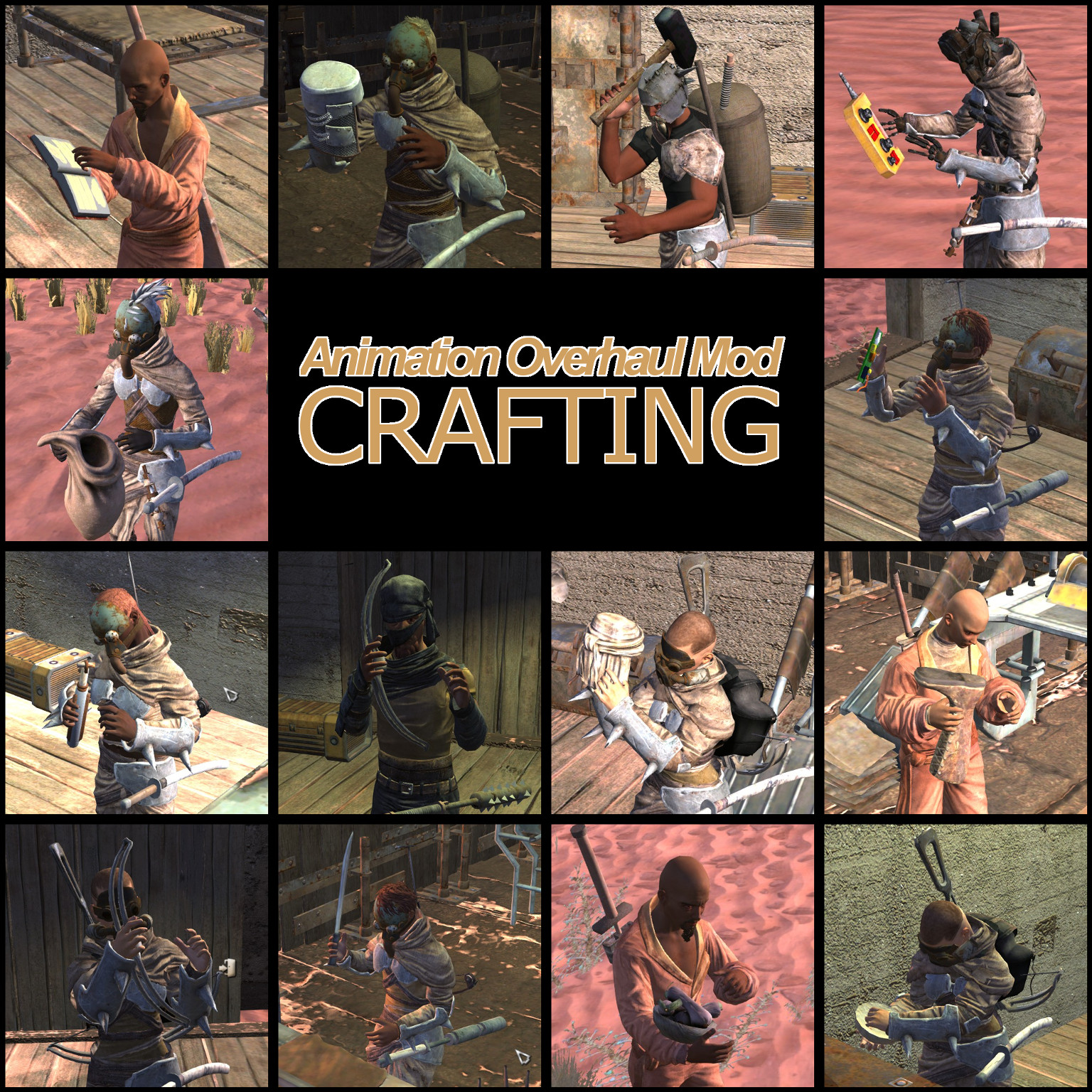
06.07.2019: I made my custom race support mod (only jrpg_race for now) public. Feel free to test it, hope it works for everyone (make sure to test with a new game first!)…
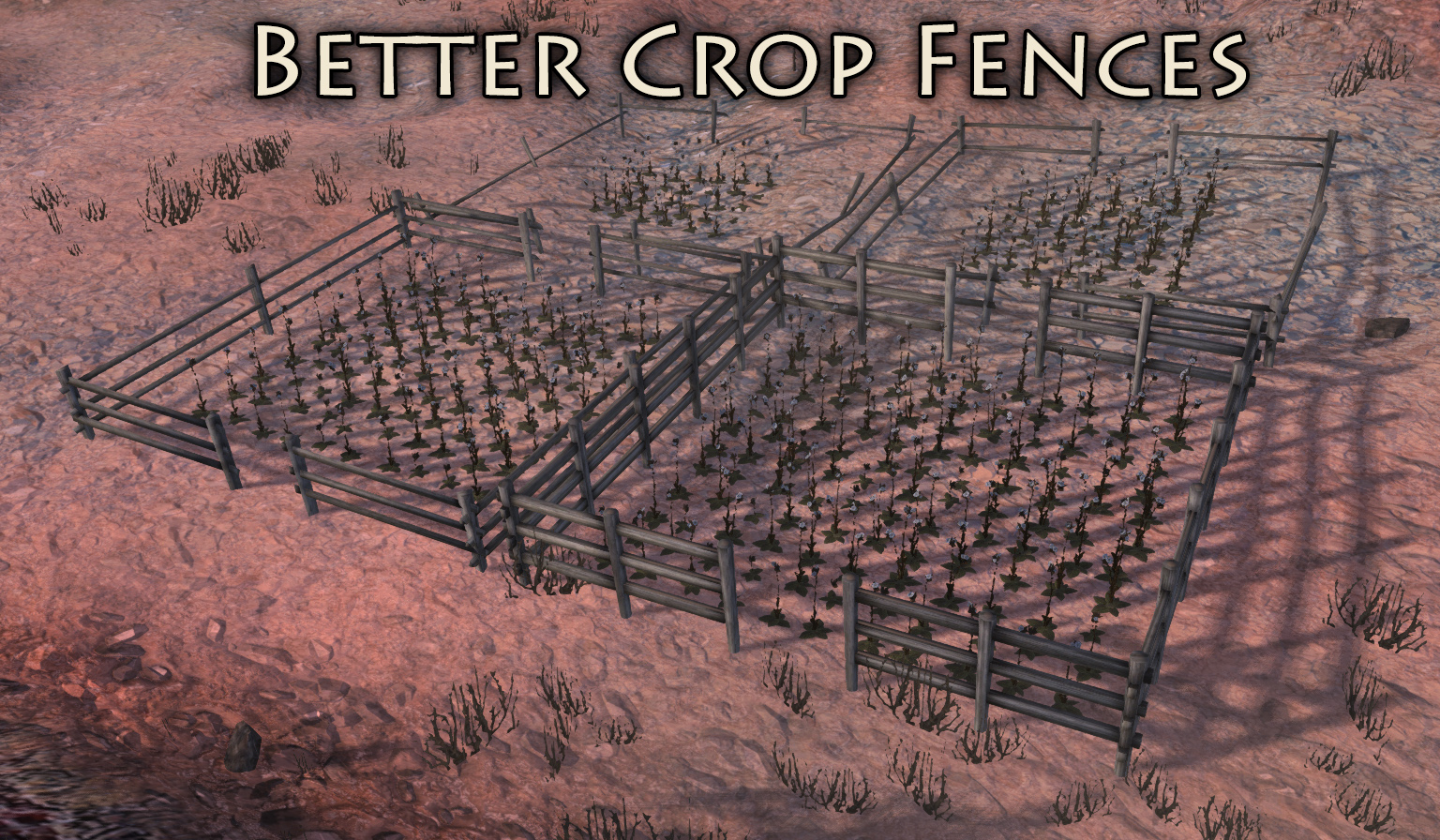
FOR BEST RESULTS, IMPORT YOUR SAVE. NEW: Holy Farms should no longer have floating fences. If you find an NPC farm that has floating or strangely placed fences, let me know! Will…
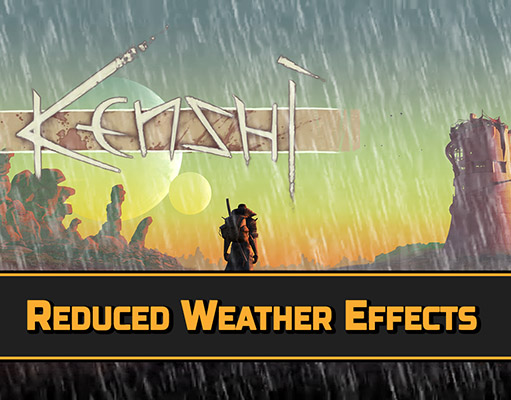
This mod reduce rain visual effects, making them less annoying. Donate: Donations are a nice way to say "thank you" for something that is developed and released for free. If you…