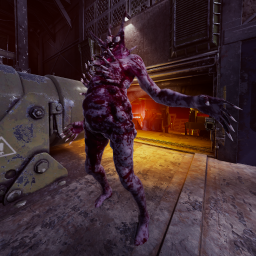
Fatal Experiment 2
The ''Deep End'' of GTFO Modded, are you ready? 25 Expeditions. Custom Guns. 150+ Enemy Variants. Team of 4 recommended.
 Мод для GTFO
от Frog
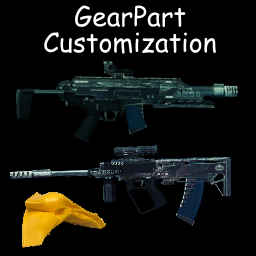
Modify the position, rotation, and scale of gear parts
GearPartCustomization — мод для GTFO (ГТФО) от автора Frog. Modify the position, rotation, and scale of gear parts
Его скачали 52,5 тыс. раз: это 30-е место среди модов GTFO в нашем каталоге, редкость — «эпический» (топ-20% по скачиваниям). Мод давно не обновлялся — проверьте совместимость с текущей версией игры, актуальная версия — 1.3.3.
Это библиотека: сама по себе ничего не добавляет, но нужна другим модам.
Текст автора на языке оригинала
Note: Part type is only required if PartHolderObject is unset. You only need one or the other
Note: Child object names can be found through GearPartHolder in unity explorer. Usage of unity explorer is highly recommended to determine the ideal settings to use
17 в каталоге · показаны самые популярные
The ''Deep End'' of GTFO Modded, are you ready? 25 Expeditions. Custom Guns. 150+ Enemy Variants. Team of 4 recommended.
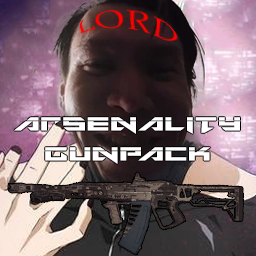
You get bored with default 'GTFO' weapons? Get more firearms with 'ARSENALITY GUNPACK'!
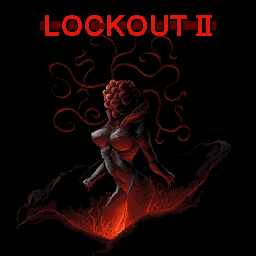
Investigate the source of the nuclear meltdown beneath Garganta
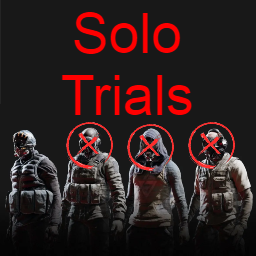
13 Expeditions available. Balanced for solo play. Begins with easy vanilla-like difficulty and enemies, but later leans into brutal difficulty and custom enemies.
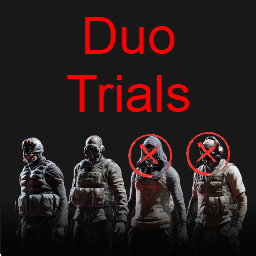
11 Expeditions available. Balanced for duo play. 5 Vanilla-enemy levels, 6 Modded-enemy levels.
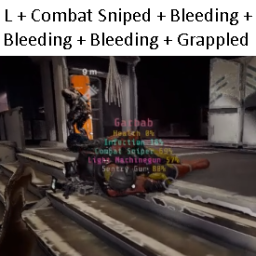
An elite task force is sent in to retrieve and process the H-V virus, the source of the infestation. 4 operators are required for this hardcore survival experience.
Файл скачивается с официального сервера Thunderstore, без перезаливов и сторонних установщиков
Подробная инструкция для GTFOВставьте значок в описание на Thunderstore, в README или в Discord — русскоязычные игроки сразу попадут на страницу с переводом и инструкцией.

[](https://modka.app/gtfo/frog-gearpartcustomization/)<a href="https://modka.app/gtfo/frog-gearpartcustomization/"><img src="https://modka.app/badge.png" alt="Описание на русском — Модка" height="44"></a>[url=https://modka.app/gtfo/frog-gearpartcustomization/]Описание на русском — Модка[/url]Скачайте менеджер модов r2modman (или Gale) и выберите в нём игру GTFO. Создайте профиль — так моды не смешаются с чистой версией игры. Найдите «GearPartCustomization» во вкладке Online и нажмите Download — BepInEx и все зависимости подтянутся сами. Нажмите «Start modded» — игра запустится с модами. Для мультиплеера всем игрокам нужен одинаковый набор модов: в r2modman профиль можно экспортировать кодом и отправить друзьям.
Файл скачивается с официального сервера Thunderstore, куда его загрузил Frog. Мы не перезаливаем и не изменяем моды.
Автор не указал, клиентский это мод или серверный. Безопаснее, чтобы одинаковый набор модов был у всех игроков в лобби: проще всего поделиться профилем r2modman.
19 августа 2022, актуальная версия — 1.3.3. Это больше года назад: перед установкой проверьте, работает ли мод на текущей версии игры.

[For Rundown Devs] Because why wouldn't you want to take damage while holding a datasphere!
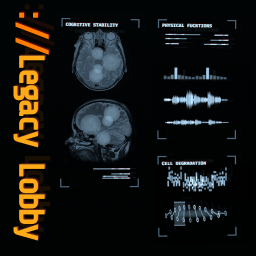
Brings back the lobby screen aestethic of Rundown 1 through 4.
Project Zaero's selection of client-sided mods including bugfixes, quality-of-life improvements, and new features to enhance your GTFO experience.
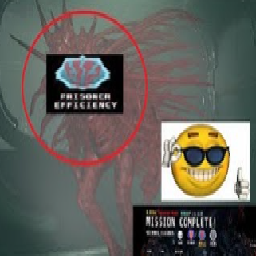
Configure bossbars for enemies! Up to 3 bossbars can be on screen at once.
Randomizes a levels zones with each drop. Make every run uniquely awful! Works with everything(tm)*

OBJECTIVE STACK REITERATION UNKNOWN - PROBE DEEPER UNTIL ://ERROR