
Move It
Move It 2.10.9 New in 2.10.9: - Updated for game version 1.21.1 - Fixed network segment moving - Removed obsolete Extended Managers Library support This mod allows you to select…

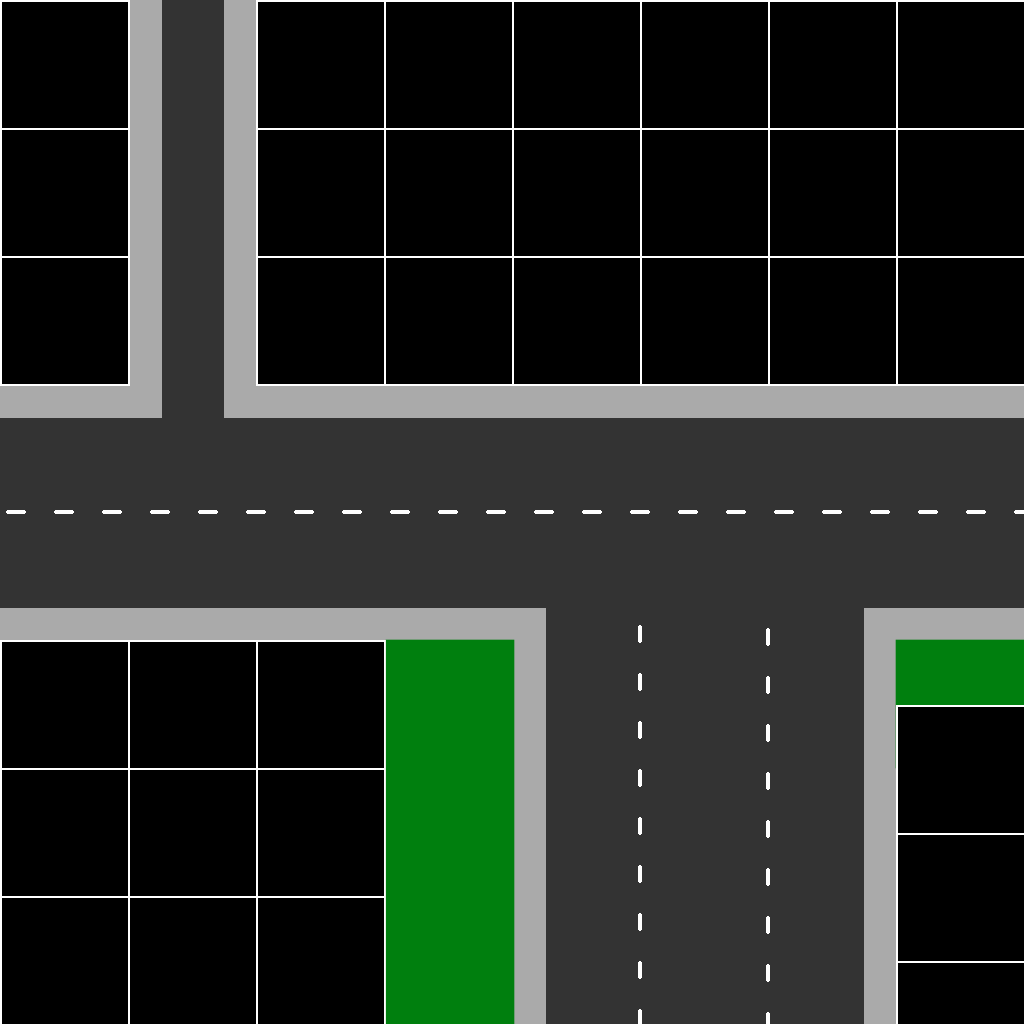
 Мод для Cities: Skylines
от algernon
A tool to adjust and fine-tune zoning grids Yes, the one-sided and remove zoning functions of this mod work happily alongside those introduced in the base game in 1.17 - you can…
Zoning Adjuster 1.6 — мод для Cities: Skylines (Сити Скайлайнс) от автора algernon. A tool to adjust and fine-tune zoning grids Yes, the one-sided and remove zoning functions of this mod work happily alongside those introduced in the base game in 1.17 - you can…
На него подписались 791,7 тыс. раз в Мастерской Steam: это 114-е место среди модов Cities: Skylines в нашем каталоге, редкость — «редкий» (топ-50% по подпискам). Мод давно не обновлялся — проверьте совместимость с текущей версией игры.
Нужны ли ему другие моды, видно на его странице в Мастерской Steam в блоке «Необходимые продукты» — при подписке Steam сам предложит их добавить.
Текст автора на языке оригинала
Yes, the one-sided and remove zoning functions of this mod work happily alongside those introduced in the base game in 1.17 - you can use either or both.
Remember that this mod does a lot more than the game's zoning toggle!
Key features:
Activate by clicking the button in the Unified UI (UUI panel), or to the left of the road options panel (lower-left of the screen), or by using the hotkey (default Alt-Z).
Left-click a road or pedestrian path segment with the tool to add new zoning to that segment with the current zoning settings. Any existing zoning will be deleted and new zoning created - note that this means that any existing zoning will be cleared!
Right-click a road segment with this tool to remove zoning attached to that segment.
Alt-click (hold down Alt and left-click on a segment) for one-sided zoning: alt-clicking toggles between left-side only/right-side only/both sides zoning.
This will appear when the roads tool panel is visible, by default just above the tool button at the lower-right of the screen (can be dragged anywhere). It includes a slider to set variable zoning setback (0 to 8 meters) and a checkbox to select whether or not zoning grids attached to older roads take priority over those attached to newer roads (and a second checkbox for the reverse).
These settings take immediate effect for any zoning created afterwards (either through use of the zoning tool or by normal road construction).
Enables matching alignment of zoning grids for right-angled road connections using 8- and 24m-wide roads (in addition to the standard 16/32m). This means that you can have (right-angled!) junctions between roads of all of these road widths with a single, continuous zoning grid aligned to all roads.
Replaces the Network Extensions Project 2's 'tiny road zoning', as well as working for 24m-wide and standard road widths out-of-the-box.
Also includes an additional function to offset the zoning start along a road by 4m; hold down the modifier key (Shift by default, can be changed in the mod's options panel settings) when placing/upgrading/toggling roads to apply this offset. This is useful for forcing zoning alignment between mismatched road types.
Use the slider in the settings panel to set the maximum depth (in zone squares) of new or updated zoning.
Note: when you connect a road to another road, or even just build a new road near an existing road, the game will delete adjacent zone blocks on the old road and create new ones; when this happens, the new blocks will have whatever the current zone depth settings are, and not the depth of the original (now deleted) zones. When this happens, simply use the zoning tool to reset the zones on the old road to whatever settings you want.
Zoning blocks 'remember' the priority that was set when they were created, and will keep that priority. Overlapping blocks with different priorities will lead to inconsistent results - where necessary, using the tool to recreate zone blocks with the desired priorities as needed.
Getting good zoning matches can still be tricky, because the game (including functionality like 'snap to grid') is designed only for 16/32m roads, and the game will offset zoning grids at the slightest provocation.
It's VERY IMPORTANT to make sure that your road placment lines up nicely with the grid (the game will NOT do this by default for 24m roads in particular) to ensure that the zoning for both roads CAN align in the first place.
It may take several attempts to get things right (also experiment with the zoning offset modifier function). If you find that you have trouble placing 24m roads at the correct spot, try placing an 8m road and then upgrading to the desired 24m road (some people find that placing the 8m roads works a bit more easily with the game's UI for them than placing 24m roads).
Messing with zoning in the game in ANY MANNER (with this mod, with other mods, or with just the standard in-game tools) where there are existing buildings on that zoning can lead to those buildings despawning (especially if the simulation is still running while you're doing it). There's nothing special about this mod in that regard; it's how the game has always worked with zoning, so take appropriate care.
Road collections containing roads with 8m and 24m widths that work with this mod include (this is not a complete list, just a small sampling):
Описание длинное — здесь его начало. Читать целиком на странице автора
Мод ставится подпиской в Мастерской Steam — без архивов, перезаливов и сторонних установщиков
Подробная инструкция для Cities: SkylinesВставьте значок в описание на Мастерская Steam, в README или в Discord — русскоязычные игроки сразу попадут на страницу с переводом и инструкцией.

[](https://modka.app/cities-skylines/zoning-adjuster-1-6/)<a href="https://modka.app/cities-skylines/zoning-adjuster-1-6/"><img src="https://modka.app/badge.png" alt="Описание на русском — Модка" height="44"></a>[url=https://modka.app/cities-skylines/zoning-adjuster-1-6/]Описание на русском — Модка[/url]Откройте страницу мода «Zoning Adjuster 1.6» в Мастерской Steam (кнопка «Скачать» на нашем сайте ведёт именно туда) и нажмите «Подписаться» — Steam сам скачает мод и будет его обновлять. Если Steam покажет список обязательных модов, подпишитесь и на них — без них мод не заработает. Запустите Cities: Skylines, откройте «Менеджер контента» в главном меню и включите мод на вкладке «Моды» (здания и развязки — на вкладке «Ассеты»). Если мод не появился в игре, откройте вкладку «Загрузки» в Steam и дождитесь, пока он скачается полностью, затем перезапустите игру. Чтобы убрать мод, нажмите «Отписаться» на его странице в Мастерской — Steam удалит его файлы сам.
Мы ничего не перезаливаем: кнопка скачивания открывает официальную страницу мода в Мастерской Steam. Там нужно нажать «Подписаться» — файлы загрузит и будет обновлять сам Steam.
23 мая 2023. Это больше года назад: перед установкой проверьте, работает ли мод на текущей версии игры.
Move It 2.10.9 New in 2.10.9: - Updated for game version 1.21.1 - Fixed network segment moving - Removed obsolete Extended Managers Library support This mod allows you to select…
Improve lane and parking usage. and customise junctions, roads, and rails! This is the stable release with tested features. ⠀⠀⠀⠀⠀⠀⠀⠀User Guide⠀⠀⠀⠀Report Bugs⠀⠀⠀⠀Discord Chat…
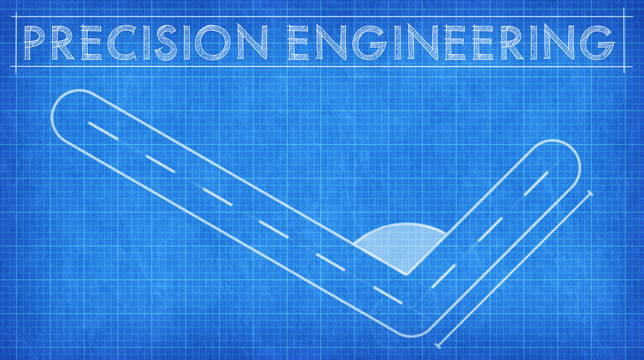
Precision Engineering augments Cities: Skylines by adding angle snapping, guidelines and additional information to assist you when building roads, train lines, pipes and power…
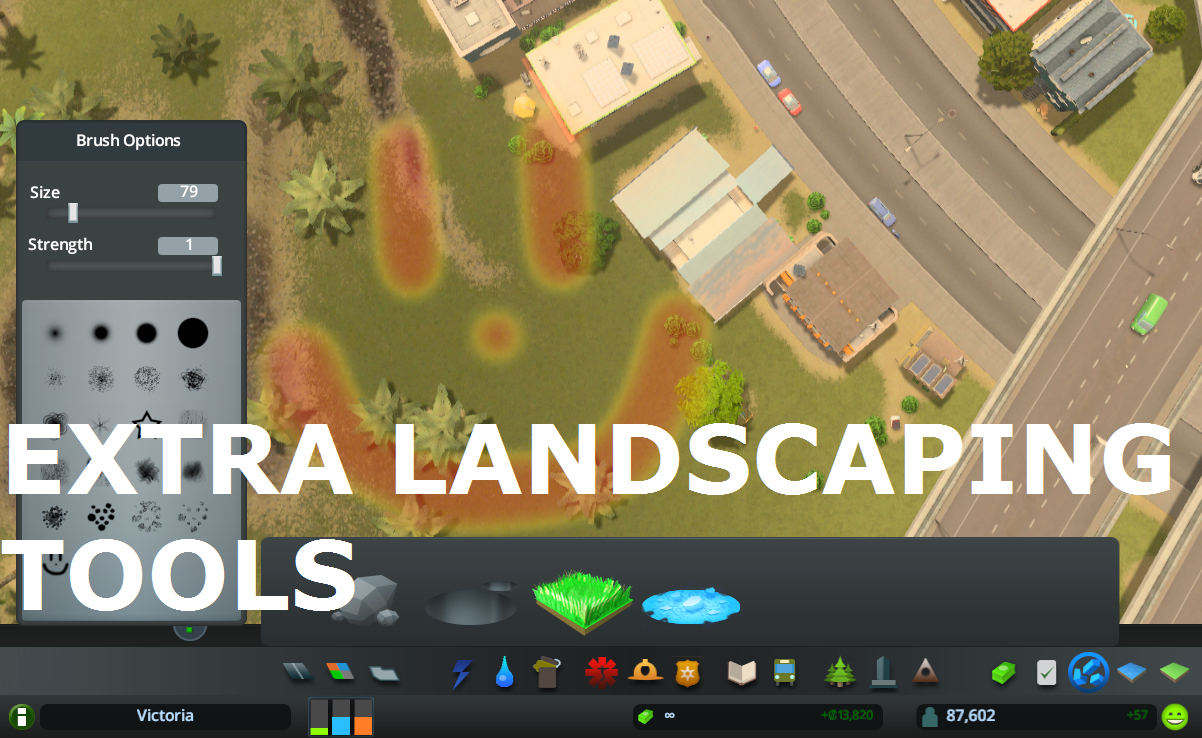
Allows to place natural resources in-game + provides configurable tree brush&pencil, terraform and water tool. Provides some Map Editor tools in-game (like Resources Tool) and…
What it does: All 25 areas can be purchased (in Vanilla only 9 can be purchased). The last Milestone (number 13) allows you to buy area 10 to 25 . Milestones 1-12 remain…
This is for detailing and aesthetics ONLY and WILL NOT tell your traffic where to go. If you want to control traffic, please see Traffic Manager: President Edition. • Harmony 2.0…