
Move It
Move It 2.10.9 New in 2.10.9: - Updated for game version 1.21.1 - Fixed network segment moving - Removed obsolete Extended Managers Library support This mod allows you to select…
 Мод для Cities: Skylines
от algernon
A fork of TPB's Painter mod, updated to work with Harmony 2, fix bugs, and add extra features. 100% backwards-compatible with the original. New in 1.7 : • Add vanilla highway…
Repaint 1.7.4 — мод для Cities: Skylines (Сити Скайлайнс) от автора algernon. A fork of TPB's Painter mod, updated to work with Harmony 2, fix bugs, and add extra features. 100% backwards-compatible with the original. New in 1.7 : • Add vanilla highway…
На него подписались 578 тыс. раз в Мастерской Steam: это 220-е место среди модов Cities: Skylines в нашем каталоге, редкость — «обычный» (нижняя половина по подпискам). Мод давно не обновлялся — проверьте совместимость с текущей версией игры.
Нужны ли ему другие моды, видно на его странице в Мастерской Steam в блоке «Необходимые продукты» — при подписке Steam сам предложит их добавить.
Текст автора на языке оригинала
A fork of TPB's Painter mod, updated to work with Harmony 2, fix bugs, and add extra features. 100% backwards-compatible with the original.
New in 1.7:
New in 1.6:
New in 1.5:
New in 1.4:
This mod allows you to change the colors of buildings live in-game.
Which parts of the building change color is determined by the asset's creator using a color map. If the asset creator hasn't provided one for that asset, the entire building's color will be changed (attached props are not affected). A 'colorize all' option is also provided to change the entire building's color even where the asset creator hasprovided a color map.
Colorization is also useful for fixing buildings where the asset creator has used colors that are too bright for the game. You can use this mod to 'dull down' the colors (by selecting a shade of grey as the color overlay) to fix that issue.
Use the copy-and-paste feature to make things easier if you have multiple buildings that you want to fix.
NOTE Colorization requires extra memory at game load. If you're very tight on memory, you'll most likely want to use the 'disable LOD colorization' option.
Roads, paths and rail networks are supported, provided they have a color map (most rail networks don't, but some do). This ability will instantly affect all segments and nodes of the selected network, so you don't have to tediously manually repaint everything (if you do want to color segements individually, use the Network Skins Continued mod).
As with buildings, network color changes can be used to lighten or darken the network's default colors.
If a network doesn't have a color map, it can't be colored. There's nothing this mod can do about it. Some individual networks may also have specific issues, such as different color intensities on nodes/segments (e.g. vanilla highways).
For vanilla highways, you can activate the mod's option to replace the vanilla highway textures with more color-friendly textures (see the mod's options panel) - this fixes the issue of different node and segment color intensities for those networks.
A color field is added to the top-right of each building's info panel; click on that to open the color picker to choose a replacement color. Each individual building can be colored differently (even buildings of the same type)!
At the bottom of the color picker are three buttons - 'copy' and 'paste' can be used to copy the exact same color between buildings. 'Erase' restores the building's color to the default.
To color networks, select the Repaint network coloring tool from the UUI menu or press the hodtkey (default is Ctrl-Alt-C), and then click on the target network to bring up the color panel. As with buildings, you can copy and past colors across networks too.
Earlier versions of this mod (and the original Painter) had an issue when using the Loading Screen Mod's "share materials" option; using that option in conjuntion with the "Colorize" option could cause LOD texture corruption (due to the way that the Loading Screen Mod''s material sharing overrode the game's default behavior).
Version 1.4 of this mod introduced a new method for LOD colorization that works around the Loading Screen Mod''s behaviour; LOD colorization is now fully compatible with the Loading Screen Mod's "share materials" option.
Huge thanks to TPB, the author of the original Painter mod.
This mod uses Harmony version 2.2, by Andreas Pardeike, via the Cities Harmony mod by boformer.
.
Please leave a message below if you'd like me to add another language on CrowdIn.
Мод ставится подпиской в Мастерской Steam — без архивов, перезаливов и сторонних установщиков
Подробная инструкция для Cities: SkylinesВставьте значок в описание на Мастерская Steam, в README или в Discord — русскоязычные игроки сразу попадут на страницу с переводом и инструкцией.

[](https://modka.app/cities-skylines/repaint-1-7-4/)<a href="https://modka.app/cities-skylines/repaint-1-7-4/"><img src="https://modka.app/badge.png" alt="Описание на русском — Модка" height="44"></a>[url=https://modka.app/cities-skylines/repaint-1-7-4/]Описание на русском — Модка[/url]Откройте страницу мода «Repaint 1.7.4» в Мастерской Steam (кнопка «Скачать» на нашем сайте ведёт именно туда) и нажмите «Подписаться» — Steam сам скачает мод и будет его обновлять. Если Steam покажет список обязательных модов, подпишитесь и на них — без них мод не заработает. Запустите Cities: Skylines, откройте «Менеджер контента» в главном меню и включите мод на вкладке «Моды» (здания и развязки — на вкладке «Ассеты»). Если мод не появился в игре, откройте вкладку «Загрузки» в Steam и дождитесь, пока он скачается полностью, затем перезапустите игру. Чтобы убрать мод, нажмите «Отписаться» на его странице в Мастерской — Steam удалит его файлы сам.
Мы ничего не перезаливаем: кнопка скачивания открывает официальную страницу мода в Мастерской Steam. Там нужно нажать «Подписаться» — файлы загрузит и будет обновлять сам Steam.
5 сентября 2023. Это больше года назад: перед установкой проверьте, работает ли мод на текущей версии игры.
Move It 2.10.9 New in 2.10.9: - Updated for game version 1.21.1 - Fixed network segment moving - Removed obsolete Extended Managers Library support This mod allows you to select…
Improve lane and parking usage. and customise junctions, roads, and rails! This is the stable release with tested features. ⠀⠀⠀⠀⠀⠀⠀⠀User Guide⠀⠀⠀⠀Report Bugs⠀⠀⠀⠀Discord Chat…

Precision Engineering augments Cities: Skylines by adding angle snapping, guidelines and additional information to assist you when building roads, train lines, pipes and power…
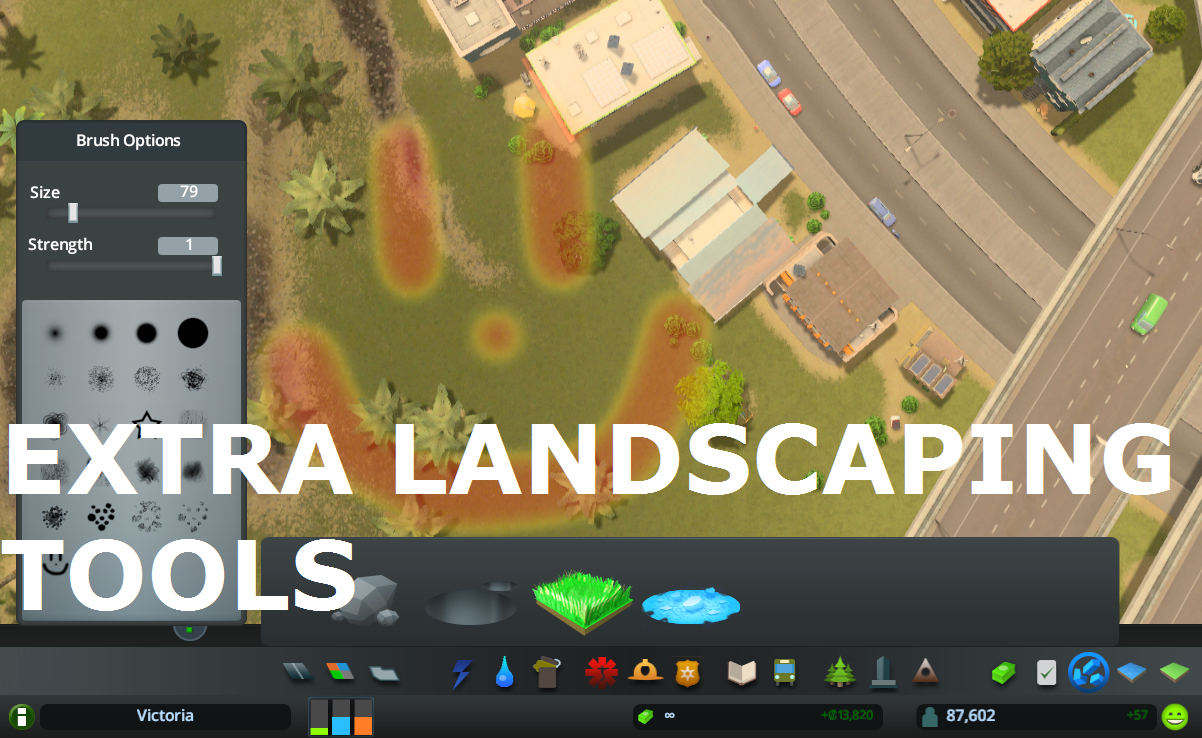
Allows to place natural resources in-game + provides configurable tree brush&pencil, terraform and water tool. Provides some Map Editor tools in-game (like Resources Tool) and…
What it does: All 25 areas can be purchased (in Vanilla only 9 can be purchased). The last Milestone (number 13) allows you to buy area 10 to 25 . Milestones 1-12 remain…
This is for detailing and aesthetics ONLY and WILL NOT tell your traffic where to go. If you want to control traffic, please see Traffic Manager: President Edition. • Harmony 2.0…