
Move It
Move It 2.10.9 New in 2.10.9: - Updated for game version 1.21.1 - Fixed network segment moving - Removed obsolete Extended Managers Library support This mod allows you to select…

 Мод для Cities: Skylines
от Gradius Twin
NOW WORKING IN 1.9 GREEN CITIES! KNOWN ISSUE - MAC OS X: This mod is currently broken on the Mac. Installing this mod on a Mac will result in the blank sky bug. Removing (or…
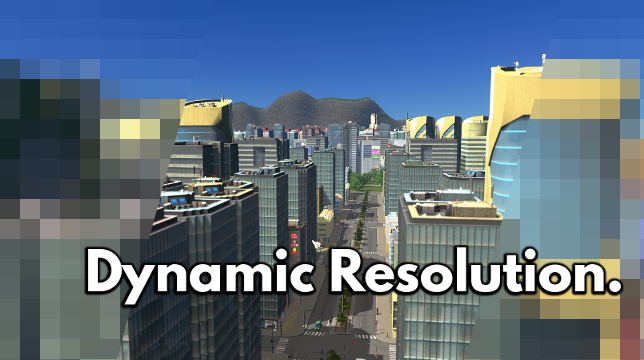
Dynamic Resolution (Fixed for 1.9!) — мод для Cities: Skylines (Сити Скайлайнс) от автора Gradius Twin. NOW WORKING IN 1.9 GREEN CITIES! KNOWN ISSUE - MAC OS X: This mod is currently broken on the Mac. Installing this mod on a Mac will result in the blank sky bug. Removing (or…
На него подписались 1,3 млн раз в Мастерской Steam: это 44-е место среди модов Cities: Skylines в нашем каталоге, редкость — «эпический» (топ-20% по подпискам). Мод давно не обновлялся — проверьте совместимость с текущей версией игры.
Нужны ли ему другие моды, видно на его странице в Мастерской Steam в блоке «Необходимые продукты» — при подписке Steam сам предложит их добавить.
Текст автора на языке оригинала
NOW WORKING IN 1.9 GREEN CITIES!
KNOWN ISSUE - MAC OS X: This mod is currently broken on the Mac. Installing this mod on a Mac will result in the blank sky bug. Removing (or disabling) it and restarting the game will fix the problem. I would love to support the Mac, but I don't have Mac hardware for development right now. I will update this message if/when I can fix this.
ARE YOU STUCK? DID THE SLIDER BREAK YOUR GAME? Fear no more! The new Mod Settings panel in the Options screen now has a reset button. Reset before you start your game and you should be good to go!
Do you enjoy this mod? Feeling generous? Support an independent mod dev! Donate with PayPal
This mod enables rendering to a higher (or lower) internal resolution than the native resolution of the game. The benefits of this are different depending on your GPU. It is based on nlight's excellent original mod, Dynamic Resolution.
For users with powerful GPUs, dynamic resolution allows downscaling from up to 5 times your native resolution. This antialiasing method called supersampling (or SSAA) while very computationally expensive gives the best results and the sharpest quality image of any AA method.
For users with old GPUs, this mod will help you run the game at a stable FPS without sacrificing UI fidelity by switching to a lower native resolution.
While in-game press F10 or Left Ctrl+R to open the mod configuration window. The configuration itself is really simple, you just have to choose a scaling value by adjusting the slider (from 25% to 300% 500% your native resolution) and clicking Apply. Quality SSAA downsampling occurs at values above 100%.
Initially the slider is locked at certain increments (150%, 200%, 250%), this ensures optimal pixel locations when downsampling and thus the best quality. There is an option to unlock the slider at a small hit in visual quality.
Users with very powerful GPUs should be able to run at a stable FPS at internal resolutions of 4K and above (slider values 200%-250% @ 1080p). Values beyond 300% are likely to be unstable for regular gameplay, but may make for excellent screenshots. Very high values, like 500%, can crash your game, so be careful and save often.
Users with less-powerful GPUs should look at using a value around 150%. Users with very old GPUs can try upscaling by setting the slider below 100%.
This mod disables the default anti-aliasing method provided by the game. The antialiasing option in the game's settings will do nothing while this mod is enabled.
Full source at GitHub
Q: I subscribed to the mod, but I can't see it in my game! What gives? A: You probably have it disabled. Make sure you have enabled the mod from the Content Manager.
Q: I set the slider too high and now my game won't start! Help? A: At the title screen, click Options, then on the left side, click Dynamic Resolution. From there you should see a button that says "Reset to default settings" -- click that. Now your game should work again. If this happens to you please let me know your slider setting and graphics card combination.
Q: Why can't I set the slider past 300% anymore? I could in a previous version! A: You can, you just have to enable it first as a safeguard against getting stuck. Go to the Options screen and click Dynamic Resolution. There is a dropdown menu with maximum slider settings; just change it to 400% or 500%, whatever you like.
Q: Sometimes when I'm changing the slider setting (even downwards), I get a black screen. How do I fix it? A: Make sure your Windows paging file is turned ON. This is happening because of the increased memory requirements of 1.7 and you are running out of memory. If this happens to you (and your game doesn't crash) you can recover by setting the slider all the way down to 25%, and then clicking Reset. Then you should be able to set it to whatever you want again. You might consider using lower values.
Q: Why does my game crash when I switch to the (Water|Electricity|etc.) view? A: Same answer as the last one. Make sure your Windows paging file is turned ON. Your settings are too high and the game is running out of memory. This is unfortunately something I can't control... you should just use a slightly lower setting.
Мод ставится подпиской в Мастерской Steam — без архивов, перезаливов и сторонних установщиков
Подробная инструкция для Cities: SkylinesВставьте значок в описание на Мастерская Steam, в README или в Discord — русскоязычные игроки сразу попадут на страницу с переводом и инструкцией.

[](https://modka.app/cities-skylines/dynamic-resolution-fixed-for-1-9/)<a href="https://modka.app/cities-skylines/dynamic-resolution-fixed-for-1-9/"><img src="https://modka.app/badge.png" alt="Описание на русском — Модка" height="44"></a>[url=https://modka.app/cities-skylines/dynamic-resolution-fixed-for-1-9/]Описание на русском — Модка[/url]Откройте страницу мода «Dynamic Resolution (Fixed for 1.9!)» в Мастерской Steam (кнопка «Скачать» на нашем сайте ведёт именно туда) и нажмите «Подписаться» — Steam сам скачает мод и будет его обновлять. Если Steam покажет список обязательных модов, подпишитесь и на них — без них мод не заработает. Запустите Cities: Skylines, откройте «Менеджер контента» в главном меню и включите мод на вкладке «Моды» (здания и развязки — на вкладке «Ассеты»). Если мод не появился в игре, откройте вкладку «Загрузки» в Steam и дождитесь, пока он скачается полностью, затем перезапустите игру. Чтобы убрать мод, нажмите «Отписаться» на его странице в Мастерской — Steam удалит его файлы сам.
Мы ничего не перезаливаем: кнопка скачивания открывает официальную страницу мода в Мастерской Steam. Там нужно нажать «Подписаться» — файлы загрузит и будет обновлять сам Steam.
28 октября 2017. Это больше года назад: перед установкой проверьте, работает ли мод на текущей версии игры.
Move It 2.10.9 New in 2.10.9: - Updated for game version 1.21.1 - Fixed network segment moving - Removed obsolete Extended Managers Library support This mod allows you to select…
Improve lane and parking usage. and customise junctions, roads, and rails! This is the stable release with tested features. ⠀⠀⠀⠀⠀⠀⠀⠀User Guide⠀⠀⠀⠀Report Bugs⠀⠀⠀⠀Discord Chat…
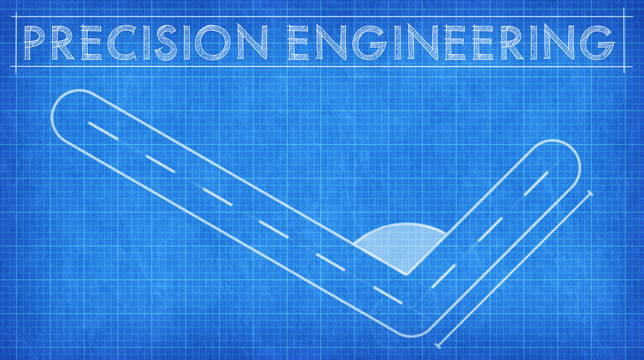
Precision Engineering augments Cities: Skylines by adding angle snapping, guidelines and additional information to assist you when building roads, train lines, pipes and power…
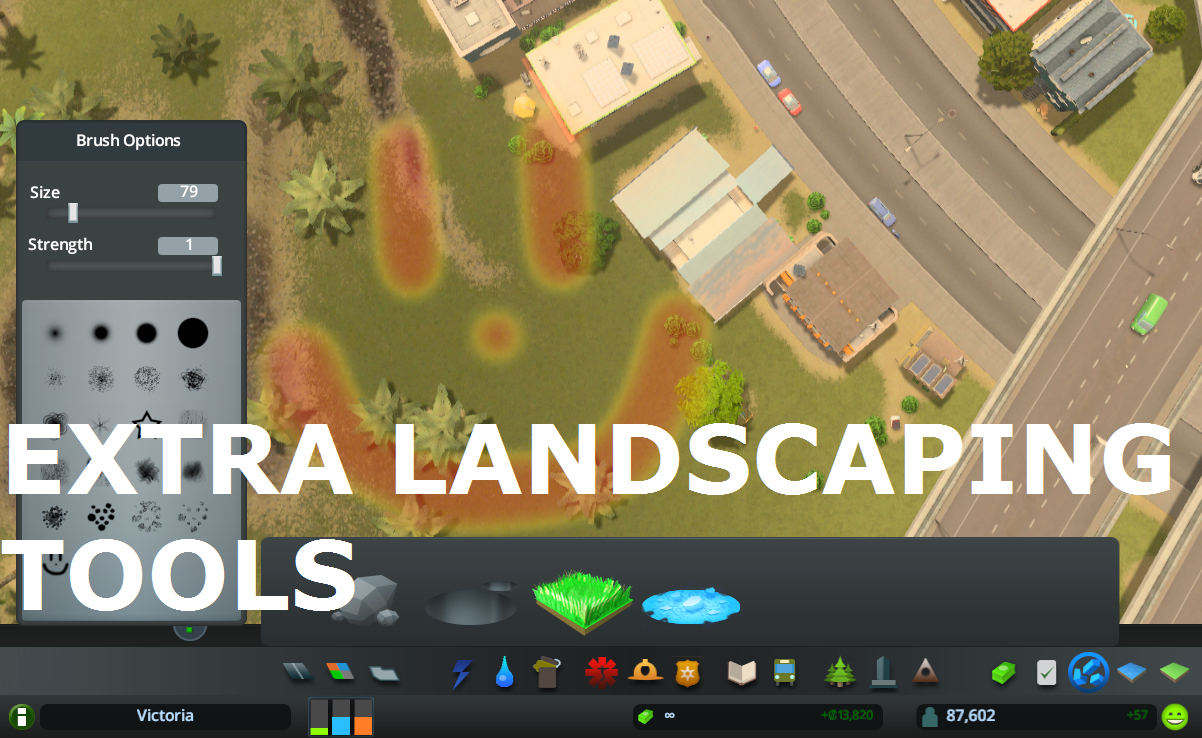
Allows to place natural resources in-game + provides configurable tree brush&pencil, terraform and water tool. Provides some Map Editor tools in-game (like Resources Tool) and…
What it does: All 25 areas can be purchased (in Vanilla only 9 can be purchased). The last Milestone (number 13) allows you to buy area 10 to 25 . Milestones 1-12 remain…
This is for detailing and aesthetics ONLY and WILL NOT tell your traffic where to go. If you want to control traffic, please see Traffic Manager: President Edition. • Harmony 2.0…